
Synchronization with Zones – REACTIVO pixel controller
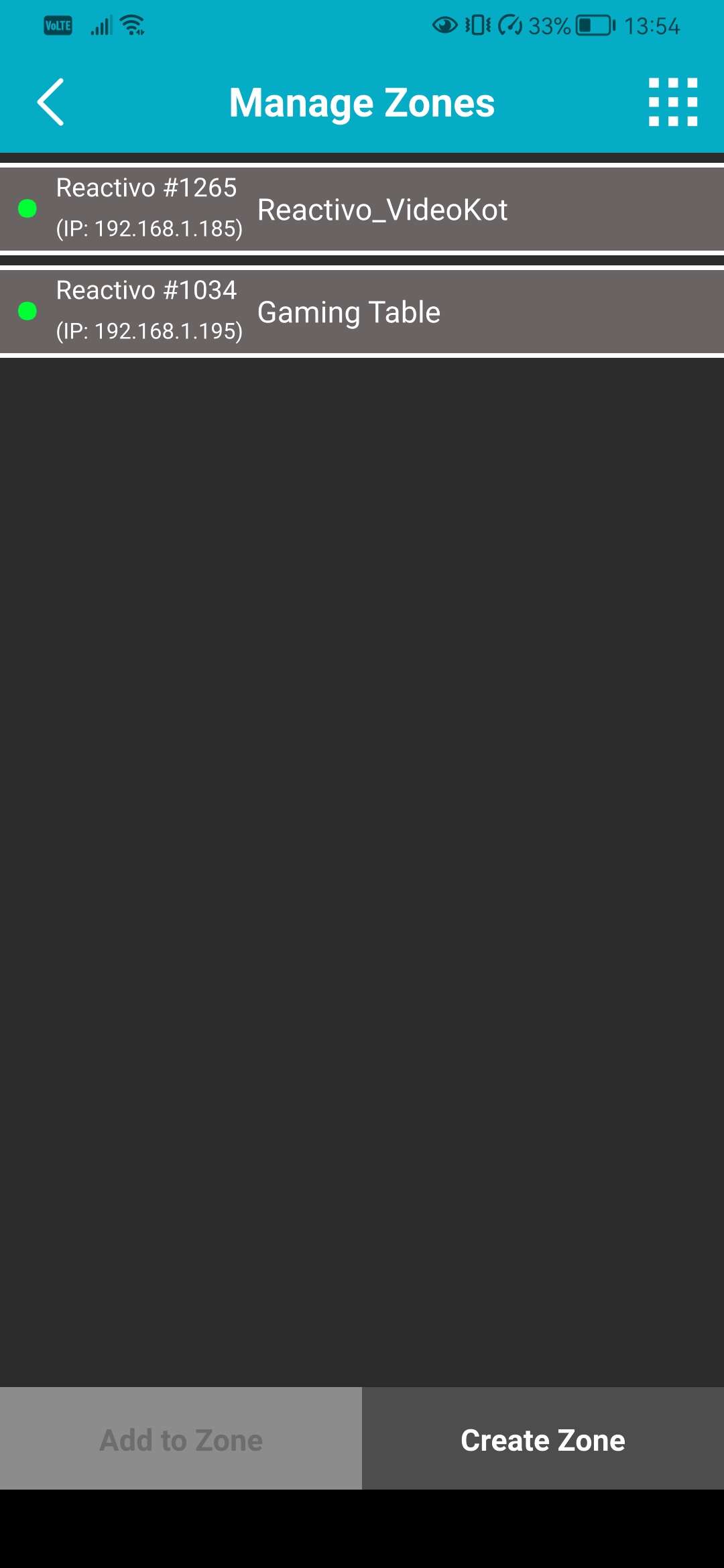
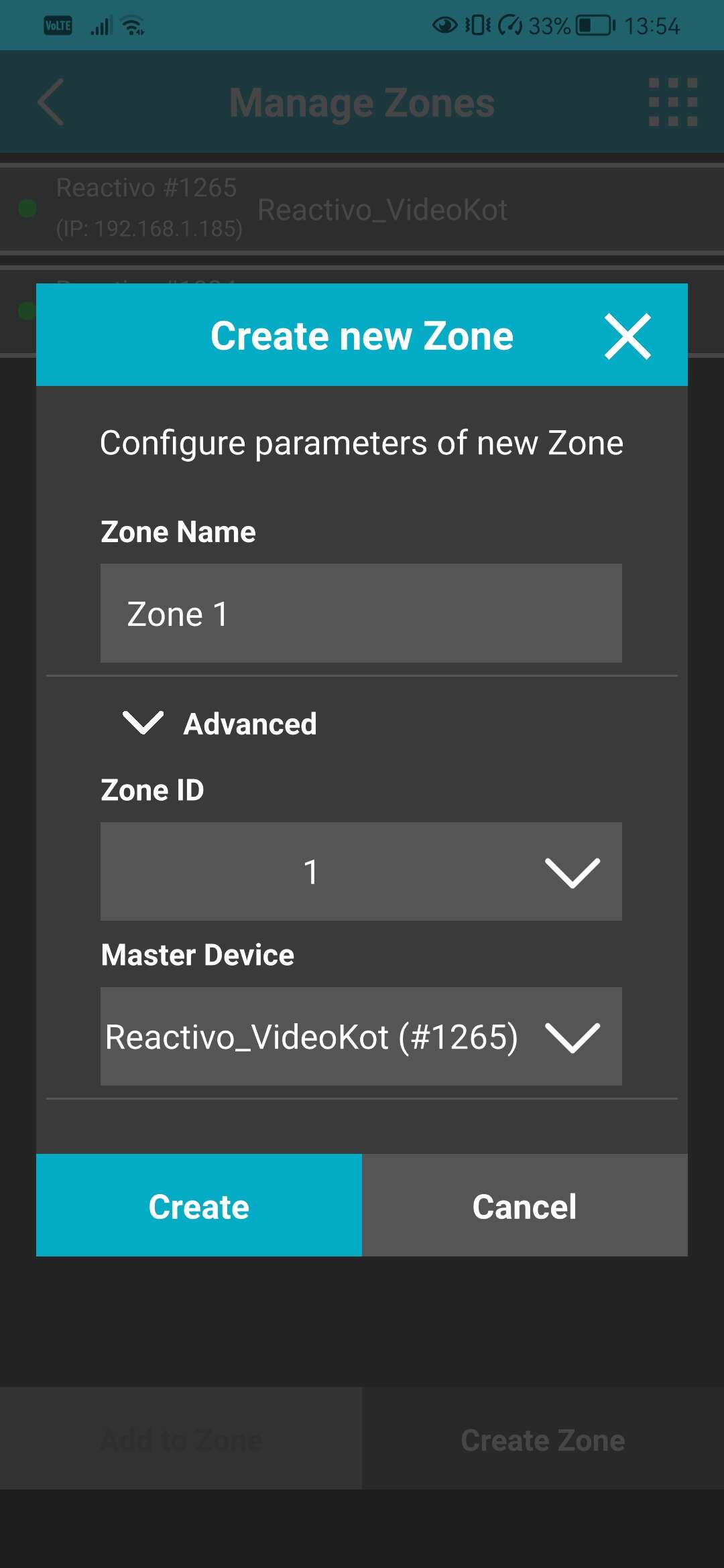
With new LSS Remote APP, you can easily create Zones. Zones are groups of controllers that you choose and that you can control as one device. Whether you need multiple controllers to play the same animation or need to play complex effect across more devices, Zones are an easy solution that you can setup from your mobile phone.
Zones – How does it work in the background? #
The most basic setup – you have two pixel controllers, either Reactivo or Reactivo 2, or mix, doesn’t really matter (yes, you can combine the two) One controller is selected automatically as Master device, the other as Slave controller. What does it mean?
Master device is sending synchronization data to the Slave controller over the network, ensuring they are playing the same animation, at same speed and brightness level. It is also here that you create and trigger the Playlist.
You can of course choose which controller will be Master device in your group. This makes sense when you only connect physical triggers/buttons to single device which will be then Master sending data to all other devices.
What can be synchronized? #
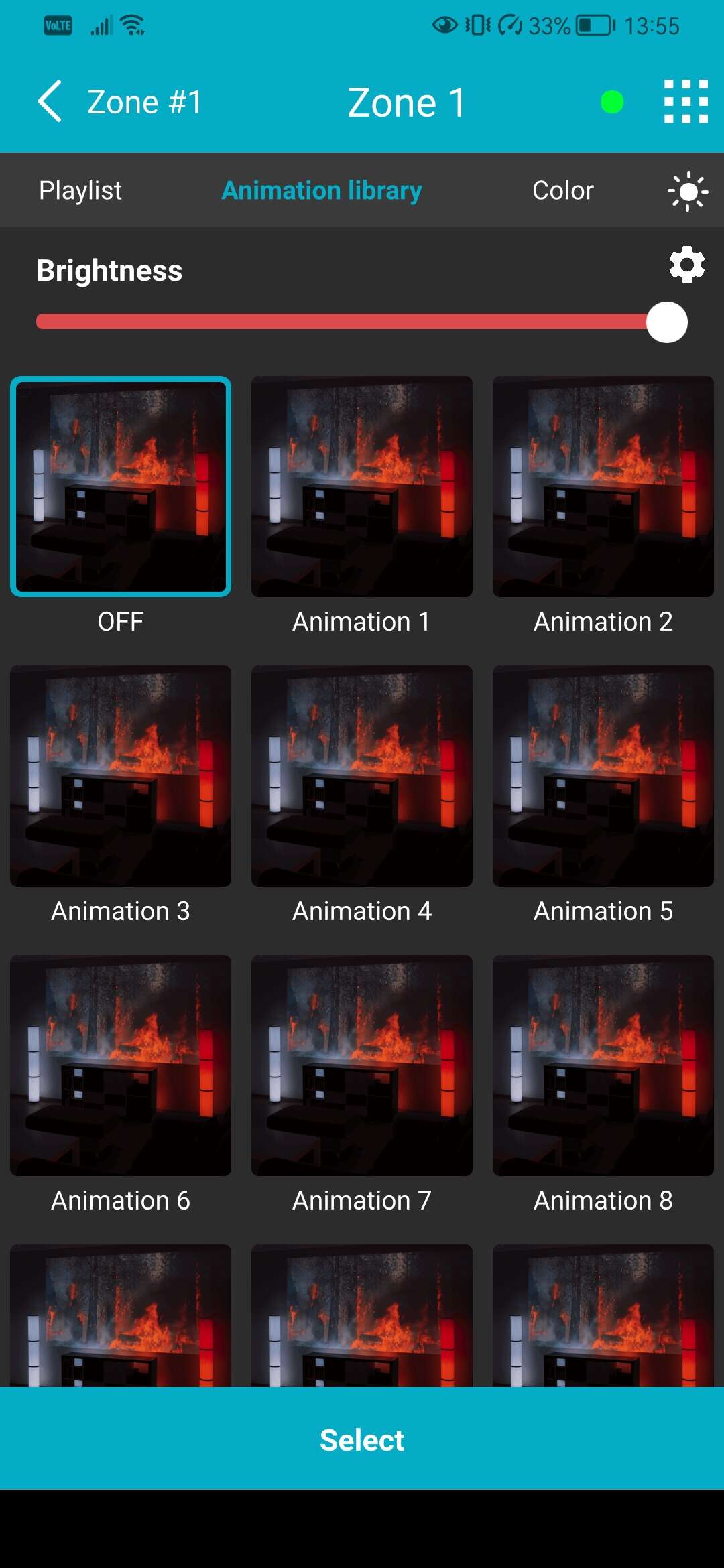
You can synchronize the Speed of the animations played, their Brightness level and also create an Playlist. Everything works in real-time, so you can check the Status of each controller in their respective Web configuration pages. Web configuration is a web based settings page that is stored in each controller.
It is also a single point where you can setup everything on your controller. Once you are in Master device, it is here that you can also use the Player to change the animations. If you have physical triggers connected to master device, you can also setup what action they will perform here.
You can also display a single, static color on all of your controllers from the Color tab.

