 LSS 4
LSS 4Add Video Scene
To create a new empty video scene, click on Add video scene in the main LSS4 window.

Add video scene command in main menu
The new scene will appear in the selected bank. You can edit the new scene by clicking the left mouse button on the yellow pencil icon or by clicking the right mouse button over the scene.
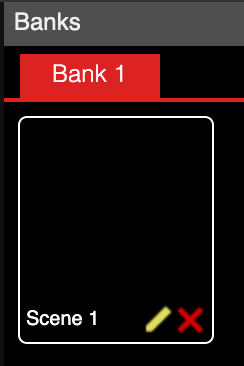
New video scene