Professional LED Pixel Mapping Software

The Professional LED Mapping
Software That Actually Works

LED Strip Studio 4 runs natively on Windows and macOS. It handles everything from drawing curved segments and aligning circular arrays to playing multi-layer video and syncing a full show to music — with 200,000+ pixel support and 64-bit performance to back it up.
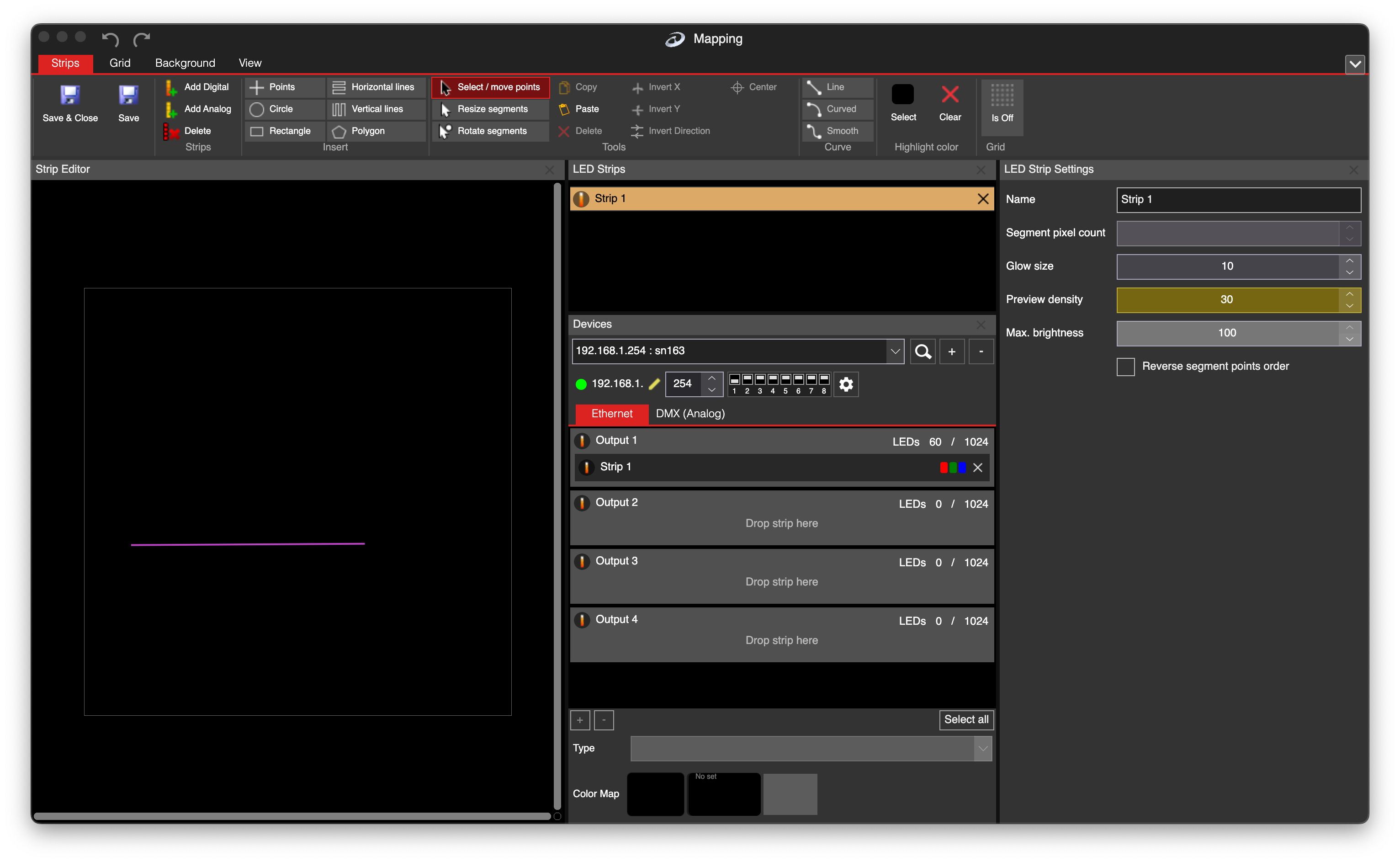
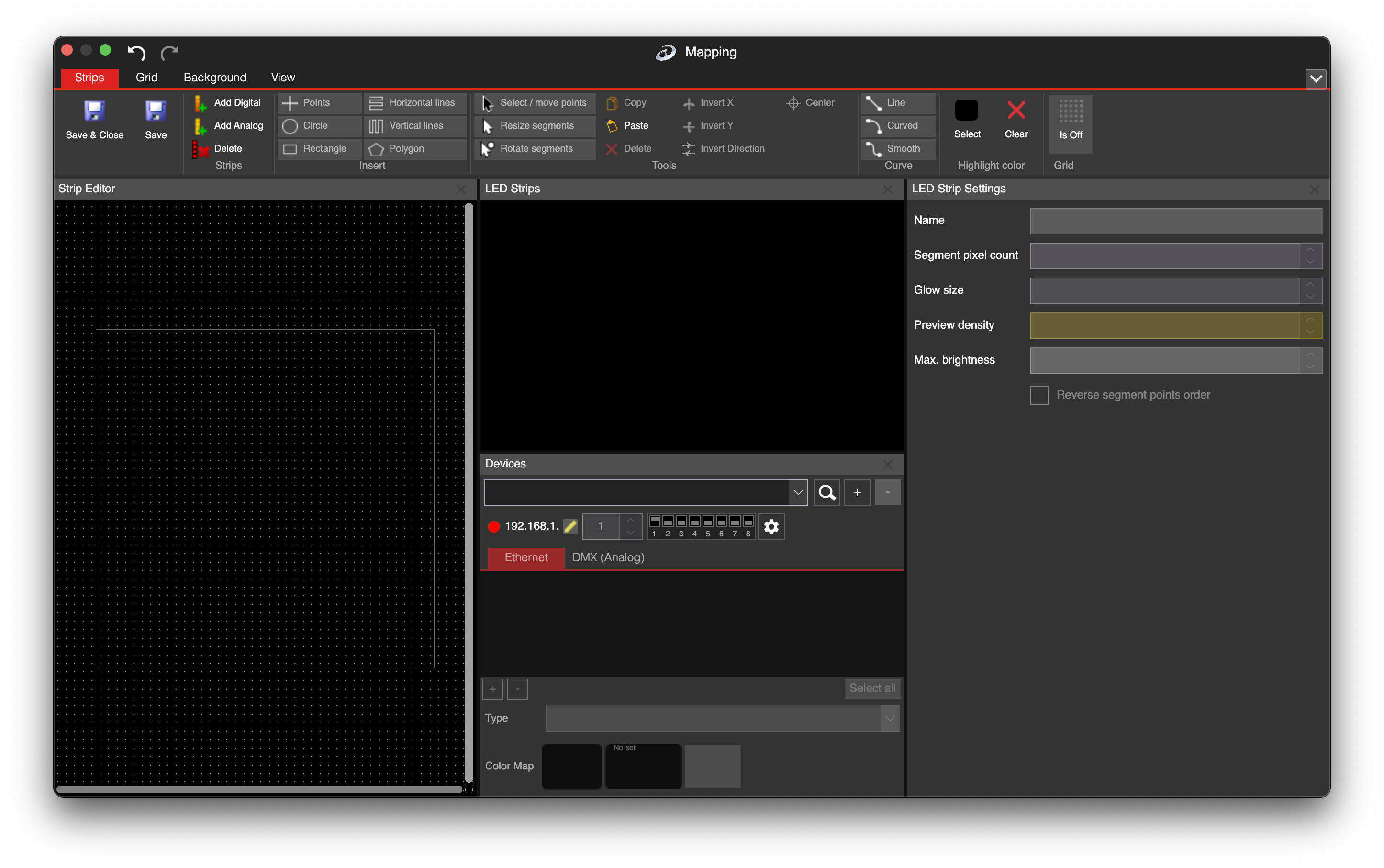
LSS4 main mapping window showing LED segment editor, strip list, and device controls
200k+
RGB pixels supported
80+
IC chip types
21
Pro features
2
Platforms (Win + Mac)

The ultimate pixel LED controller for macOS and Windows

Generic lighting software makes LED pixel mapping harder than it needs to be. LSS4 was built specifically for this work — from drawing curved segments that actually match your physical installation, to playing multi-layer video across a 100,000-pixel installation without breaking a sweat.

It runs natively on both Windows 10/11 and macOS M1+ with full 64-bit optimization. And the same project file works on both platforms — create at home, run at the venue. No conversion, no headaches.

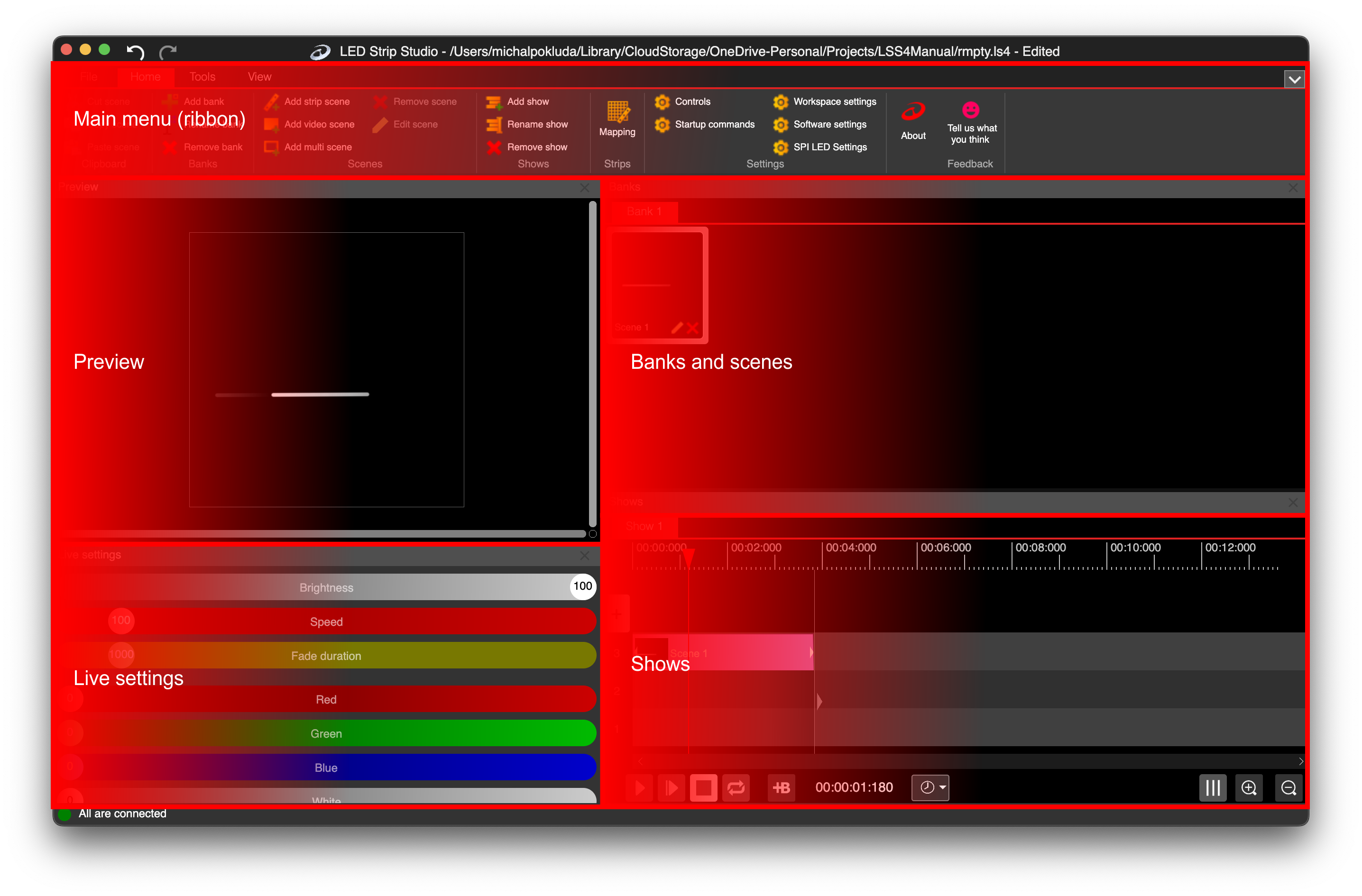
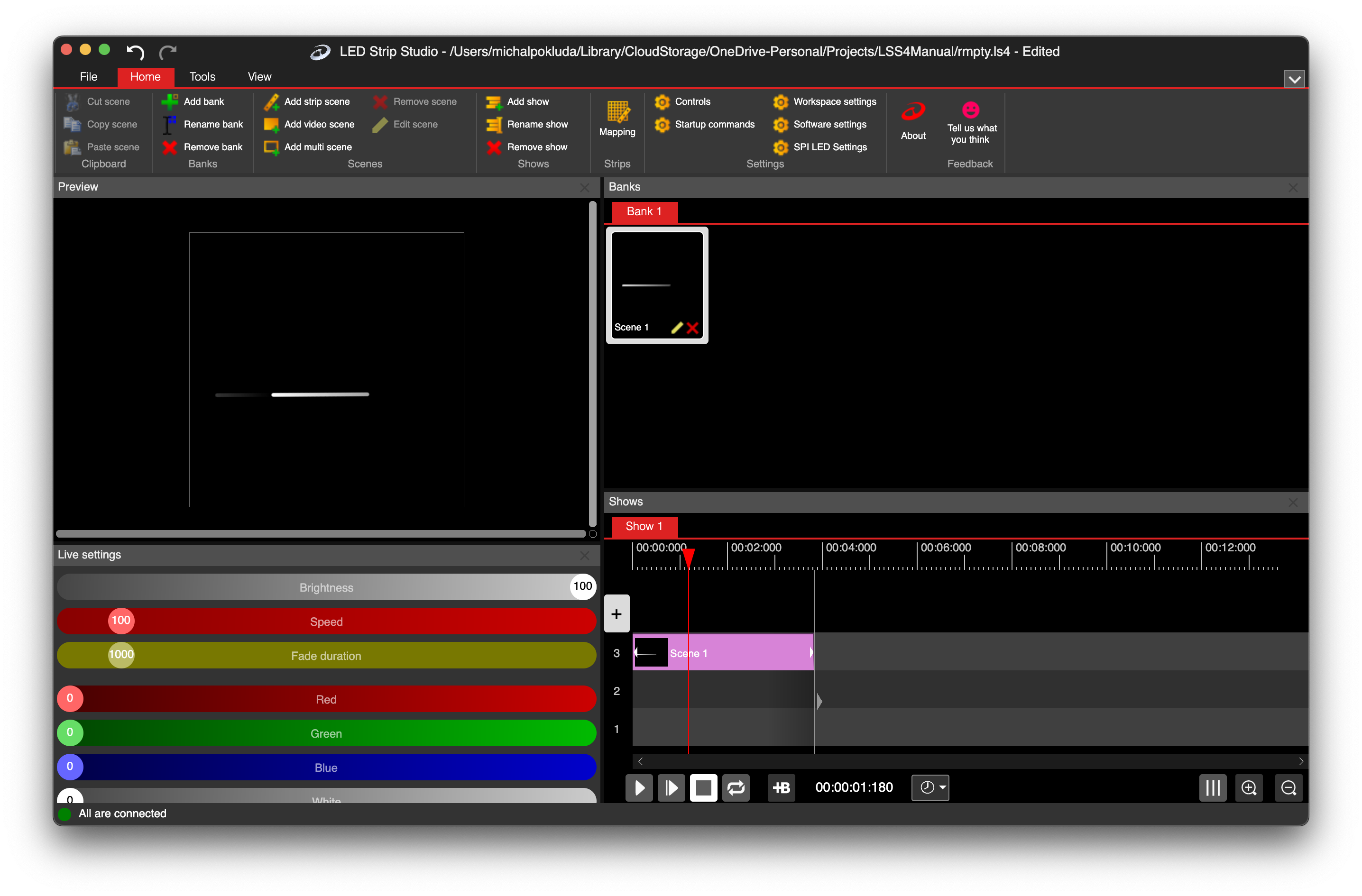
LSS4 software main window interface

Everything you need to map and run pixel LEDs

LSS4 covers every stage of the pixel LED workflow — from initial mapping and content creation to live performance and installation handoff.

01  Mapping & Design

Curved LED segment drawing in LSS4

Drawing

Curved Segment Drawing

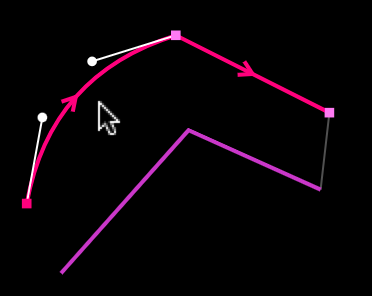
Draw straight or curved LED segments with Bezier tools — just like Illustrator or CorelDraw. Precise pixel counts per segment.

Learn More →
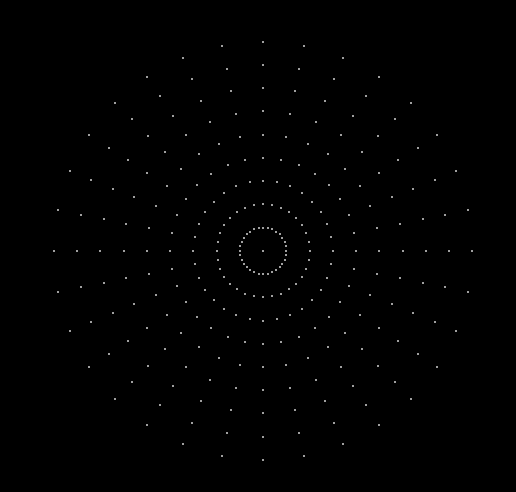
Circular polar grid in LSS4

Alignment

Advanced Grid Patterns

Standard, circular polar, and custom pattern grids for precise segment alignment across any installation geometry.

Learn More →
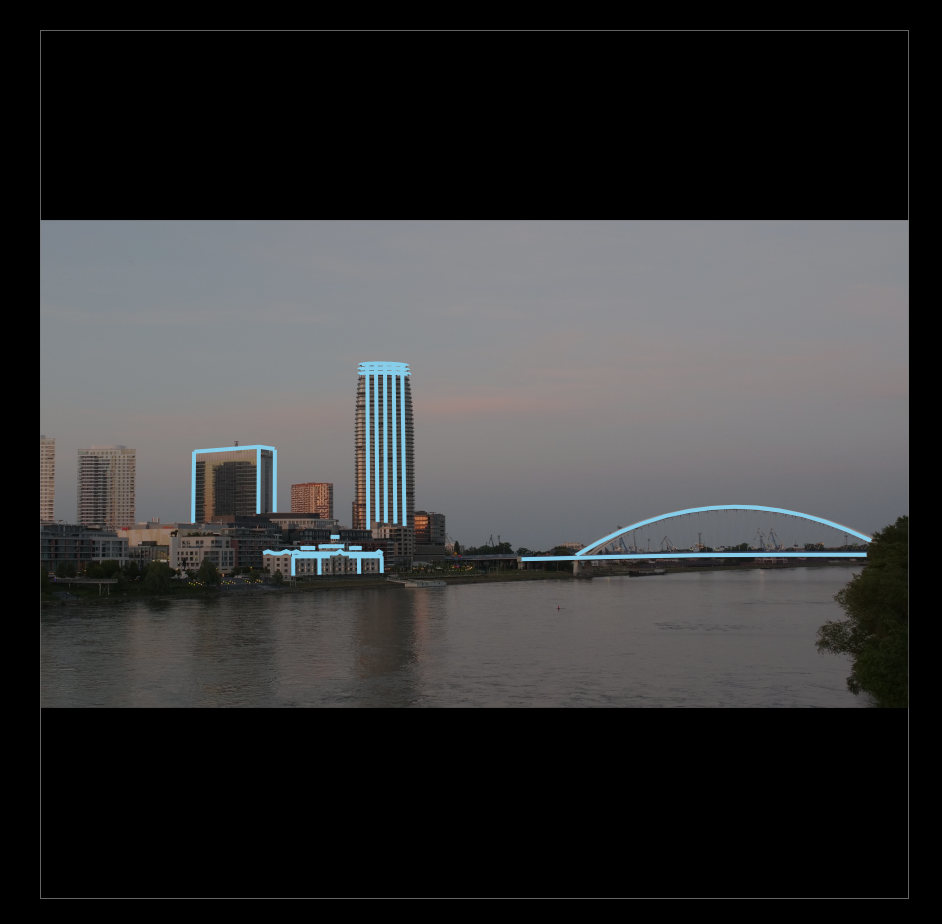
Client visualization with background photo in LSS4

Visualization

Client Visualization

Import a photo of the client's venue and overlay LED segments on it. Export render preview videos to share before installation day.

Learn More →
LSS4 mapping workspace with multiple layouts

Workspace

Practical Layouts

Switch between multiple preconfigured window layouts in the main and mapping windows, optimized for different workflows.

Learn More →

02  Content Creation

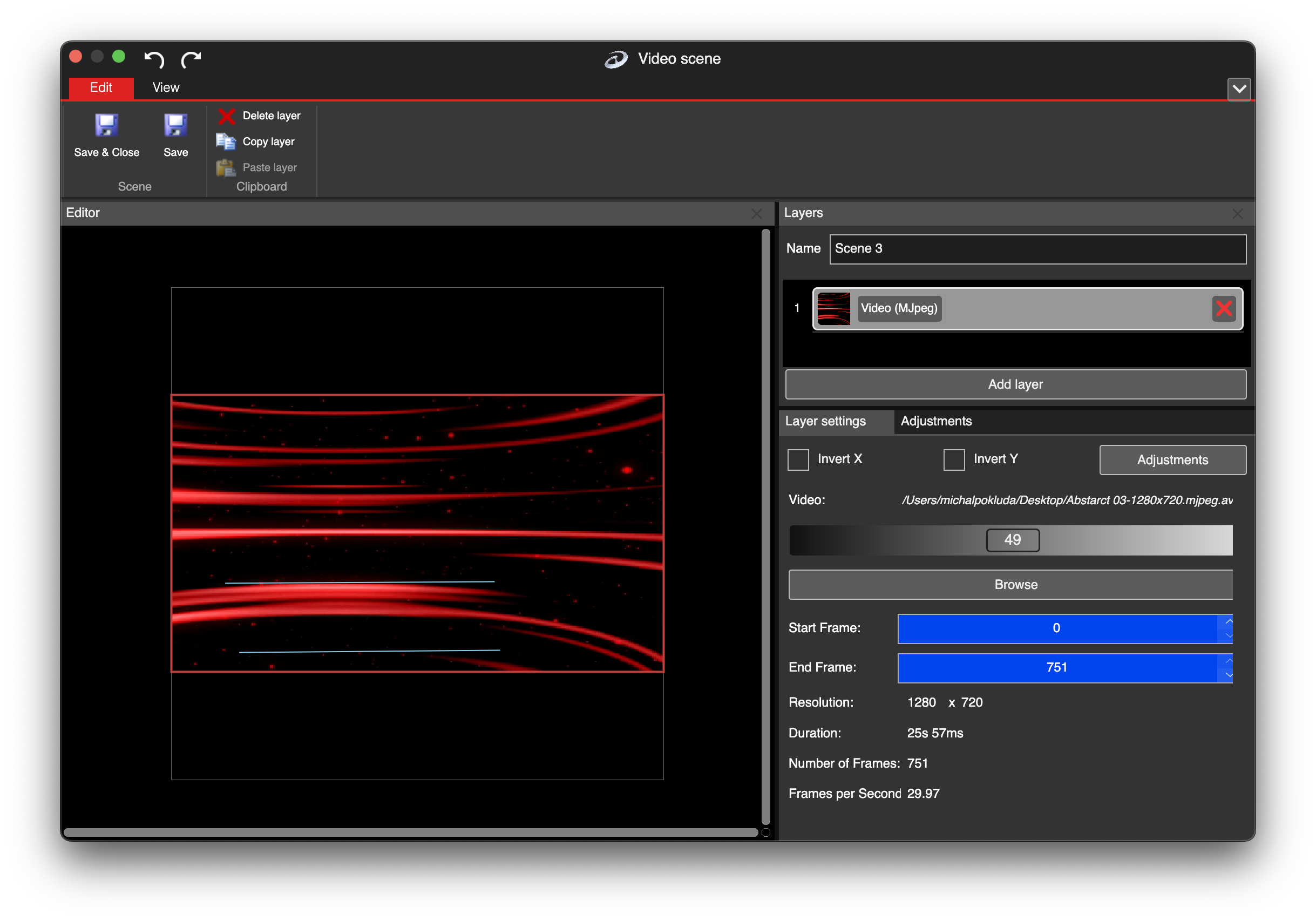
Multi-layer video scene in LSS4

Video

Video Player

Play video at any speed across your installation. Stack multiple video layers, images, text, and color effects in one scene.

Learn More →
Effect creation in LSS4 strip scene editor

Effects

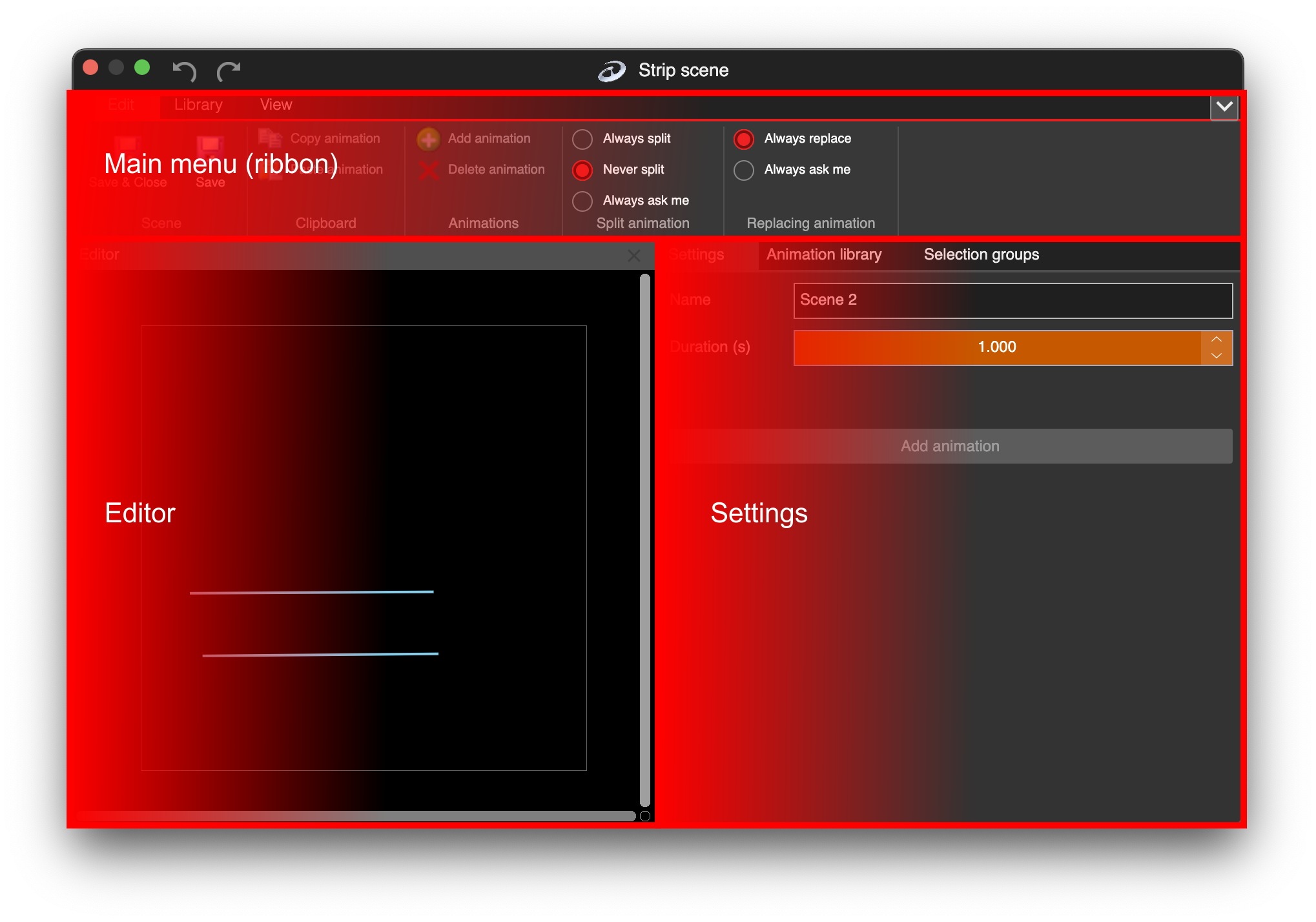
Effect Creation

Create multi-color animations in line, circle, rectangle, or cone shapes. Custom palette generator with advanced color palettes.

Learn More →
Strip scene for linear LED effects

Strip Effects

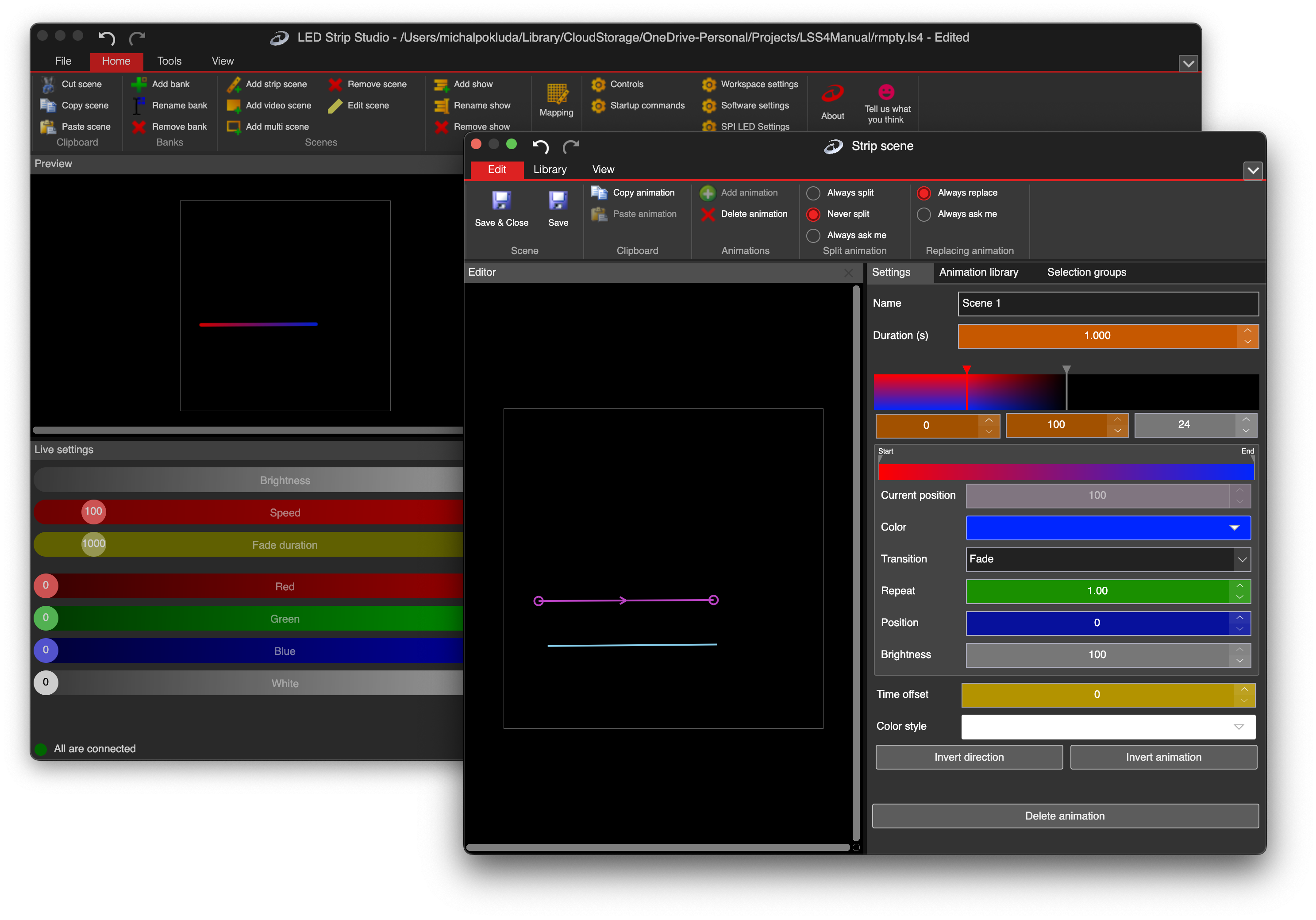
Advanced Strip Scenes

Perfect tool for linear LED neons, strips, and polyline segments. Define animated colors for every section — great for dance performances too.

Learn More →
Multiple layers in LSS4 video scene

Layers

Layered Scenes

Use multiple layers in one scene, each driving a different section of your installation. Images support alpha channel for beautiful transparency effects.

Learn More →

03  Show Control

Music synchronized timeline in LSS4

Timeline

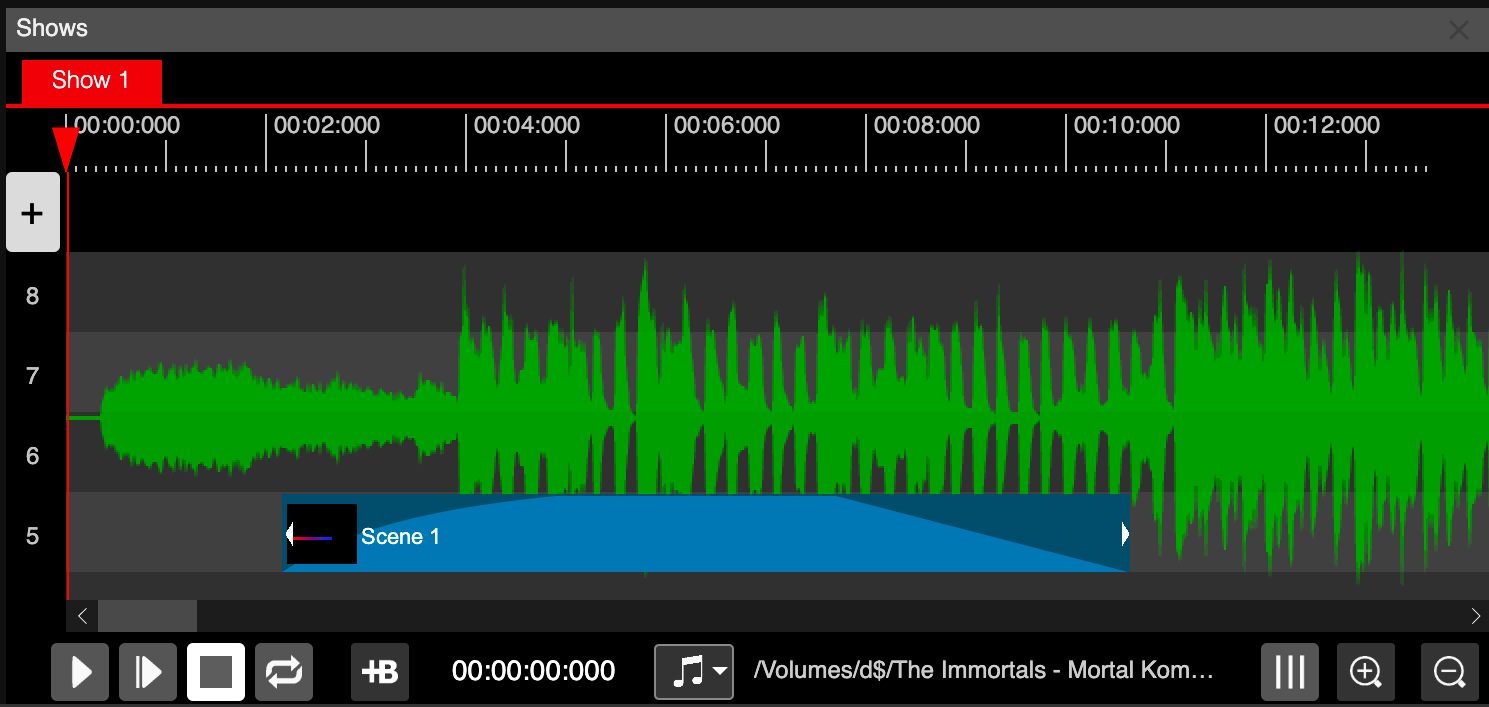
Music Synchronized Timeline

Import audio and see the waveform in the timeline background. Set events to the exact millisecond. Synchronize your show to music or external timecode.

Learn More →
Show event editor with phase and transparency

Show Editor

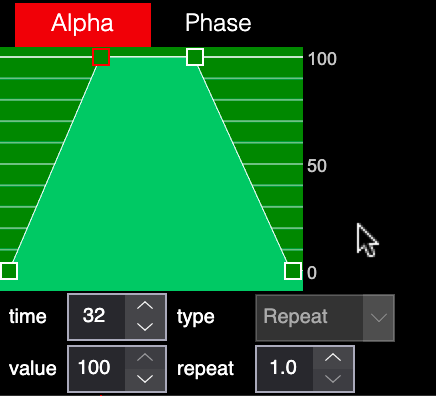
Advanced Show Event Editor

Phase editor controls the speed and acceleration of every event. Transparency editor creates smooth fade-in/out animations in the show timeline.

Learn More →
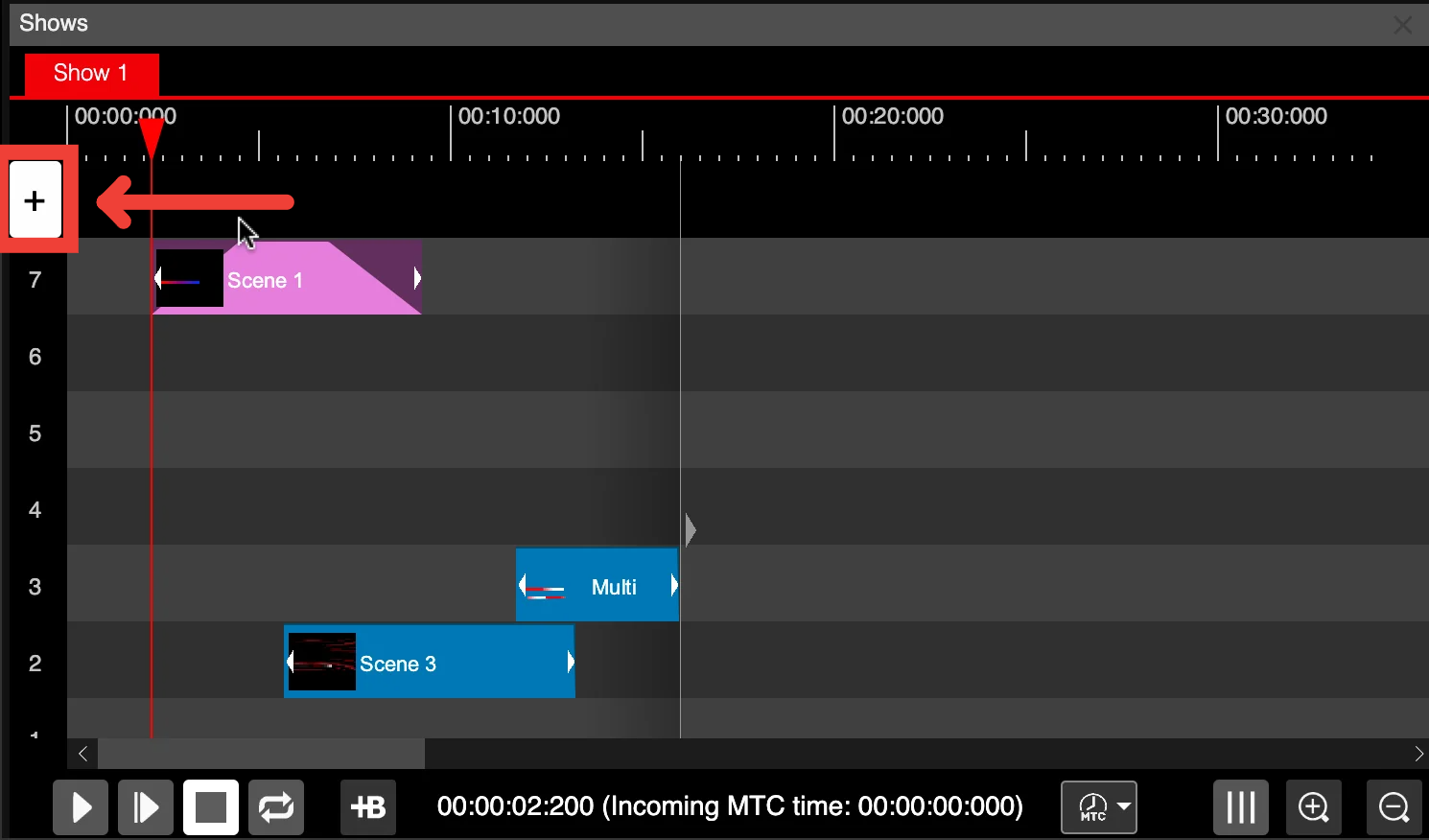
Unlimited tracks in LSS4 show timeline

Timeline

Unlimited Show Tracks

Stack 50+ tracks in the show timeline. Combine multiple scenes, build complex synchronized shows with independent content on every track.

Learn More →
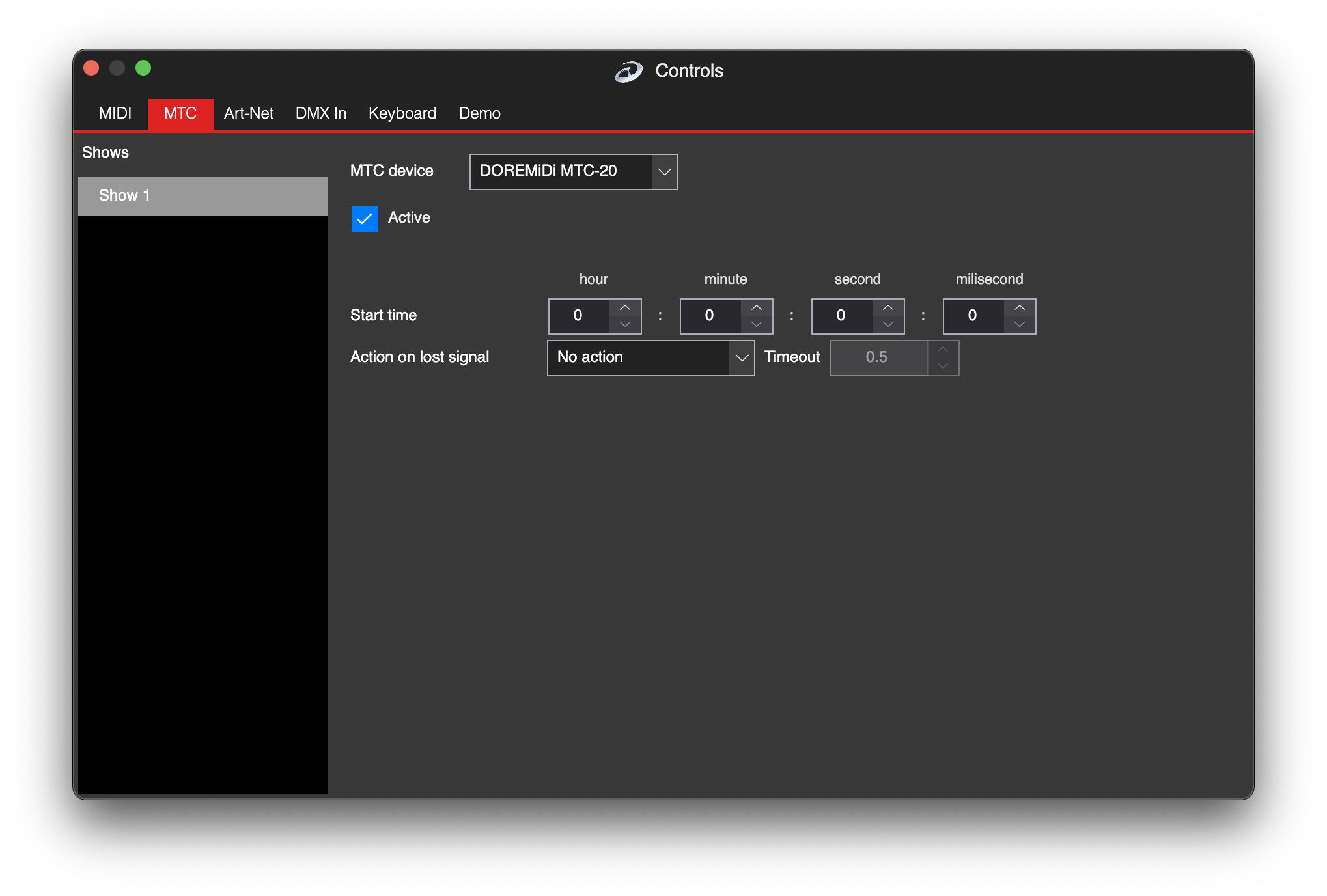
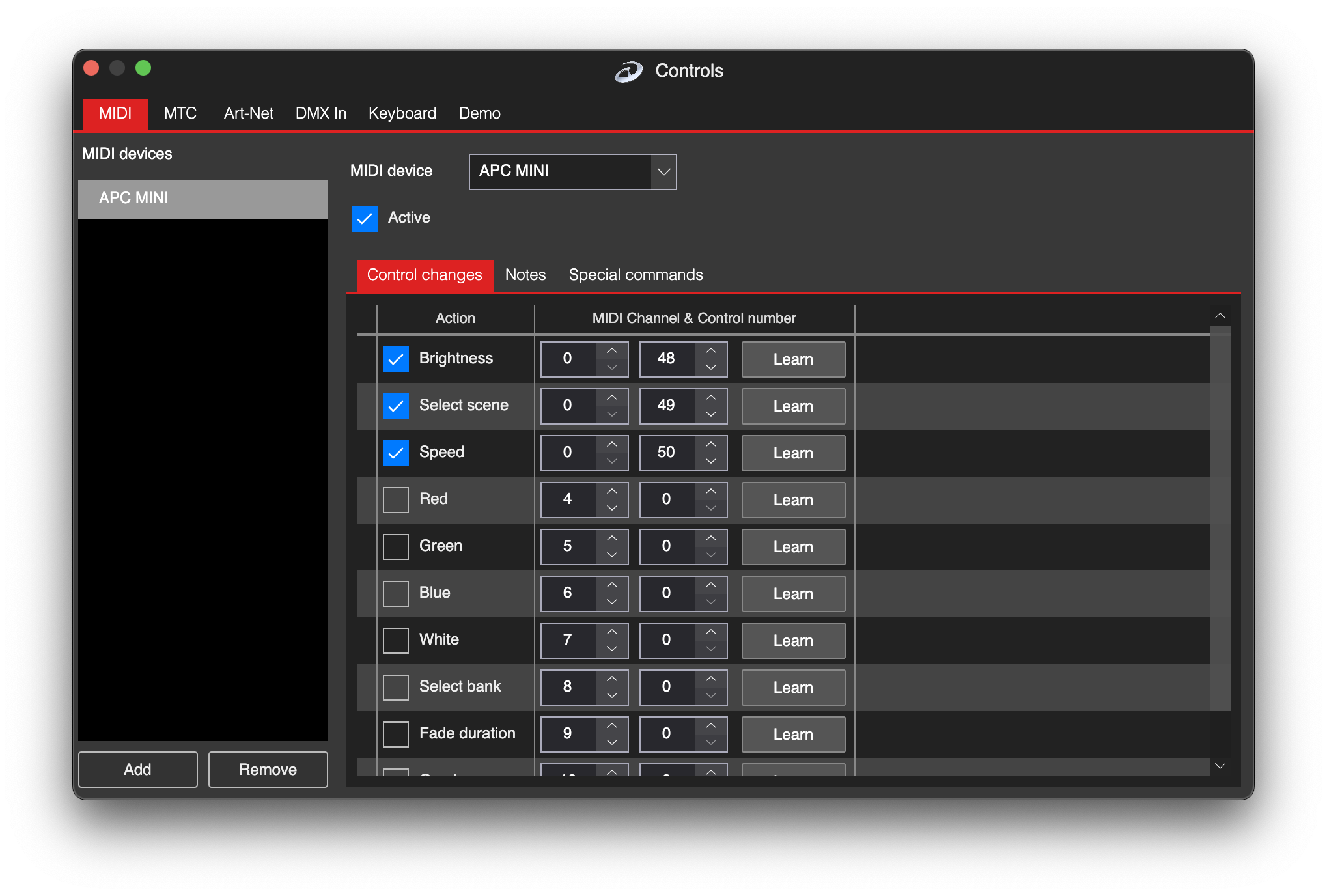
MIDI MTC synchronization settings in LSS4

Sync

MIDI MTC Synchronization

Synchronize your LED show to external video players, music systems, or other stage equipment using the industry-standard MIDI MTC protocol.

Learn More →

04  Integration & Hardware

Screen grabber feature in LSS4

Integration

Screen Grabbing

Grab any portion of your desktop and send it directly to your LEDs. Works with Resolume, MadMapper, or any video software. Low latency, high performance.

Learn More →
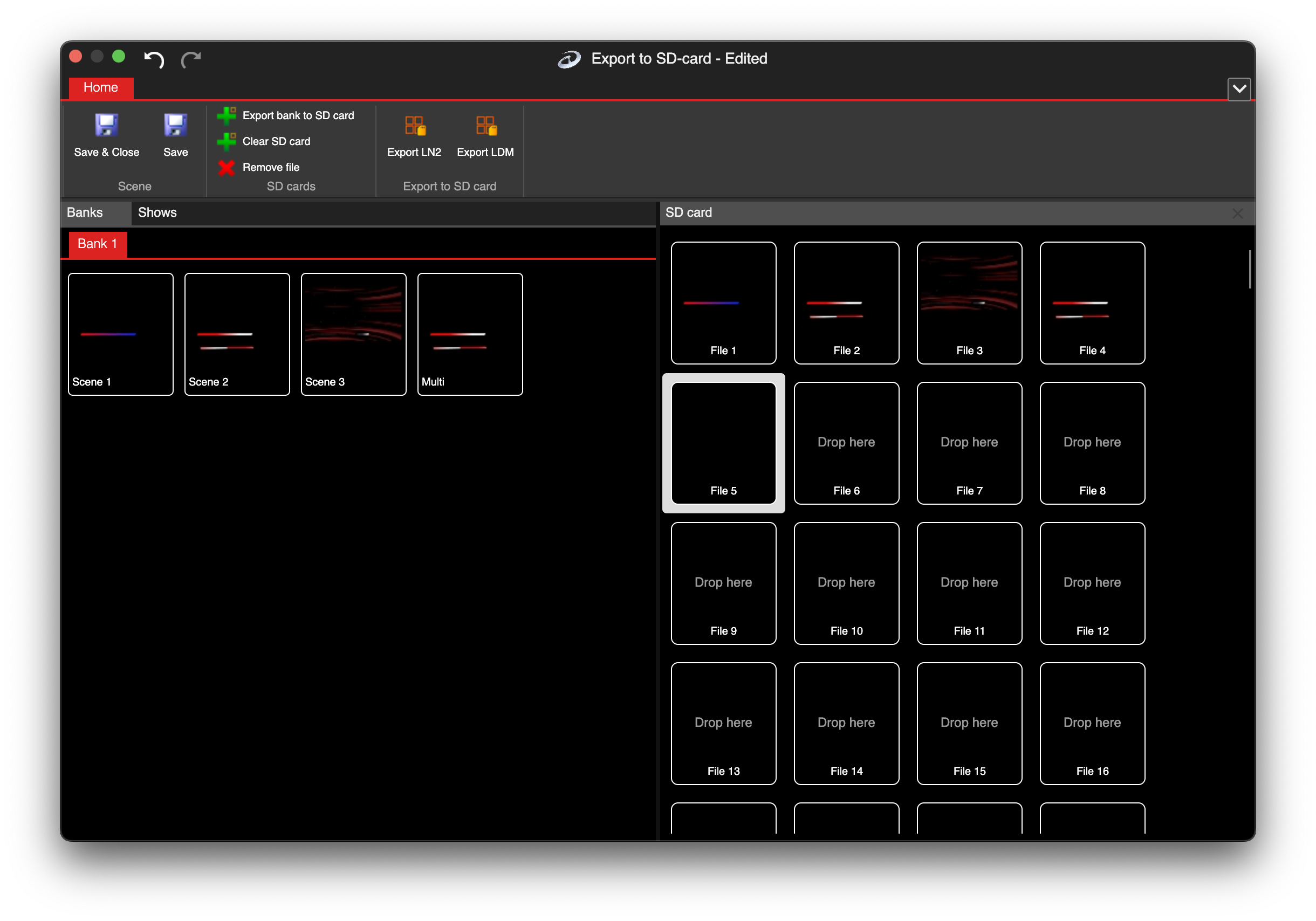
Export to SD card feature in LSS4

Export

Export to SD Card

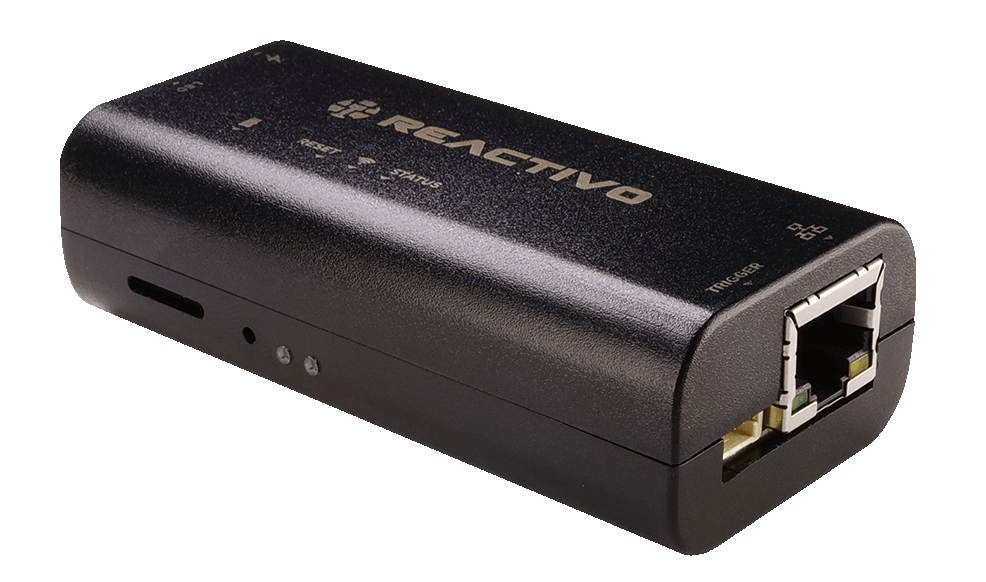
Drag and drop scenes and shows onto 255 SD card animation slots. Export standalone animations directly to LEC3, SPI Matrix, or Reactivo 2 devices.

Learn More →
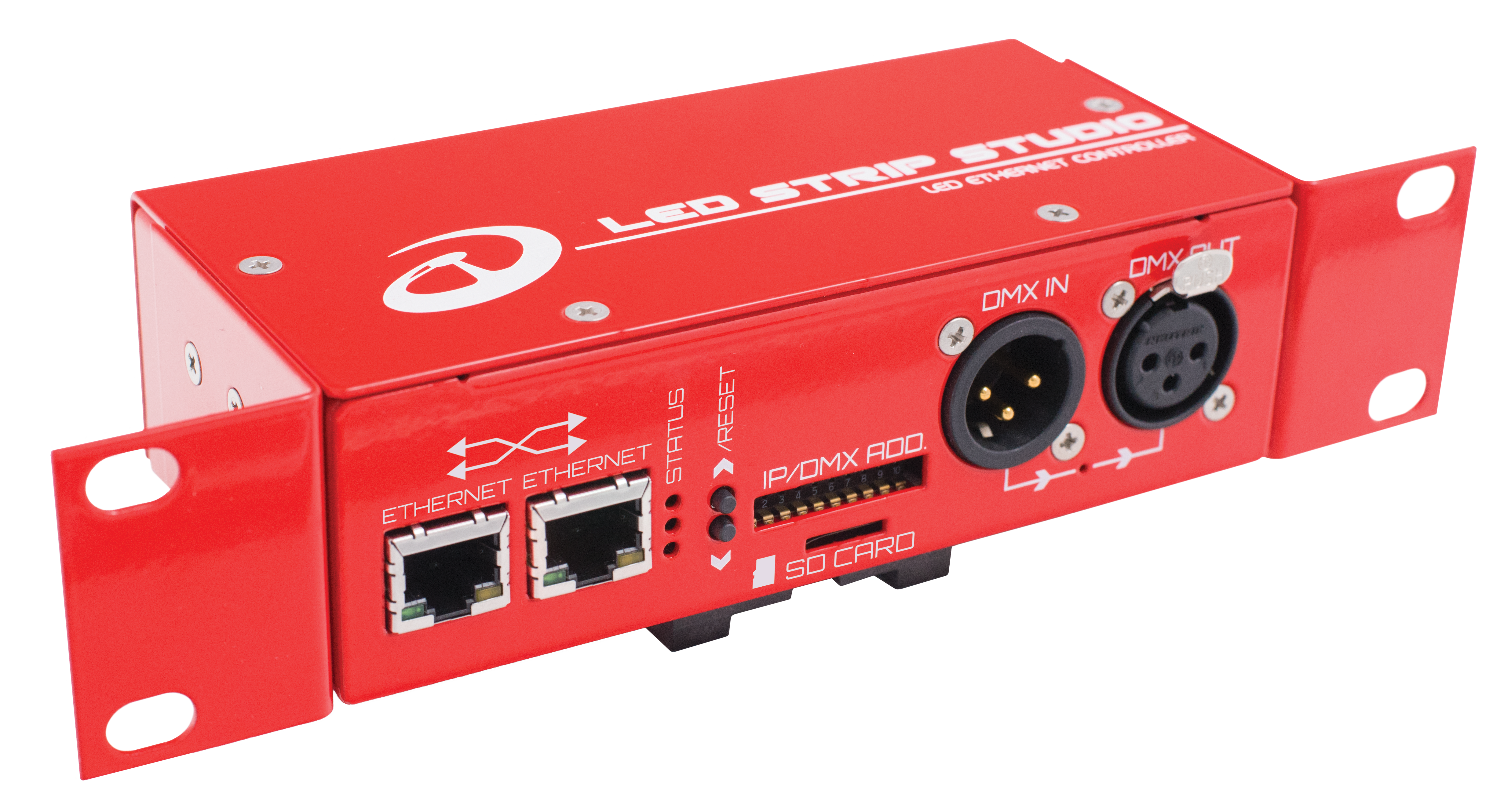
LEC3 LED controller hardware supported by LSS4

Hardware

IC Chip Support

Works with 80+ LED IC chip types: APA, WS, TM and clones. LSS4 sends universal data to LEC3, which converts to the target chip type — like a graphic card for LEDs.

Learn More →
MIDI control in LSS4

Touch & Control

Touch Mode

Switch to touch mode for safe scene selection on touchscreens. No risk of accidentally changing the workspace. Ideal for non-technical operators and small screens.

Learn More →

05  Performance & Workflow

LSS4 running natively on macOS

Platform

Native macOS Support

Finally, a native Mac app for large-scale pixel LED control. Works perfectly on M1 and later chips, leveraging 64-bit architecture for maximum performance.

Learn More →
LSS4 64-bit high performance rendering

Performance

64-Bit High Performance Core

The rendering core runs smoothly with 200,000+ RGB pixels. Multi-core parallel processing, M1 chip optimization, and efficient memory management throughout.

Learn More →
LSS4 workspace transfer between computers

Workflow

Easy Workspace Transfer

Store assets in subfolders of the workspace and move to any computer with copy-paste. Create at home, deploy at the venue — it just works. Used by TV studios worldwide.

Learn More →
Different practical layouts in LSS4

Interface

Practical Window Layouts

Multiple predefined layouts in the main window and mapping window. Switch between configurations optimized for different tasks without rearranging panels manually.

Learn More →

06  Documentation & Support

LSS4 detailed step-by-step manual

Documentation

Detailed Step-by-Step Manual

The manual is split into logical sections and is context-based — every window has a ? icon that takes you directly to the relevant section. No searching required.

Learn More →
World-class LED Strip Studio support

Support

World-Class Support

Zoom or WhatsApp call with a real person — anytime. Technical planning for large projects. On-site help for large-scale installations worldwide.

Learn More →

used in

TV Studios Concert Events Retail Displays Architecture Stage Design Art Installations

Common questions about LSS4

What is LED pixel mapping software?

LED pixel mapping software lets you define the physical layout of your LED installation in a digital workspace, then map video or animation content onto those positions so each LED pixel receives the correct color data. LSS4 handles the full workflow: drawing the layout, creating or playing content, running a synchronized show, and exporting standalone programs to hardware.

Does LSS4 run on macOS (including Apple Silicon M1/M2)?

Yes. LSS4 is a native macOS application with full support for Apple Silicon M1, M2, and later chips. It leverages the 64-bit architecture for high-performance calculations and runs equally well on Windows 10 and 11 (64-bit). The same project file works on both platforms.

How many LED pixels can LSS4 handle?

LSS4's 64-bit rendering core runs smoothly with 200,000 RGB pixels and more. The performance scales with your hardware — multi-core parallel processing and M1 chip optimization ensure smooth operation even for large-scale installations.

Which LED IC chips does LSS4 support?

LSS4 works with 80+ IC chip types including APA102, APA104, WS2811, WS2812, WS2812B, SK6812, TM1809, TM1803, SM16716, LPD8806, and their clones. The software doesn't care which chip you use — it sends universal data to the LEC3 hardware controller, which converts it to the appropriate signal for your specific chip type.

Can I synchronize LED shows to music or external timecode?

Yes. LSS4 supports three synchronization modes: internal clock, music (import a .wav or .mp3 file and see the waveform in the timeline), and MIDI MTC for external timecode synchronization with video players, laser systems, or other stage equipment. The MIDI MTC protocol is the industry standard for multi-device show synchronization.

Runs on Windows and macOS

Lightweight enough for most modern computers. The recommended specs are mainly relevant for large installations with high-res video content.

Windows
OS Windows 10 or 11 (64-bit)
CPU 1.4 GHz Dual-Core or faster
RAM 4 GB (16 GB recommended)
Graphics DirectX 11 compatible
Storage 1 GB available space
Network 10 Mbit/s or faster
macOS
OS macOS (recent versions)
CPU M1 or newer Apple Silicon chip
RAM 4 GB (16 GB recommended)
Graphics Metal-compatible GPU
Storage 1 GB available space
Network 10 Mbit/s or faster

Contact & Support

Real people, real answers. Choose the channel that works best for you.

📧

Email

Send us your questions, project details, or feature requests. We reply with thorough answers.

[email protected]
💬

WhatsApp

Quick questions, photos of your installation, or a live voice call — WhatsApp works for all of it.

+421 948 280 393
📹

Zoom Consultation

Book a screen-share session with the team. Walk through your project, get hands-on guidance.

Book a Call
🎧

Talk to Support

Use the contact form to describe your issue or question in detail. We follow up promptly.

Contact Us
✈️

On-Site Support

For large-scale installations — stadiums, studios, architecture — we travel worldwide to assist on-site.

[email protected]
⬇️

Download Free Trial

Try LSS4 with full features. No credit card required. Windows and macOS.

Download Now

Ready to simplify your LED mapping workflow?

Download the free trial and try LSS4 on your own installation. No credit card needed.