 LSS 4
LSS 4Scene Commands
LSS4 allows you to perform certain commands once the scene is started or finished. The settings are the same for Start or End scene commands.
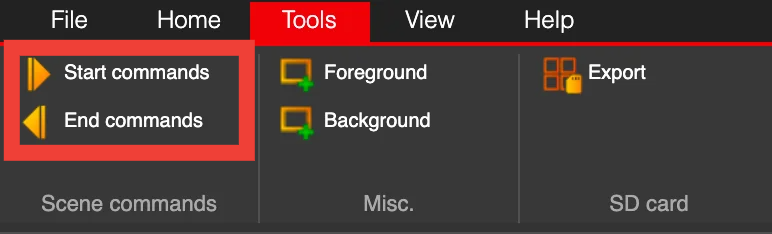
Scene commands in main menu
The “Start Scene Commands” window will open. Use Add to add a new command that will be executed when the scene is activated or finished.
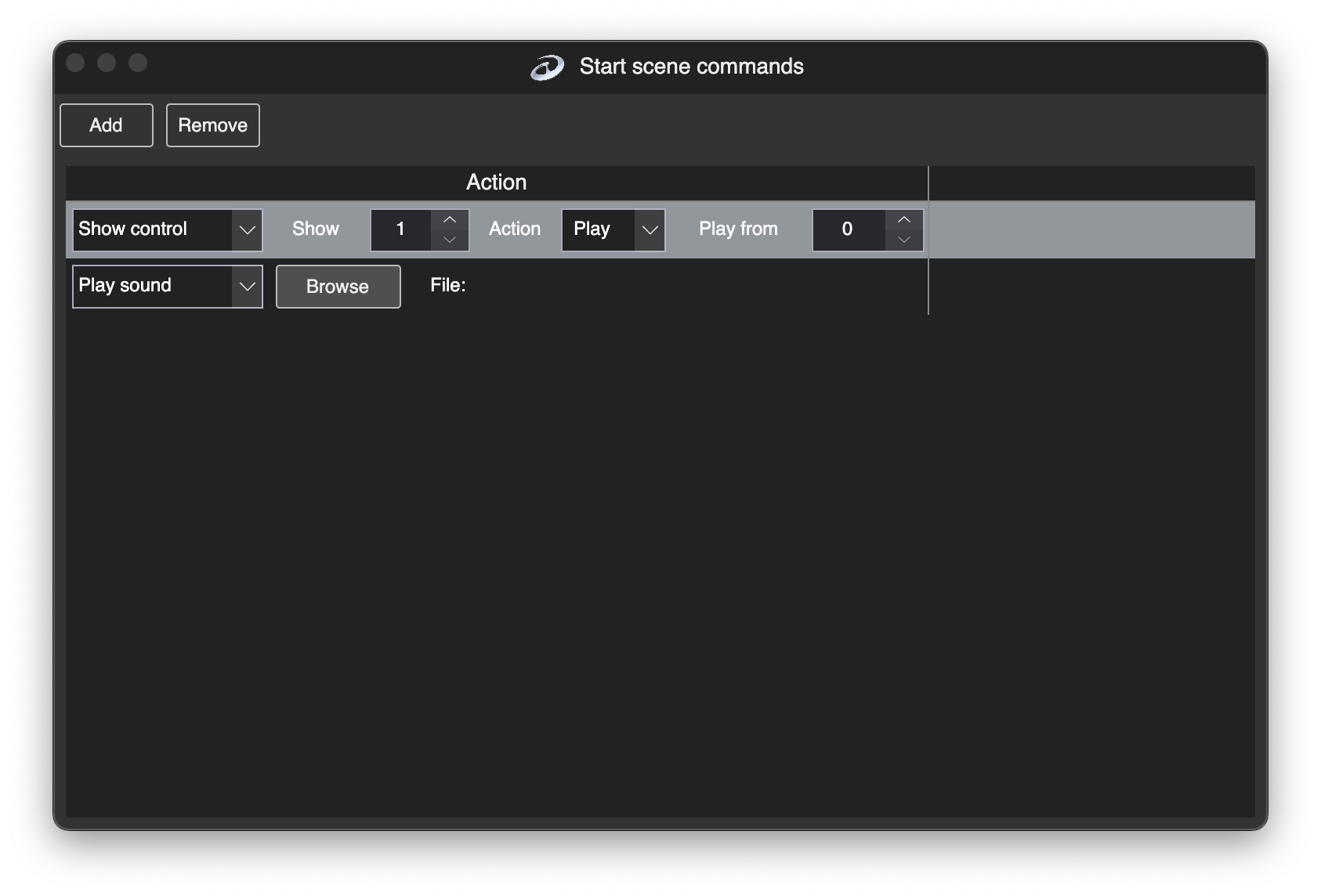
Scene start/end commands window
There are the following commands available as scene start/end commands:
| Command | Explanation |
|---|---|
| Show Control | Play or stop a show once the scene starts or finishes. |
| Activate Demo | Activate demo mode. |
| Execute Program | Run an external program on macOS or Windows. |
| Play Sound | Play an audio file. |
| Stop Sound | Stop the currently playing audio file. |
You can use one or multiple commands when the scene is started or finished.