 LSS 4
LSS 4Selection Groups
The Selection Groups pane in the strip editor window allow you to define and recall selection groups of LED strip segments in your Editor window.
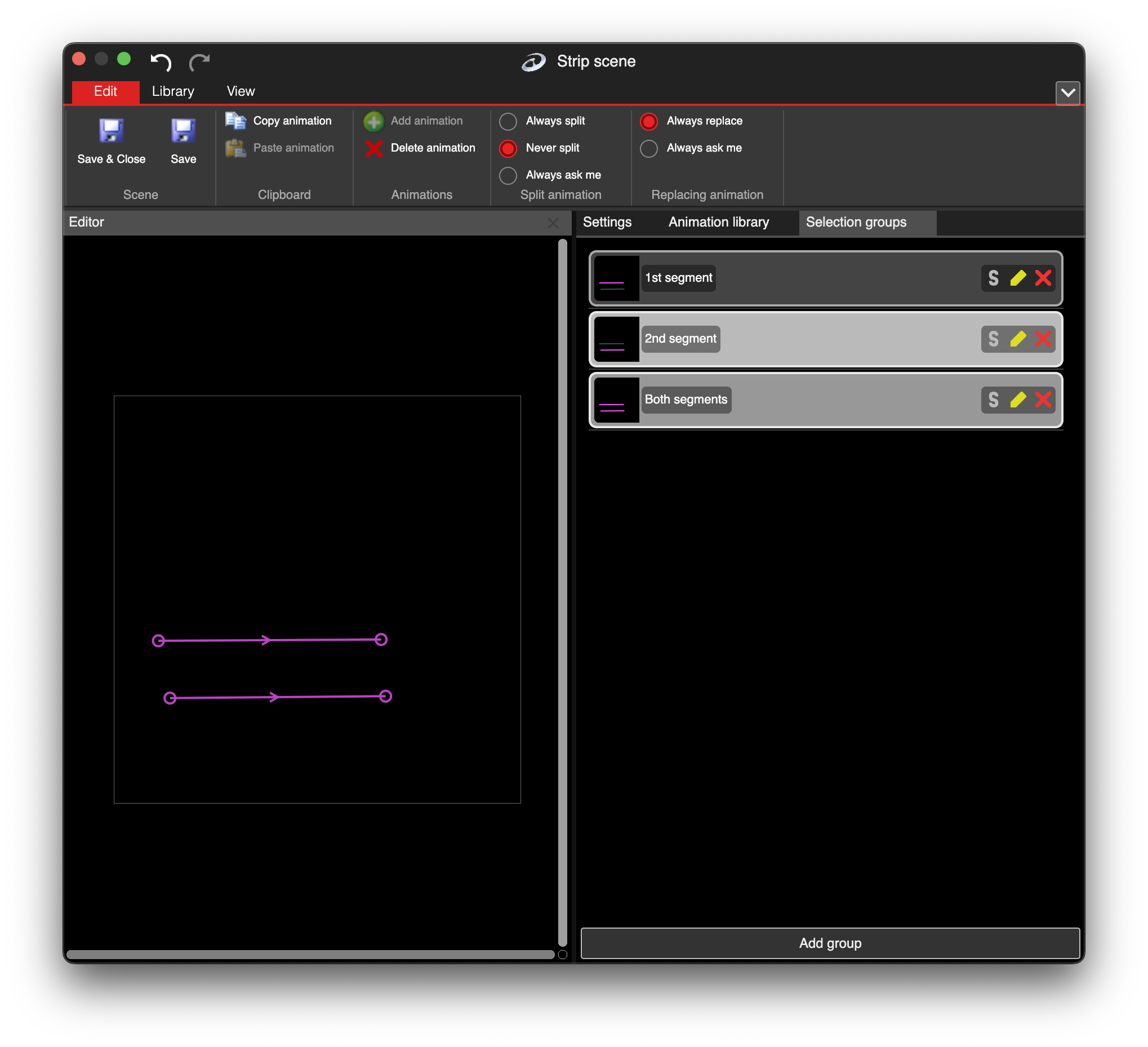
Selection groups in the strip editor
Select one or multiple segments in your Editor. Save the selection by clicking the Add Group button in the Selection Groups. To recall this selection, simply click the selection group from the list and the strips will be selected. You can also assign a hotkey for the selection by clicking the S button on the selection group.