 LSS 4
LSS 4Creating Shows
In the LSS4 software, you can create music or external time code-synchronized shows based on a timeline. You can add multiple scenes to the timeline and set their precise start and duration. Additionally, you can control their transparency (alpha channel) by using practical keyframe time-graph.
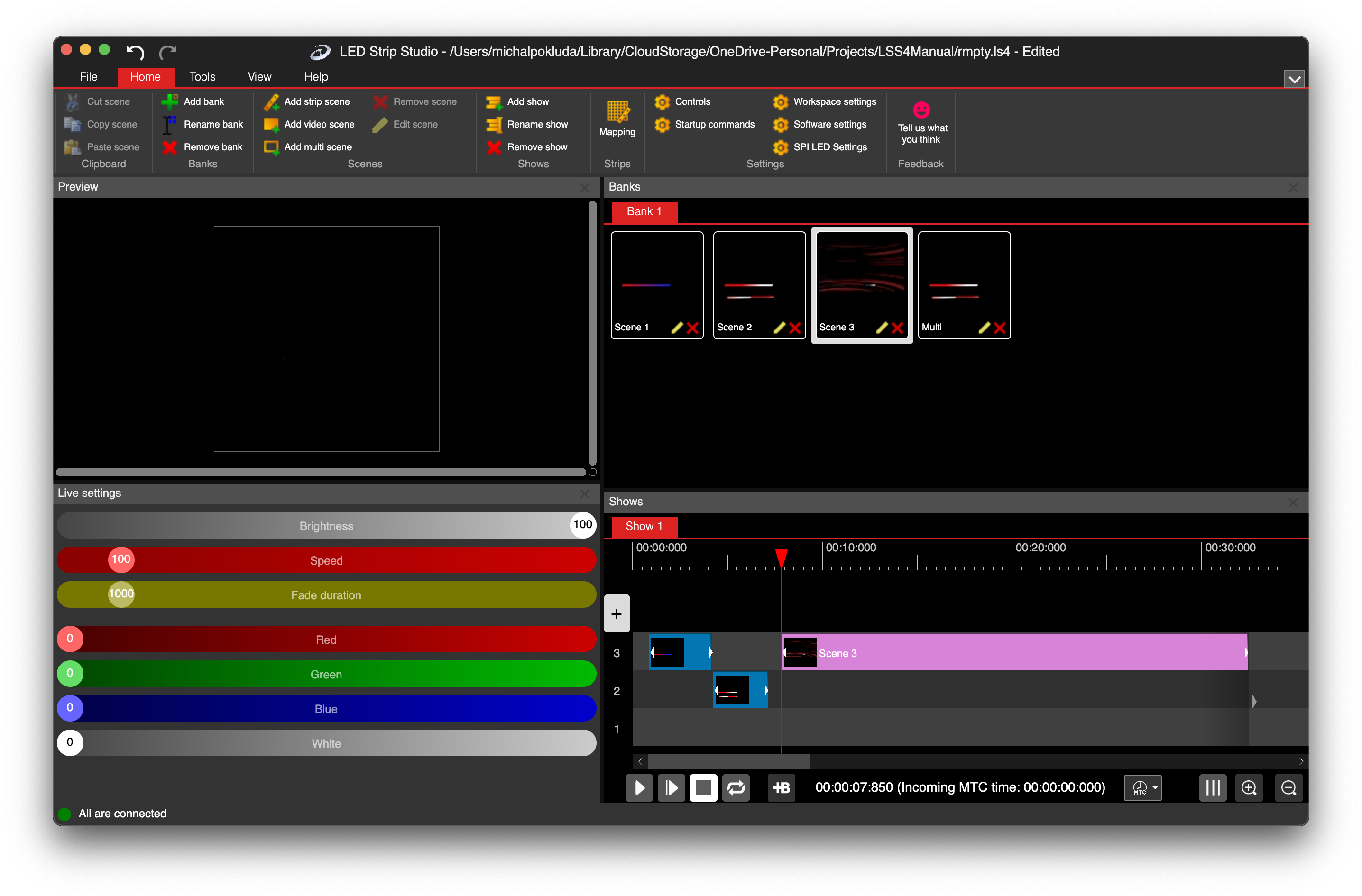
Show in main window
To create a new show you can use main menu commands in the Shows section of the Home tab.

Shows menu
Using Add Show, you can create a new show, which will immediately appear in the Shows pane of the main window. To rename the show, use the Rename Show menu command. To remove a show, use the Remove Show command.