 LSS 4
LSS 4Undo/Redo
All actions performed in the main window are stored in the undo buffer, allowing you to use multiple undo steps when editing the workspace. This is especially useful during the show creation process. Actions such as deleting or creating a new scene are also stored in the undo buffer.
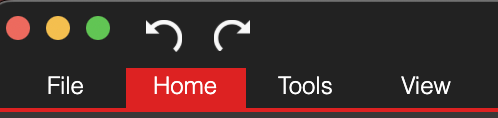
Undo/Redo in the main window
The Undo and Redo buttons are located at the top of the main window. You can also use the standard shortcuts: Cmd+Z for Undo and Cmd+Shift+Z for Redo (or Ctrl+Z and Ctrl+Shift+Z in Windows).