 LSS 4
LSS 4View Menu
The View menu allows you to show or hide all child windows within the main window of LSS4.
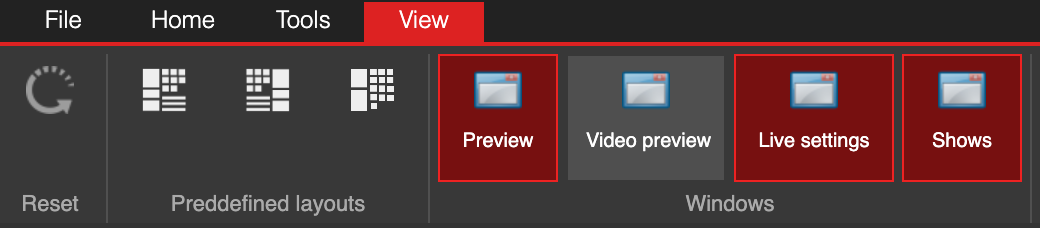
View menu (ribbon) in LSS4
The Predefined layouts option lets you choose one of three default arrangements of all child windows within the main window. You can toggle the Preview, Video Preview, Live Settings, or Shows windows depending on the tools you need for your work.
For standard operation, we do not recommend keeping the Video Preview open, as it requires additional CPU resources and may affect the software’s performance.