 LSS 4
LSS 4Demo
Demo is a special external command generator that provides a demo mode, automatically switching between scenes in the workspace.
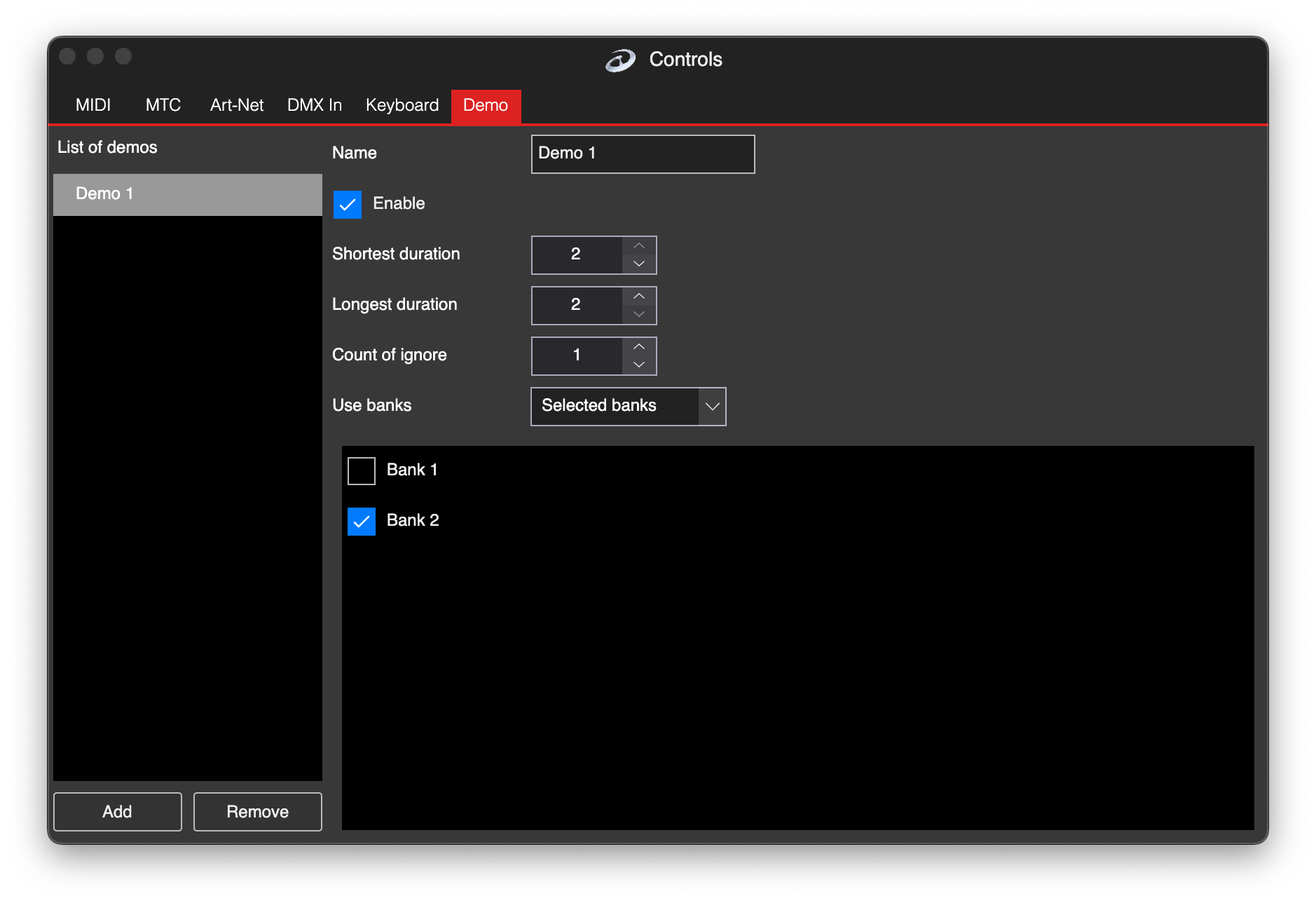
Demo settings
Using Add, you can add a new command. This will open the same “Add New Command” window.
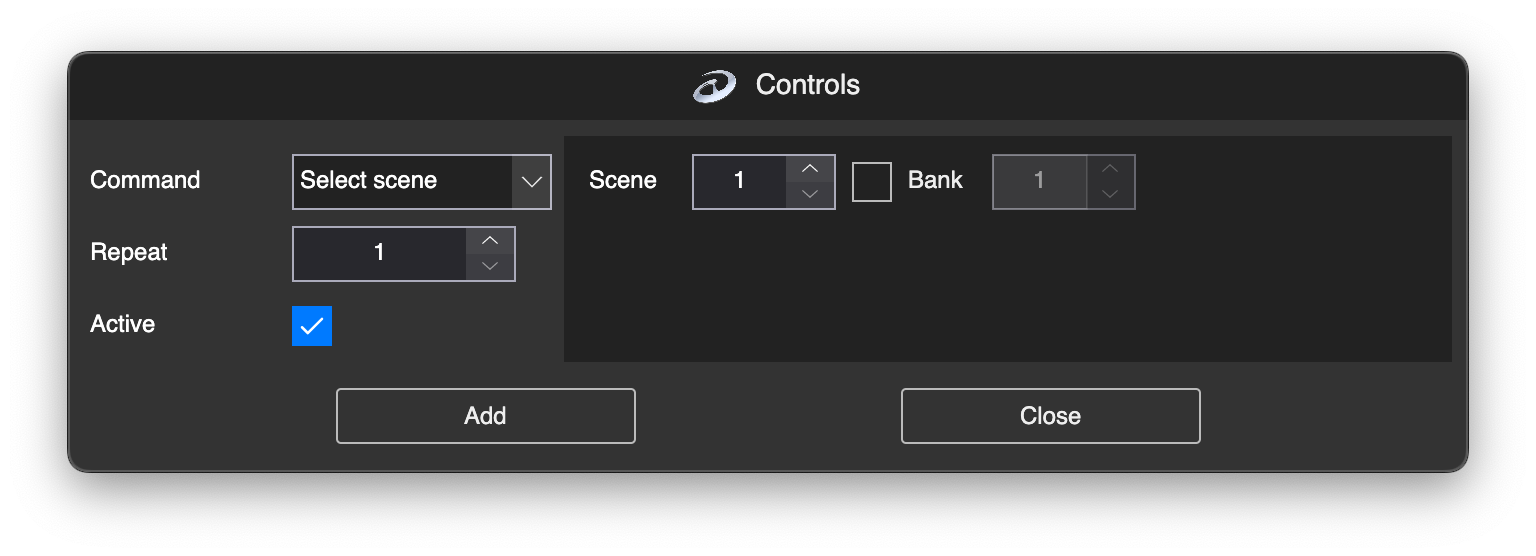
Add new command
You can have different demo configurations in LSS4. To add a new demo configuration, press Add.
In the Name edit box, you can change the name of the Demo mode. To activate the demo mode, check Enable.
The Shortest Duration defines the shortest duration of a single activated scene to be displayed. The Longest Duration defines the longest time a scene is displayed. The software will generate a random time between these two values, which will be the duration of the scene to be displayed.
Count of Ignore defines how many previously played scenes will be remembered and not used when activating a new scene. This prevents the scenes from repeating.
In the Use Banks you can select:
| Function | Explanation |
|---|---|
| Current Bank | Activate the new scene only from the currently selected bank. |
| All Banks | Activate the new scene from all banks in the workspace. |
| Selected Banks | Activate the new scene only from the banks you have selected below. |