 LSS 4
LSS 4Add Scenes to Show
Any scene from the main window Banks pane can be used in the show timeline. To add a scene to the show, simply drag and drop the scene into the Shows pane of the main window.
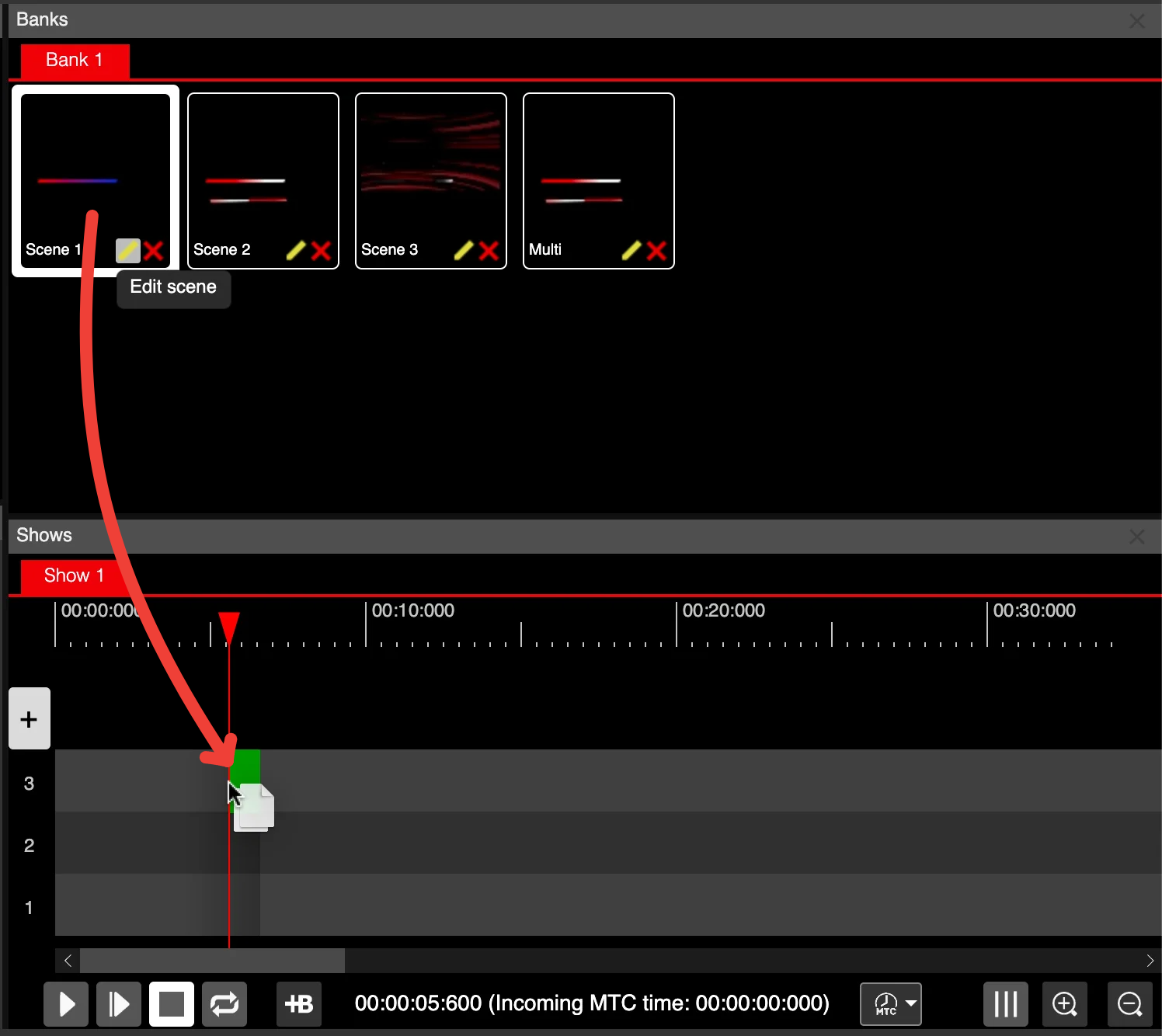
Add scene to show
Once the scene is in the show timeline, it is referred to as an Event.
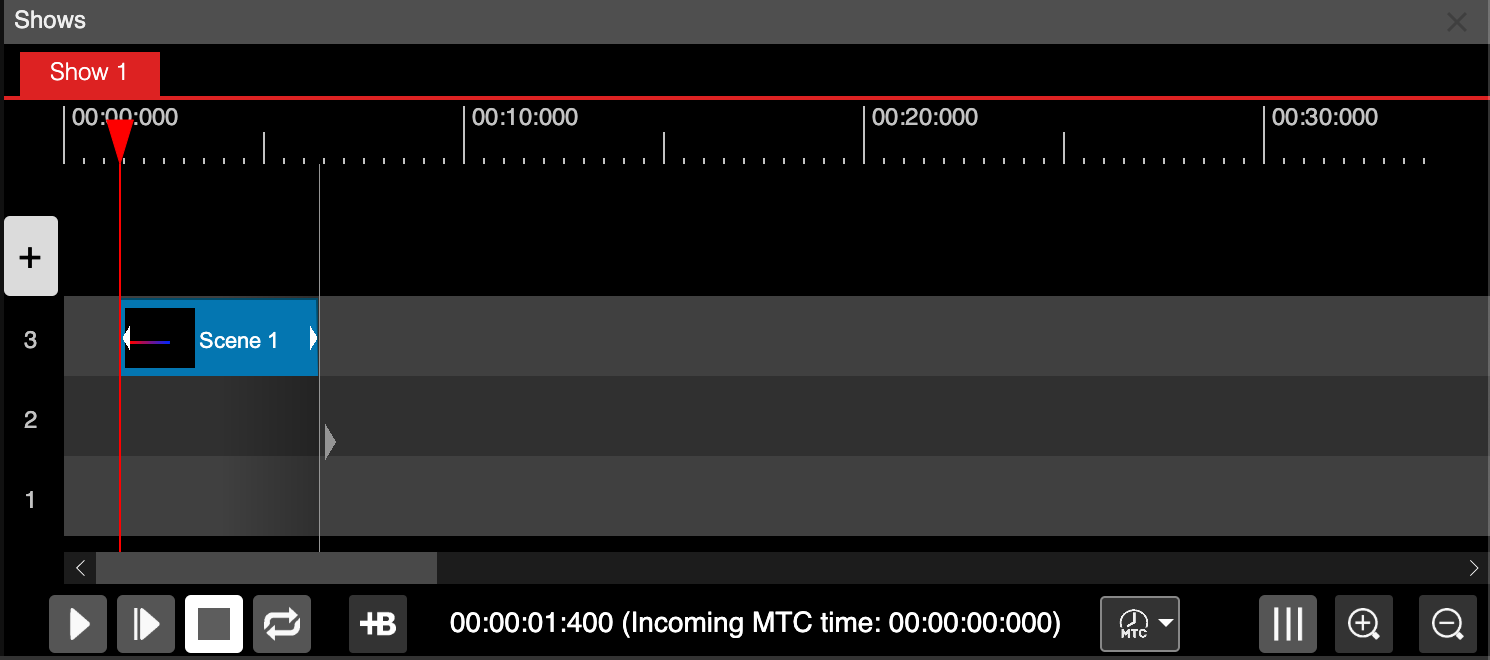
Scene in the show timeline: event