 LSS 4
LSS 4Render Preview Video
LSS4 is also a good visualization tool for pixel LED installations. It allows you to export preview video of any scene or even entire show. To render scene or show preview please head to Tools menu.

Render preview menu in Tools
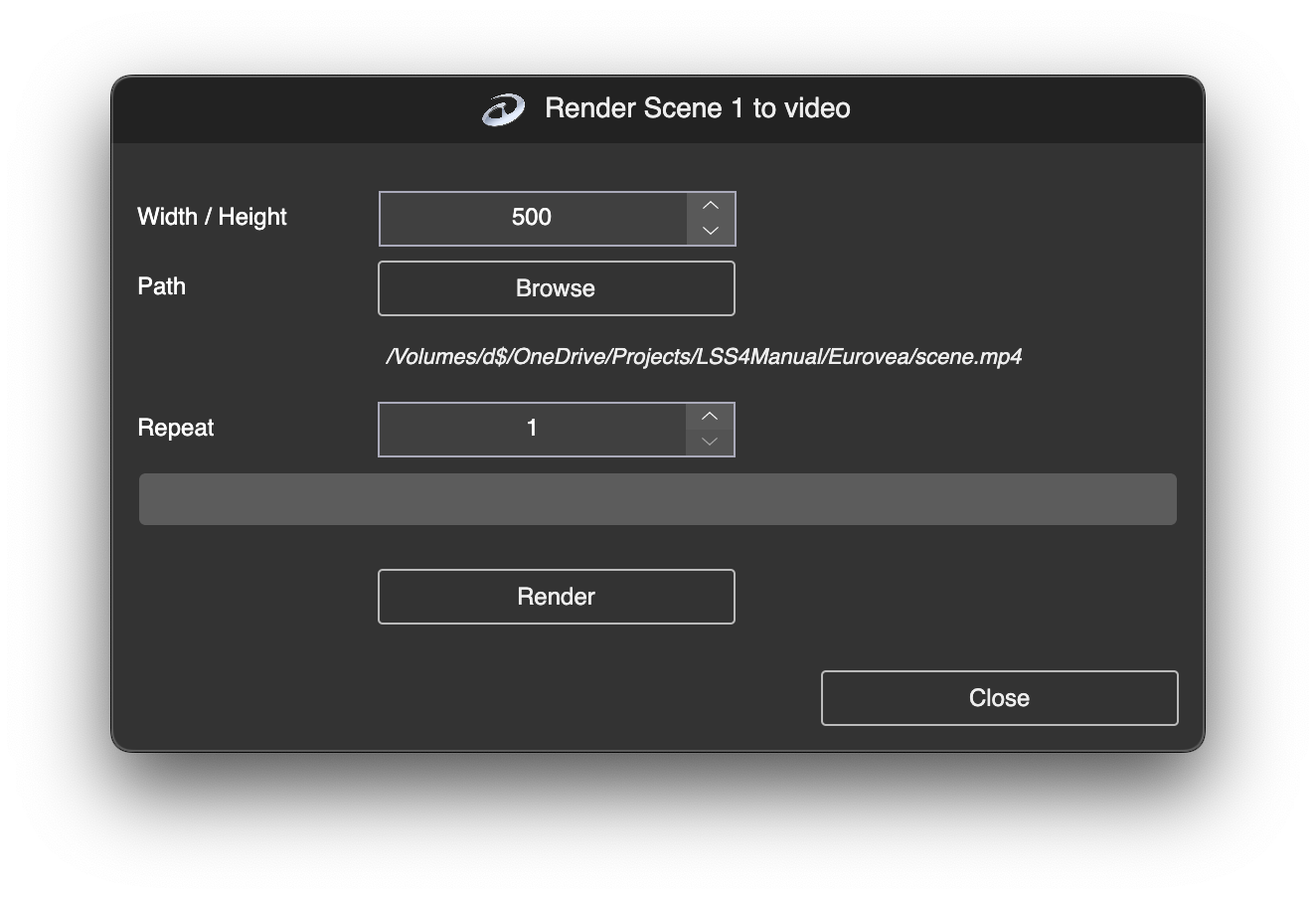
Once you click on Scene or Show in the Render Video section, a window will appear where you can adjust the settings and monitor the video generation progress.
Render preview menu in Tools
In the Width/Height section, you can set the width and height of your generated video. Since the LSS4 workspace is square, the video’s width and height will always be the same.
To select the export path, use the Browse button. The chosen path will appear below the button.
Repeat allows you to specify how many times the scene or show should be repeated in the video. Some scenes may result in a video that is too short, so it is recommended to repeat them multiple times.
Clicking on Render will render the preview video using the software.