 LSS 4
LSS 4Workspace Settings
LSS4 workspace settings appear once you click Workspace Settings in the Home tab of main menu.
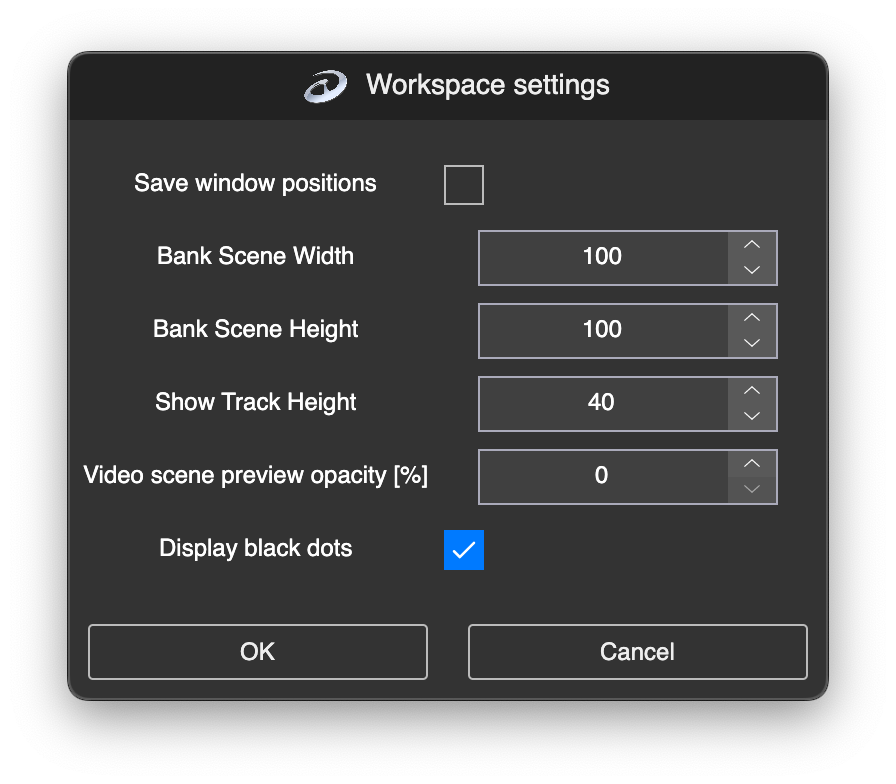
Workspace Settings window
There are the following settings available:
| Setting | Explanation |
|---|---|
| Bank Scene Width | Set the width of scene buttons in banks. |
| Bank Scene Height | Set the height of scene buttons in banks. |
| Show Track Height | Set the height of show tracks in pixels. |
| Video Scene Preview Opacity [%] | Set the opacity of video scene previews. |
| Display Black Dots | If checked, black dots are displayed on every LED point in the Preview. |