 LSS 4
LSS 4Startup Commands
LSS4 allows you to perform certain commands once the workspace is loaded. The settings for Startup Commands are stored in each workspace separately. You can access startup commands in the Home tab of the main menu by clicking the Startup Commands button.
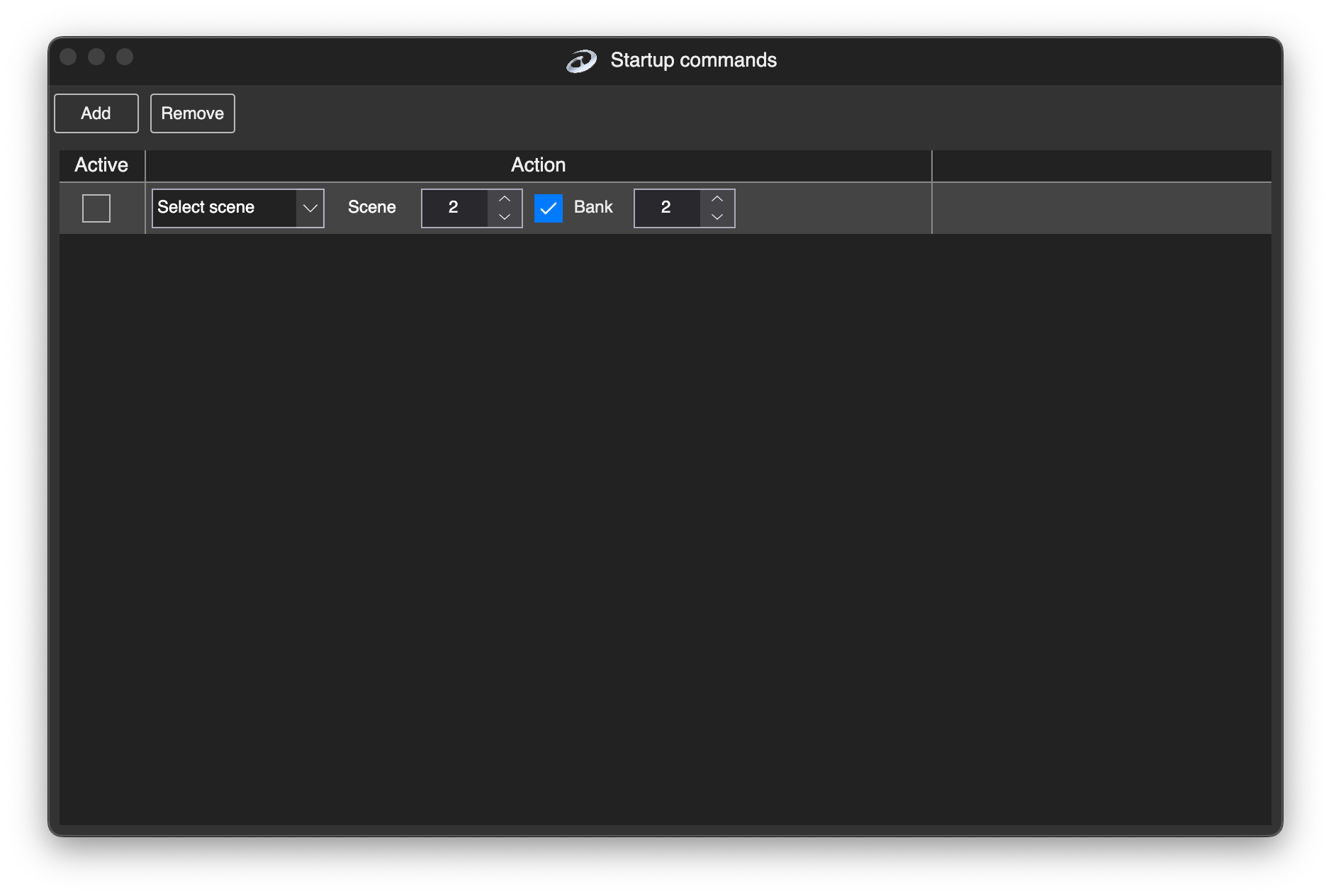
Startup Commands window
There are the following commands available at startup:
| Command | Explanation |
|---|---|
| Select Scene | Activate a scene from a specific bank. If no bank is specified, the currently selected bank is used. |
| Select Bank | Select a bank in the LSS4 workspace. |
| Overlay Scene | Activate an overlay scene. You can define which scene from which bank is selected, as well as Fade In, Duration (how long the scene remains active), and Fade Out settings. |
| Show Control | Select which show to play or stop. |
| Activate Demo | Activate or deactivate one of the available demo modes. |
| Execute Program | Run an external program on macOS or Windows. |
| Play Sound | Start playing a sound file. |
| Stop Sound | Stop the currently playing sound file. |
You can use one or multiple commands when the workspace is loaded. The most practical usage is when you want to start a certain scene or show after the workspace is loaded.