 LSS 4
LSS 4Background
The Background feature allows you to display a bitmap image behind the Strip Editor. There are two main reasons to use a background image:
- To accurately position LED strips according to a plan.
- To provide a visual representation for your clients.
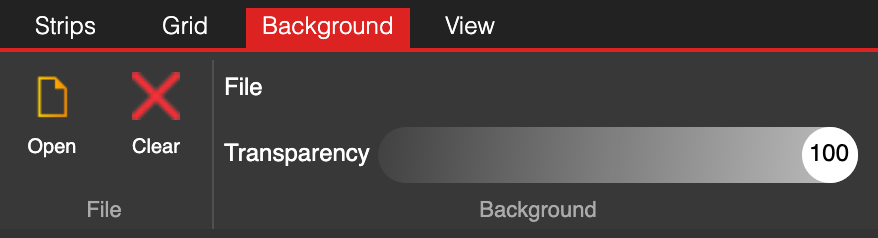
Background settings
You can open a background image using the Open command and remove it with Clear. The Transparency setting lets you adjust the background’s opacity in the Strip Editor.
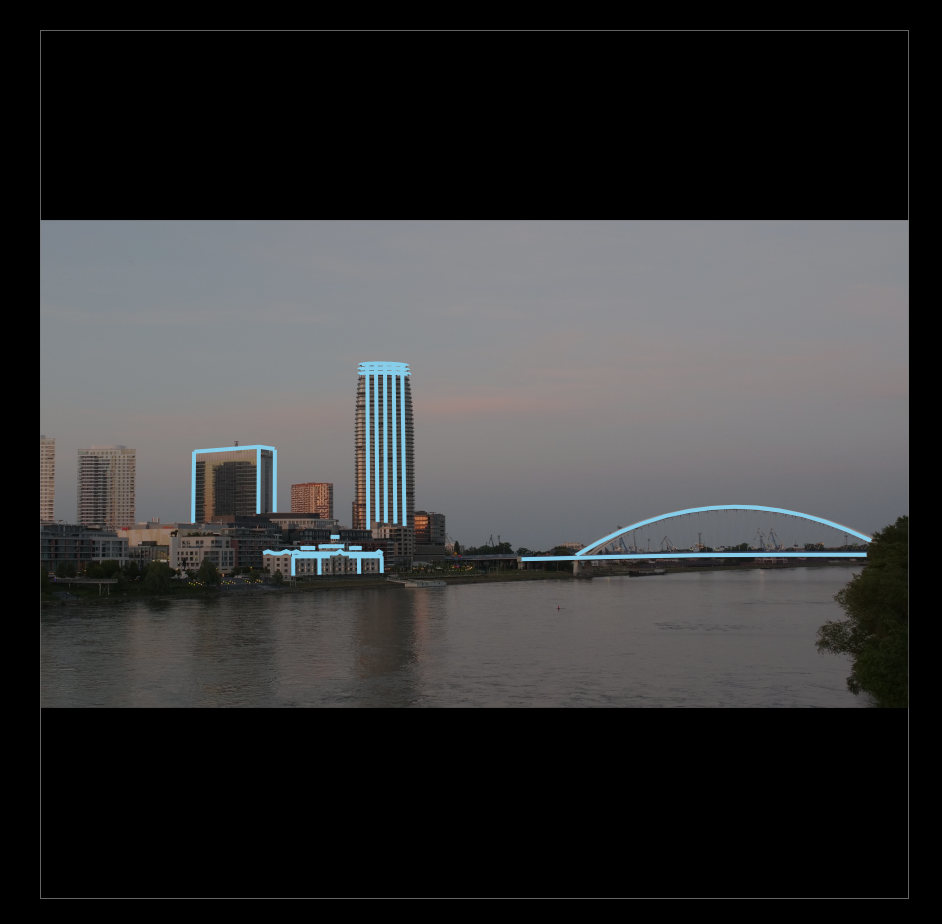
Background example