 LSS 4
LSS 4Preview
In the Preview section of the main window, you can see all your pixel LED segments and the content currently playing on them. Use the mouse wheel to zoom in or out, and hold the middle mouse button (press the mouse wheel) to pan across the LED strip segments.
Right-click to reset the preview to the default zoom and center.
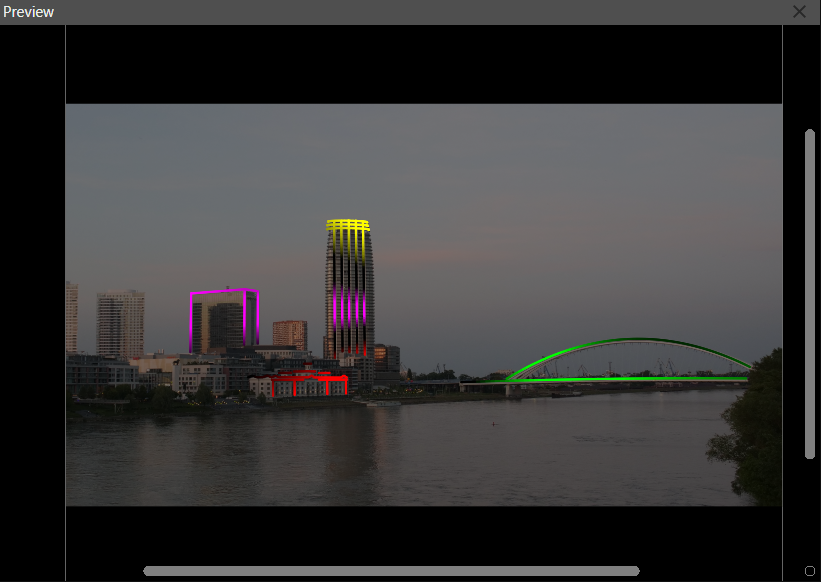
Preview in main window
The image or animation shown in the Preview window is also used when rendering the preview video of your scene or show. The preview