 LSS 4
LSS 4Foreground and Background Layers
It is possible to have a certain scene always active in the background or foreground of every running scene or show. The practical example of using the Background layer is if you want to keep some LED strips always on. On the other hand, the Foreground layer is practical in case you want to highlight some edges of your LED pixel setup at all times.
To set the Foreground or Background layer, go to the Misc. section of the Tools menu in the main window.
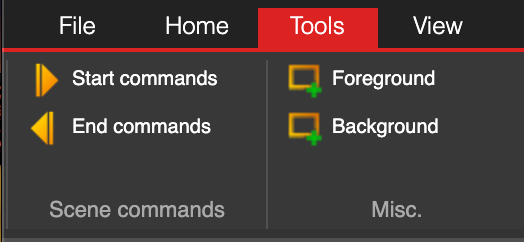
Layers menu in Tools section
In the settings window of the Foreground or Background layer, you can select or create a scene that will always be active in the LSS4 workspace. The settings are the same as for Multi-scene.
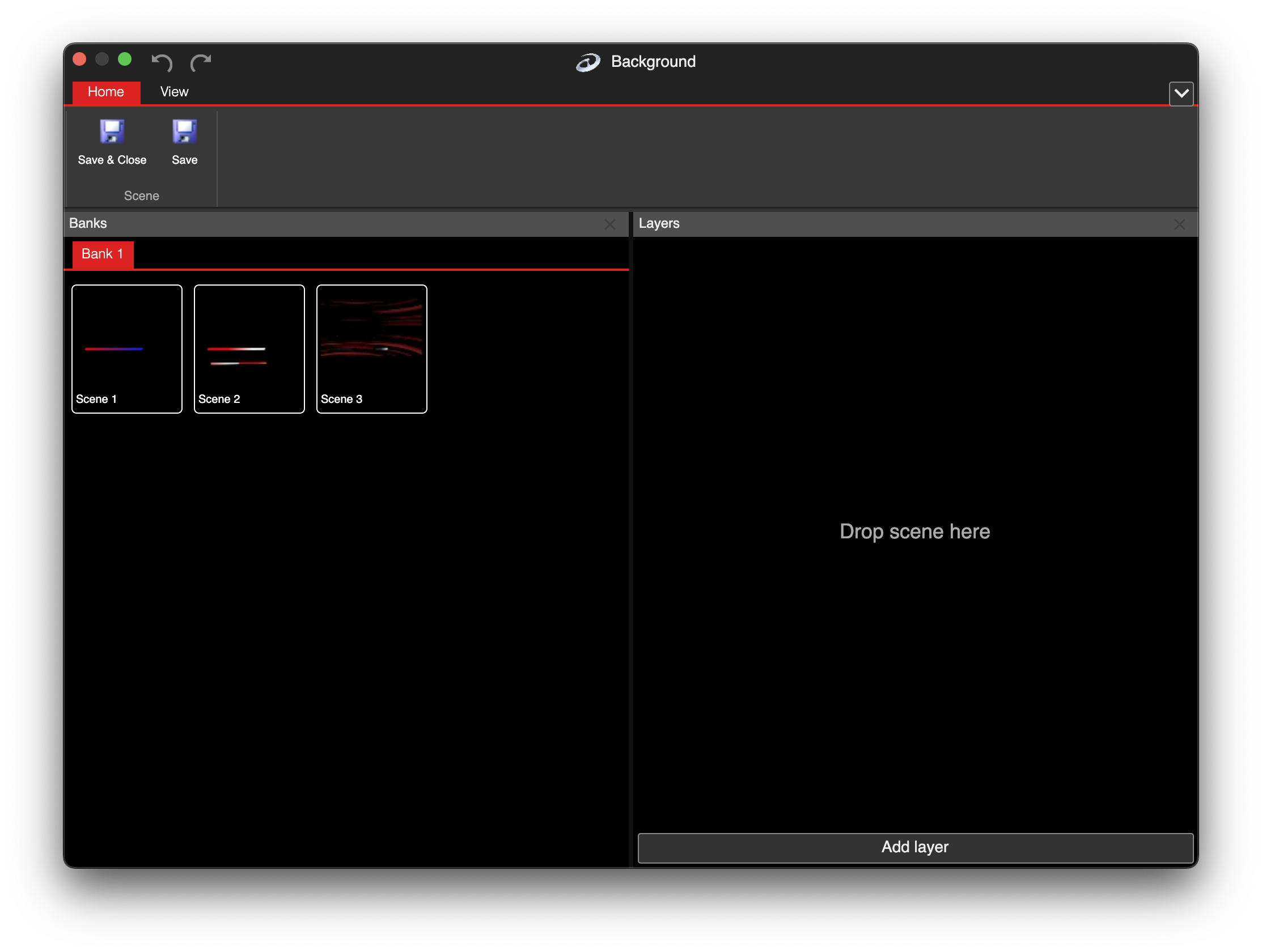
Layer settings is similar to Multi-scene