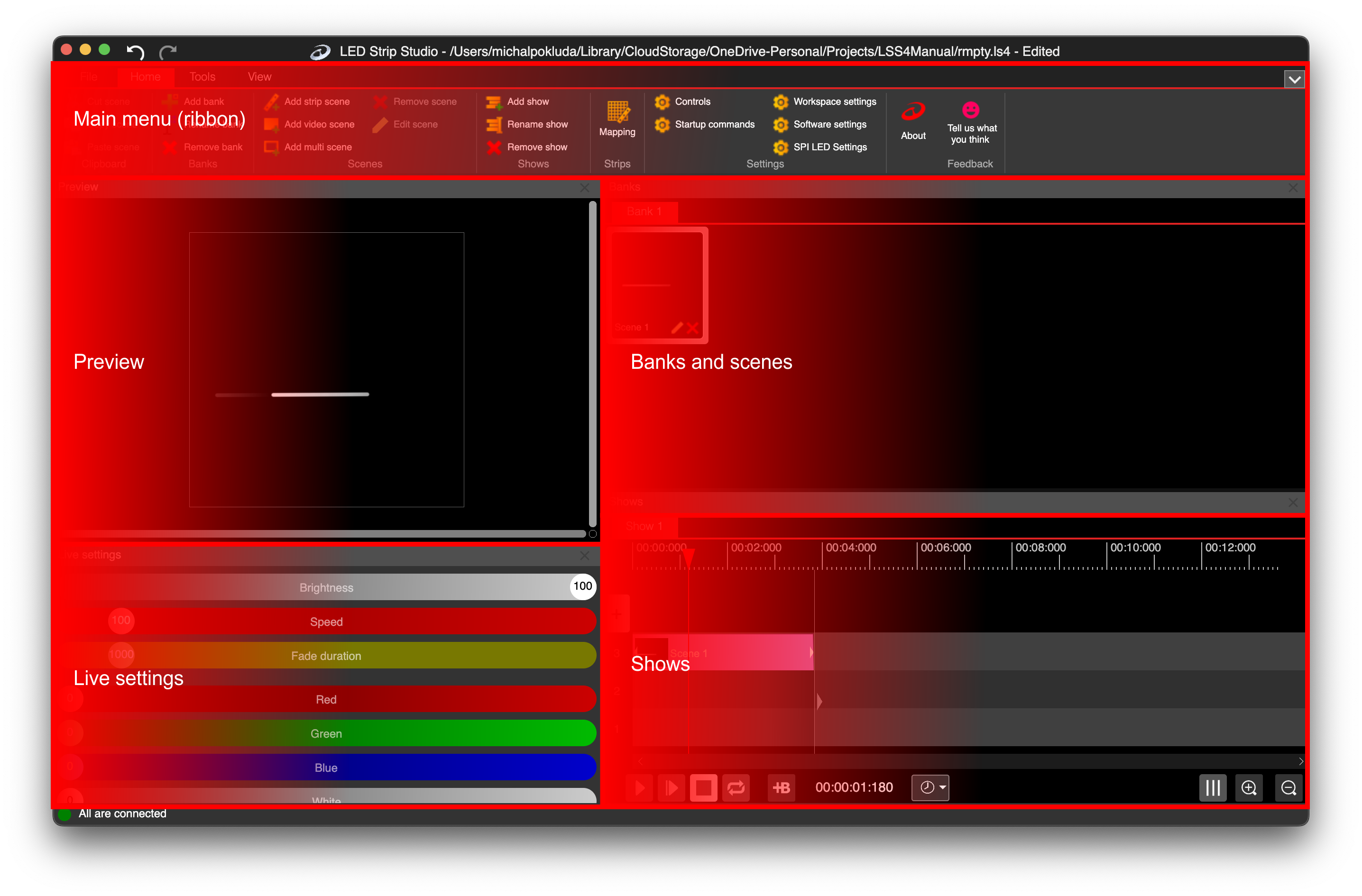
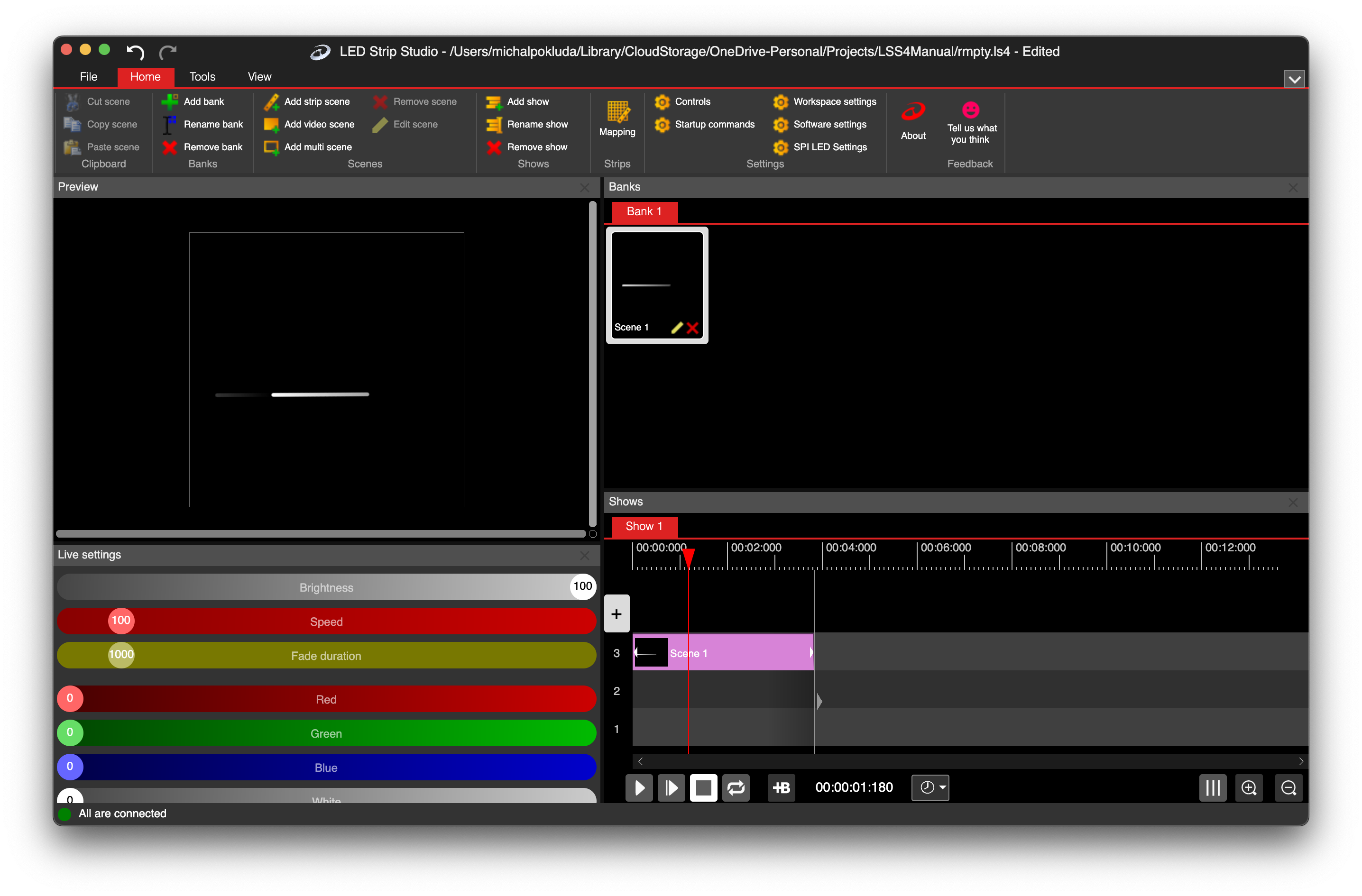
LSS4's 64-bit rendering core was built from the ground up for high-performance LED pixel calculations. Multi-core parallel processing, Apple M1 optimization, and efficient memory usage mean your installation runs smoothly — even at scales that would make lesser software stutter.
64-Bit Core
The difference between 32-bit and 64-bit software isn't just a marketing number for pixel LED work — it's about how much data the rendering engine can process at once. With 200,000 RGB pixels generating millions of color values per second, 64-bit calculations are what keep the math from becoming a bottleneck.
LSS4 was designed with large-scale installations in mind from the start. The rendering core handles the full LED output pipeline — from animation calculation to Ethernet packet generation — without introducing latency or frame drops.
Parallel Processing
Modern computers have multiple processor cores, and LSS4 takes advantage of all of them. The rendering core distributes LED calculation work across available cores — so a 6-core or 8-core machine handles your large installation more efficiently than a single-core implementation ever could.
On Apple Silicon Macs, this parallel processing combines with the M1/M2 chip's unique architecture — high-performance cores for heavy computation, efficiency cores for background tasks — to give you both performance and battery efficiency.
FAQ
How many LED pixels can LSS4 control simultaneously?
LSS4's 64-bit rendering core runs smoothly with 200,000 RGB pixels and beyond. The practical limit depends on your hardware setup — specifically, the number of LEC3 controllers you're using, your network infrastructure, and your computer's processing power. For large-scale installations, LSS4 is regularly deployed for 50,000–200,000+ pixel projects.
Does LSS4 run better on computers with more CPU cores?
Yes. LSS4 uses multi-core parallel processing for LED calculations, so more CPU cores generally means more headroom for complex scenes and large pixel counts. The performance gains are most noticeable when running multiple simultaneous video layers or large pixel-count installations.
Is LSS4 optimized for Apple M1 and M2 chips?
Yes. LSS4 runs natively on Apple Silicon without Rosetta translation, which means it takes full advantage of the M1/M2 chip architecture. This includes using the high-performance cores for rendering calculations and the efficiency cores for background tasks, resulting in both high performance and good battery life on MacBook models.
Get in Touch
Real people, real answers. Choose the channel that works best for you.
Send us your questions, project details, or feature requests. We reply with thorough answers.
[email protected]Quick questions, photos of your installation, or a live voice call — WhatsApp works for all of it.
+421 948 280 393Book a screen-share session with the team. Walk through your project, get hands-on guidance.
Book a CallUse the contact form to describe your issue or question in detail. We follow up promptly.
Contact UsFor large-scale installations — stadiums, studios, architecture — we travel worldwide to assist on-site.
[email protected]Try LSS4 with full features. No credit card required. Windows and macOS.
Download NowLSS4's 64-bit core handles 200k+ pixels without breaking a sweat. Download and see for yourself.