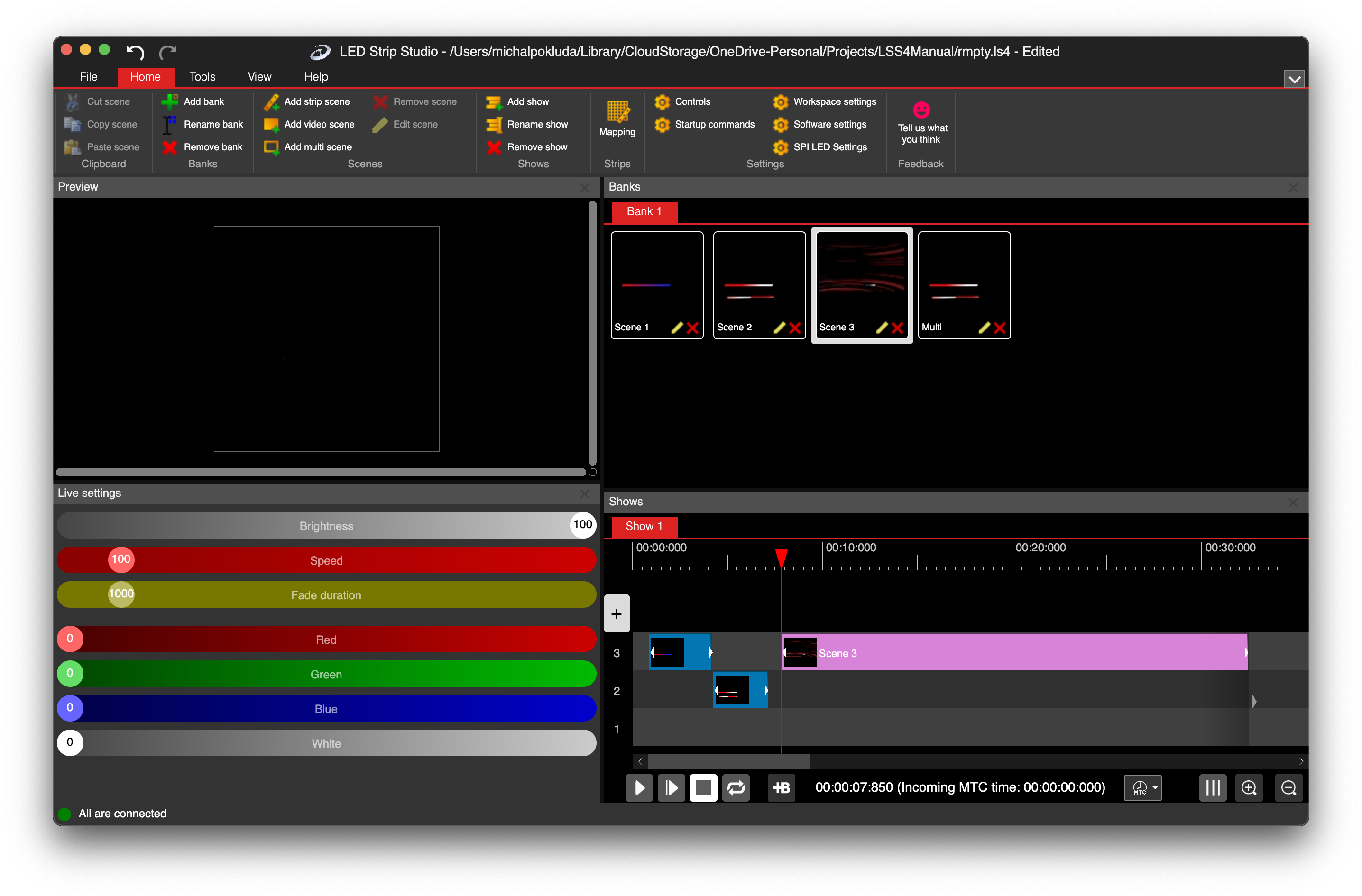
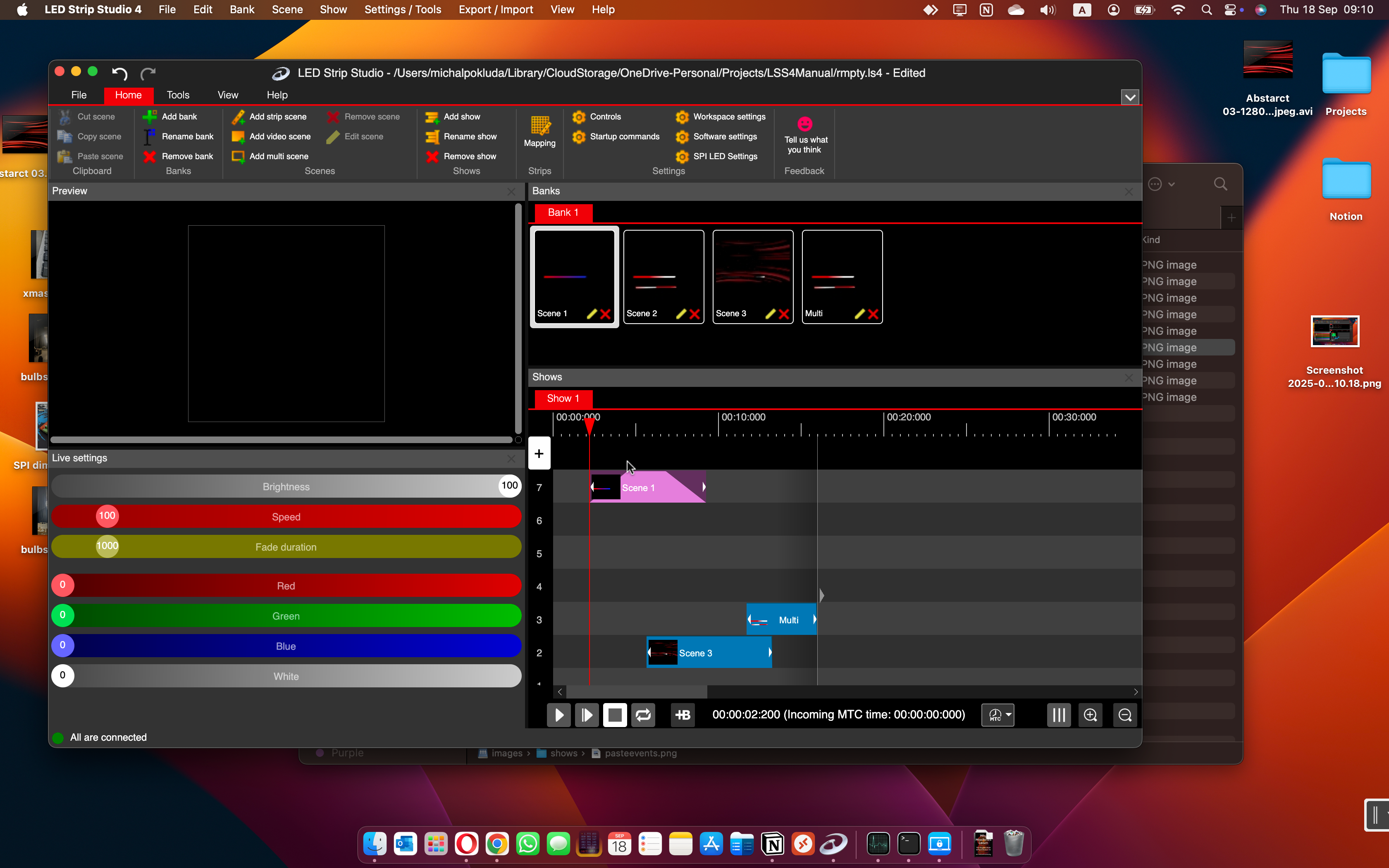
MIDI Time Code (MTC) synchronization in LSS4 lets you slave the show timeline to video playback, an external audio player, a lighting console, or any other device that sends MTC. When the external device plays, pauses, or scrubs, your LED show follows — frame by frame.
What Is MIDI MTC?
MIDI Time Code is a widely supported synchronization protocol that expresses position as hours:minutes:seconds:frames. It's the standard way that video software, digital audio workstations, lighting consoles, and show control systems communicate timing to each other. When a video player sends MTC over a MIDI connection, every device that's slaved to it stays locked to the same frame position — even after scrubbing, pausing, and resuming.
LSS4 can receive MTC from any MTC-capable device. This makes it straightforward to integrate LED lighting into productions that already use MTC for video or audio synchronization. You don't need a specialized or proprietary interface — just a standard MIDI connection and an MTC source.
Production Use Cases
The most common use case for MIDI MTC in LED productions is synchronization to video. When a broadcast event plays a pre-produced video segment, the LED installation needs to follow exactly. MTC from the video playback system drives LSS4, so the LED show moves in perfect step with the video — even if the video is paused mid-show or rewound for a second take.
MTC sync also appears in live concert productions where a central timecode source — typically a DAW running the backing track or click track — drives multiple departments simultaneously: audio, video, lighting, and LED. LSS4 slots into this workflow without requiring changes to the existing timecode infrastructure.
Sync Modes in LSS4
The show runs on LSS4's internal clock. Use when LSS4 is the master timing source and no external synchronization is needed.
Import an audio file and the timeline is driven by its playback position. LSS4 controls playback — start, pause, stop — and the show follows.
An external device sends MIDI Time Code. LSS4 slaves to it — the show position follows the incoming timecode, including scrubs and position jumps.
FAQ
How do I sync my LED show to video playback with MIDI MTC?
Connect the MTC output from your video playback system to the computer running LSS4 via a MIDI interface. In LSS4, select the MIDI MTC sync mode for the show timeline and choose the MIDI input device. When the video playback system plays, it sends MTC and LSS4 follows automatically. The show will stay locked to the video position, including pauses, scrubs, and position jumps.
Which software can send MIDI MTC to LSS4?
Any software or hardware that outputs MIDI Time Code can be used as a master for LSS4. Common sources include QLab (frequently used for theater and event show control), Ableton Live, Pro Tools, Logic Pro, Reaper, video playback servers, and dedicated show control systems. If your existing production software can send MTC, it can drive LSS4.
What hardware do I need to receive MIDI MTC in LSS4?
You need a MIDI interface connected to the computer running LSS4. This can be a physical MIDI-to-USB interface (for hardware MIDI connections) or a virtual MIDI port (if both the MTC source and LSS4 run on the same computer). Many audio interfaces include MIDI ports that work directly. Some show control networks also support MIDI over network, which can be bridged to a virtual MIDI port on the LSS4 machine.
Get in Touch
Real people, real answers. Choose the channel that works best for you.
Send us your questions, project details, or feature requests. We reply with thorough answers.
[email protected]Quick questions, photos of your installation, or a live voice call — WhatsApp works for all of it.
+421 948 280 393Book a screen-share session with the team. Walk through your project, get hands-on guidance.
Book a CallUse the contact form to describe your issue or question in detail. We follow up promptly.
Contact UsFor large-scale installations — stadiums, studios, architecture — we travel worldwide to assist on-site.
[email protected]Try LSS4 with full features. No credit card required. Windows and macOS.
Download NowMIDI MTC means your LEDs stay in sync with video, audio, or console timecode — no matter what the rest of the production is doing. Download LSS4 and integrate it into your workflow.