Bezier Curves
Draw like Illustrator, map like a pro
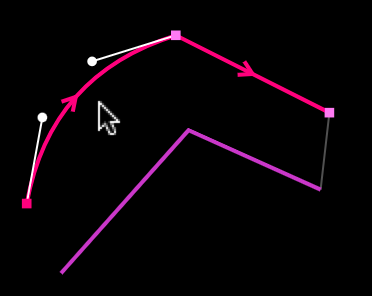
Most LED installations aren't perfectly straight. Architectural curves, wave shapes, angled runs — if your LED strip follows a curved path, your mapping should too. LSS4 uses standard Bezier curves, so every point on a segment can be set to Line, Curved, or Smooth.
The Smooth type is especially useful when you're connecting multiple segments and need seamless continuity — no kinks, no visible breaks in the animation flow. Professional vector designers will feel immediately at home.
- Line points for precise corners and straight runs
- Curved points with independent Bezier handle control
- Smooth points for seamless multi-segment connections
- Visual real-time preview as you adjust control handles
Complete Toolkit
Every shape you'll actually need
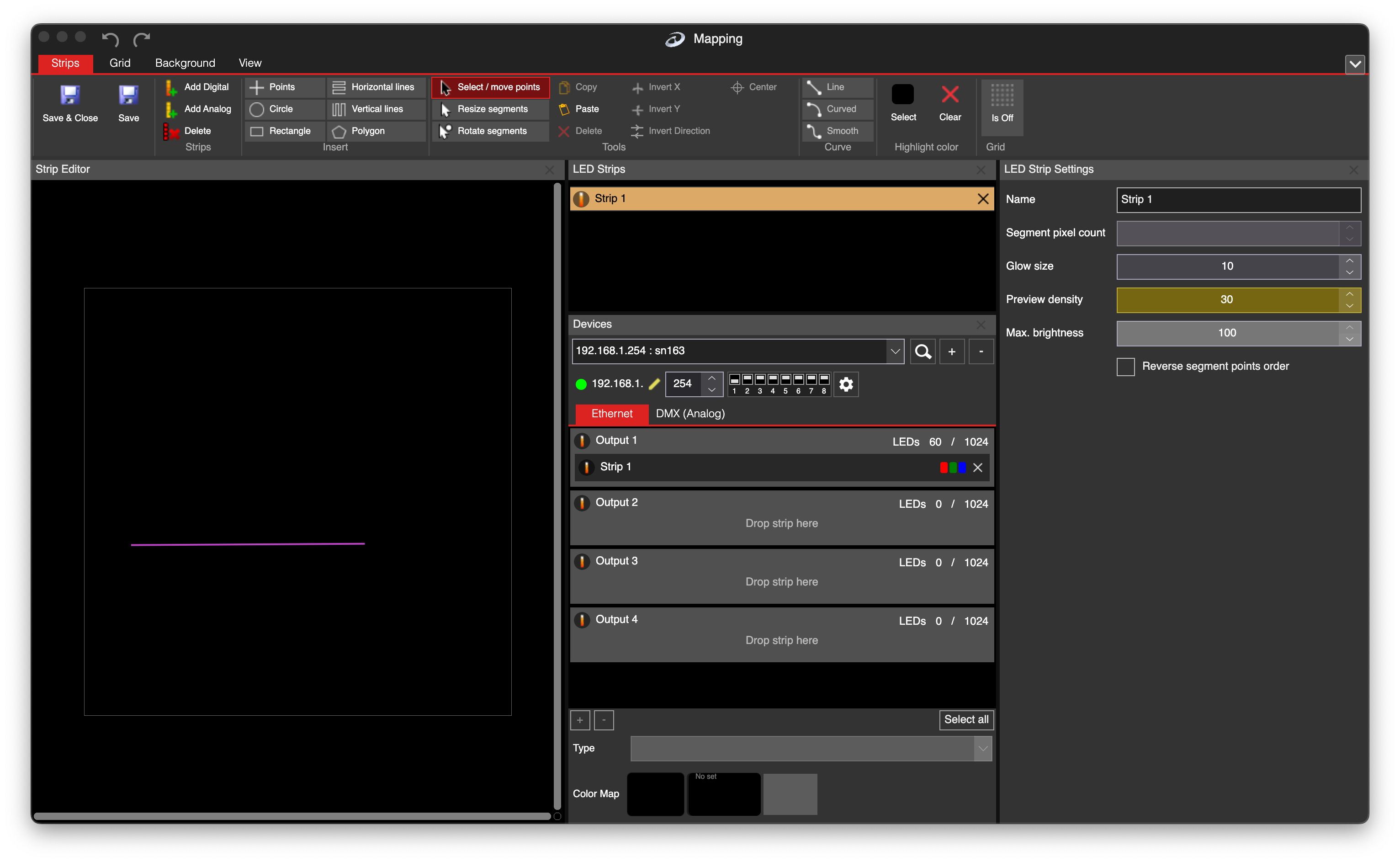
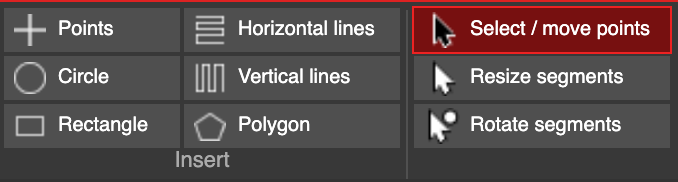
Beyond freehand drawing, LSS4 includes purpose-built shape tools. Draw a perfect circle for a round pixel array, lay down horizontal or vertical lines for straight runs, or use the polygon tool for geometric arrangements. Once drawn, edit points individually, resize entire segments, or rotate them to match your physical setup.
- Points — freehand drawing with direct point control
- Circle — perfect circular segments in one click
- Rectangle — rectangular LED paths
- Horizontal / Vertical Lines — rapid straight-run placement
- Polygon — multi-sided geometric shapes
- Select / Move / Resize / Rotate — full post-draw editing
Complex Shapes
Multi-line shapes and split configurations
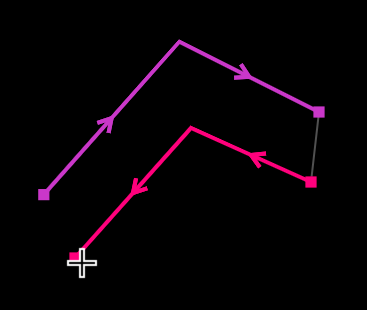
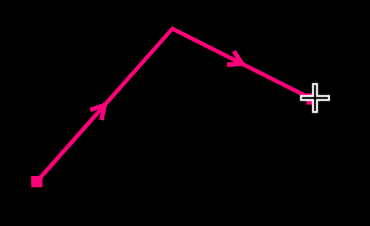
A single LED strip installation often isn't one continuous run — it branches, splits, and doubles back. LSS4 handles this with multi-line shapes, where you continue drawing from any endpoint to build configurations that mirror actual wiring paths.
The split multi-line feature is for pixel strips where multiple independent runs share a single data line. Draw them as separate visual segments while keeping the logical connection intact.
- Continue any segment from either endpoint
- Build shapes matching real wiring paths
- Split multi-line for shared-signal independent runs
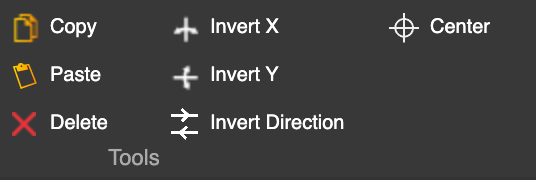
- Copy, paste, mirror entire configurations
- Invert X / Y and reverse segment direction
Precise Control
Set exact pixel counts per segment
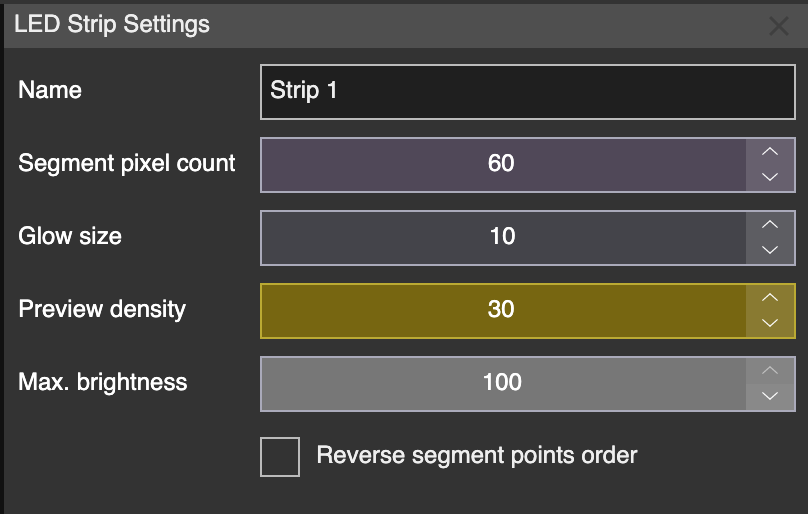
Every segment has a configurable pixel count in the LED Strip Settings panel. Set it to match your physical LED count, and LSS4 distributes pixels evenly along the drawn path. Digital pixel strips and analog RGB/RGBW strips (via DMX) are both supported.
- Set pixel count independently for every segment
- Pixels automatically distributed along the drawn shape
- Configure strip settings including device and output assignment
- Digital and analog (RGB/RGBW via DMX) support
Live Hardware Feedback
See your mapping on the actual LEDs
LSS4's Highlight Color feature sends a distinct color to the selected segment on your live hardware. You immediately see which physical LEDs correspond to your drawn segment — no guesswork, no counting pixels by hand.
You're on-site and segments 12 and 17 seem swapped. Highlight Color turns that debugging session from twenty minutes of frustration into a two-second check. Select, look, confirm. Done.
- Select any segment and highlight it in real-time on hardware
- Choose any highlight color for clear visual differentiation
- Confirm pixel order and segment count against physical layout
- Works with both digital pixel strips and analog channels