Linear LED Animation

The Perfect Tool for
Linear LED Lighting

LED neons, architectural strips, polyline segments — strip scenes are the dedicated content creation environment for linear LED lighting. Define exactly which color goes where on every segment, create smooth animated transitions, and run it all through analog or pixel LEDs.

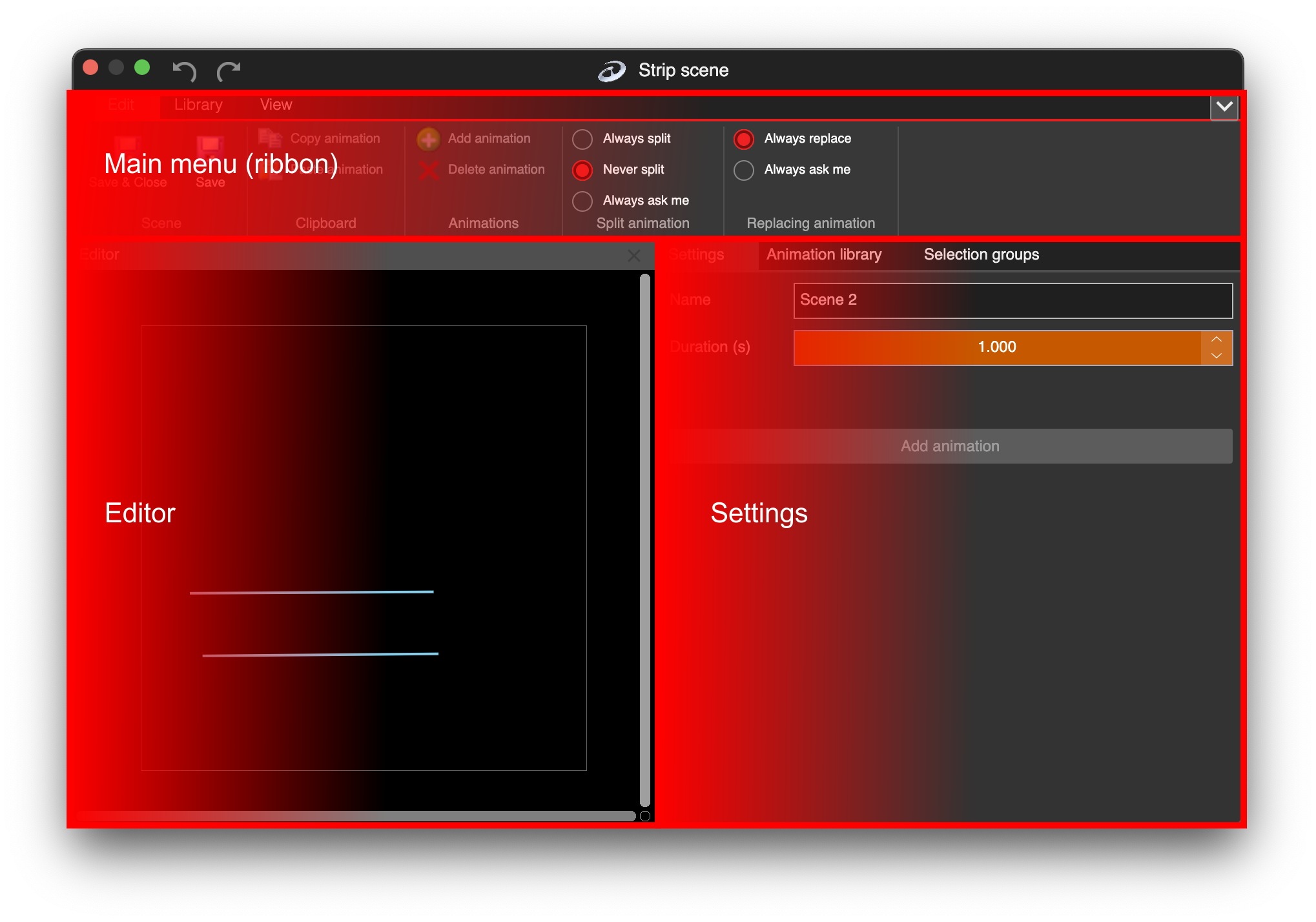
LSS4 strip scene window showing animation editor and strip segments

Purpose-built for linear LED installations

Strip scenes in LSS4 are specifically designed for linear LED configurations — the kind you'd use for LED neon flex, architectural LED strips along walls, ceilings, or furniture, and polyline shapes in stage or event settings. Unlike video scenes that project 2D content, strip scenes let you define color behaviors directly along the strip's path.

Each LED strip from your mapping appears in the strip scene editor. You can create separate animations for each strip — or apply the same animation to multiple strips — giving you granular control over exactly how each physical run of LEDs behaves.

  • Separate animations for individual LED strips or groups
  • Color defined along the strip's length (position 0-100%)
  • Smooth animated transitions between color states
  • Works with both digital pixel strips and analog RGB/RGBW
  • Great for architectural and decorative linear lighting
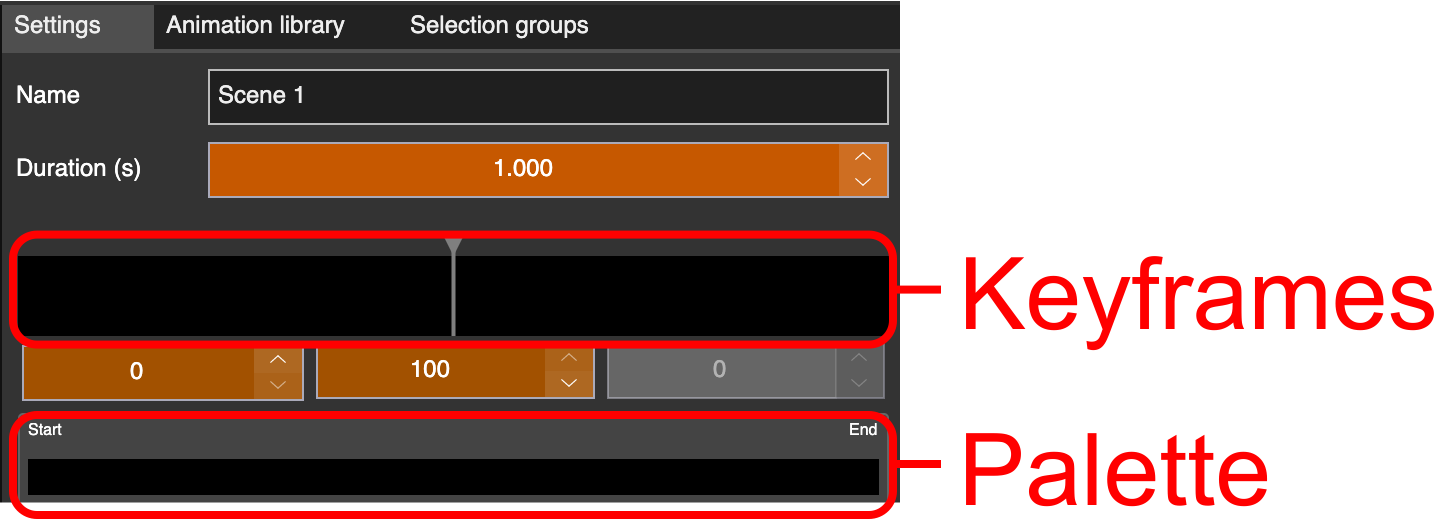
Strip animation description in LSS4 showing segment and animation controls

Precise animated color transitions

The strip scene animation editor uses keyframes to define how colors change over time. Each keyframe contains a palette — multiple color stops positioned along the strip. Between keyframes, colors interpolate smoothly, producing professional-looking transitions that loop cleanly.

The Morph transition is a favorite for revealing effects — it progressively lights up the strip from the first LED to the last, creating a fill animation that looks great for introductions and build-ups. Time Offset lets you stagger the animation across multiple segments for wave and cascade effects.

  • Keyframe timeline for animated color sequences
  • Morph transition: illuminate strip from first to last LED
  • Time Offset for staggered multi-strip animations
  • Duration control per animation
  • Invert Direction for reverse animation playback
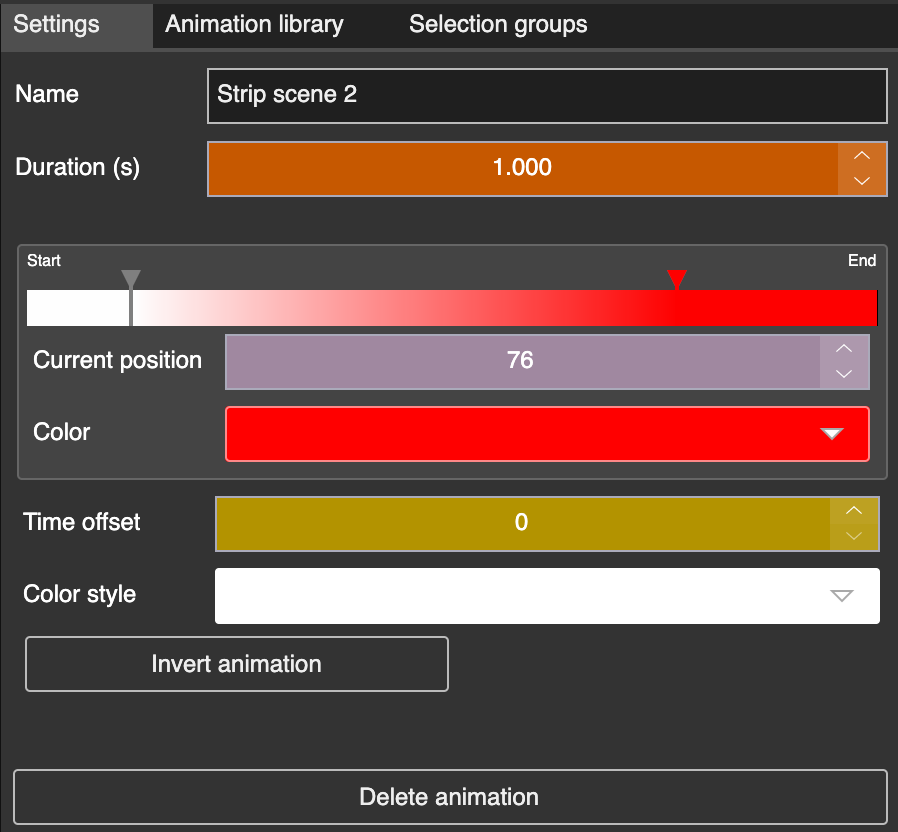
Analog strip animation in LSS4 with keyframe controls

Great for LED dance performances

Strip scenes aren't limited to static architectural installations. They're also excellent for wearable LED performance — dancers with LED strips or neon flex attached to costumes, stage rigging with linear LED elements, or any performance context where the lighting needs to move with the performer.

Both analog (RGB/RGBW) and digital pixel strips are supported, so whether you're working with simple DMX-controlled strips or individually addressable pixels, the strip scene editor handles it. Color selection groups let you control multiple independent strips as a unit for coordinated choreography.

  • Works for wearable LED strips in dance performances
  • Analog and pixel strip support
  • Selection groups for controlling multiple strips together
  • Scene banks for organizing multiple performance looks
  • Can be added to the show timeline for choreographed cues
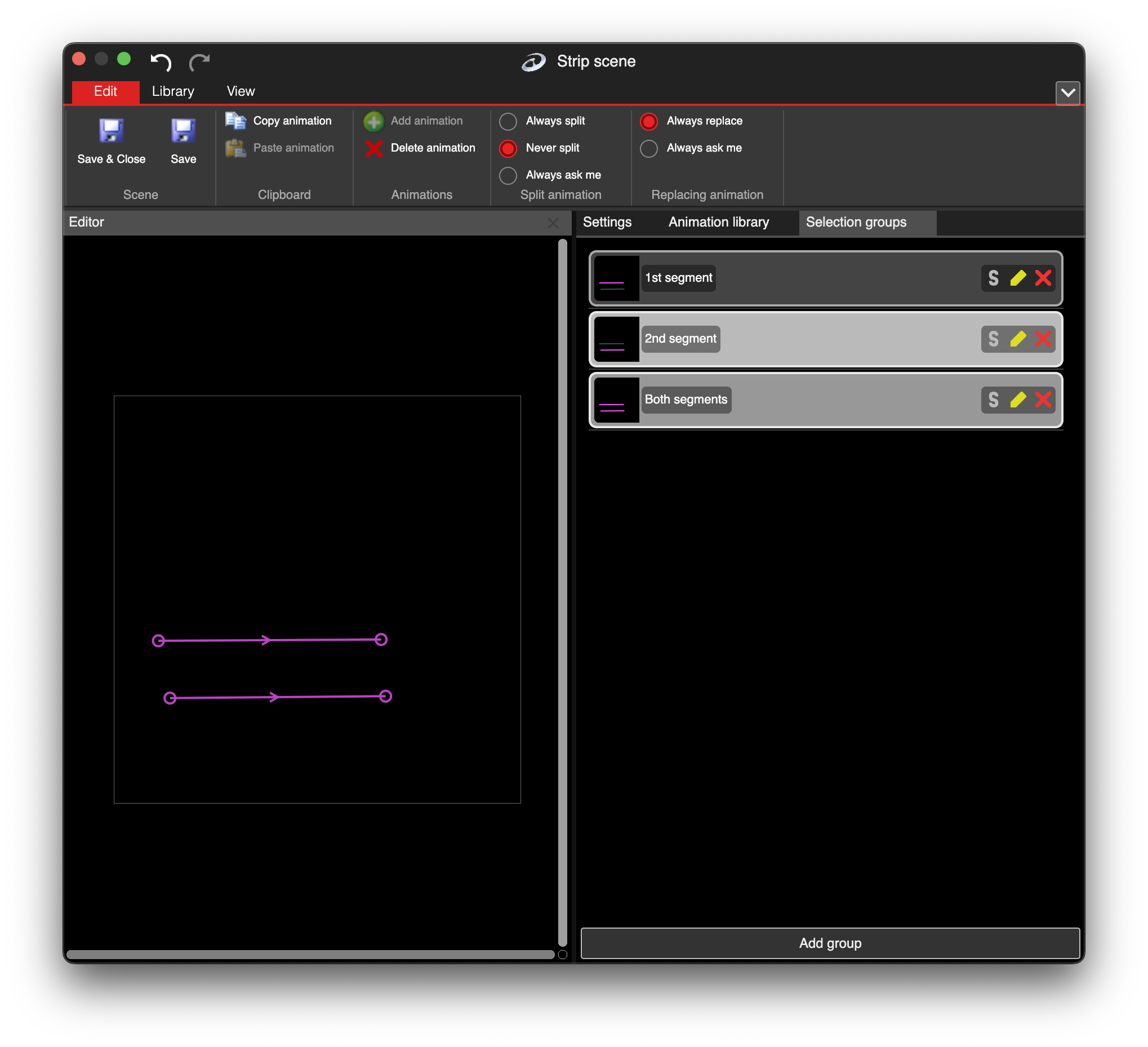
Selection groups in LSS4 strip scene for controlling multiple strips
New strip scene in LSS4 scene bank

Scenes in bank

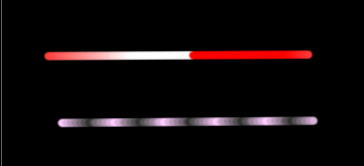
Two strip animations in LSS4

Multiple strip animations

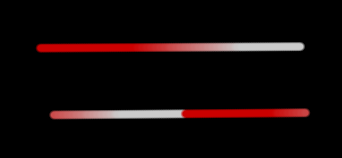
Time offset in LSS4 strip animation

Time offset for wave effects

Strip scene questions

What is a strip scene in LSS4?

A strip scene in LSS4 is a type of content specifically designed for linear LED lighting. Instead of projecting a 2D video onto LED segments, strip scenes let you define color animations directly along the length of each LED strip. You create keyframe-based animations where each keyframe defines a color palette along the strip's path. The animations play and loop smoothly, making strip scenes ideal for LED neons, architectural strips, and linear stage lighting.

Does LSS4 support analog LED strips (RGB, RGBW) in strip scenes?

Yes. LSS4 supports both digital pixel strips (individually addressable LEDs) and analog strips (standard RGB or RGBW controlled by DMX). Analog strips are controlled via DMX output from a LEC3 device. Both types can be used in strip scenes, with the animation system adapting to the number of controllable segments available.

Can I use strip scenes for LED dance performance costumes?

Yes. Strip scenes are well-suited for LED dance performances. You can create multiple strip scenes for different choreography moments, organize them in scene banks, and trigger them from the show timeline, MIDI controller, keyboard shortcuts, or touch mode. The Reactivo 2 controller also supports wireless operation, which is useful for wearable LED applications.

Contact & Support

Real people, real answers. Choose the channel that works best for you.

📧

Email

Send us your questions, project details, or feature requests. We reply with thorough answers.

[email protected]
💬

WhatsApp

Quick questions, photos of your installation, or a live voice call — WhatsApp works for all of it.

+421 948 280 393
📹

Zoom Consultation

Book a screen-share session with the team. Walk through your project, get hands-on guidance.

Book a Call
🎧

Talk to Support

Use the contact form to describe your issue or question in detail. We follow up promptly.

Contact Us
✈️

On-Site Support

For large-scale installations — stadiums, studios, architecture — we travel worldwide to assist on-site.

[email protected]
⬇️

Download Free Trial

Try LSS4 with full features. No credit card required. Windows and macOS.

Download Now

Linear LED lighting deserves linear LED tools

Strip scenes give you precise animated control over every segment of every LED strip. Download LSS4 and see what's possible.