Video Player

Multi-Layer Video
Built for Pixel LEDs

LSS4's video scene engine lets you layer video, images, text, and live screen capture — all mapped onto your pixel LED installation. Play content at any speed, loop exact frame ranges, and compose scenes with multiple independent layers.

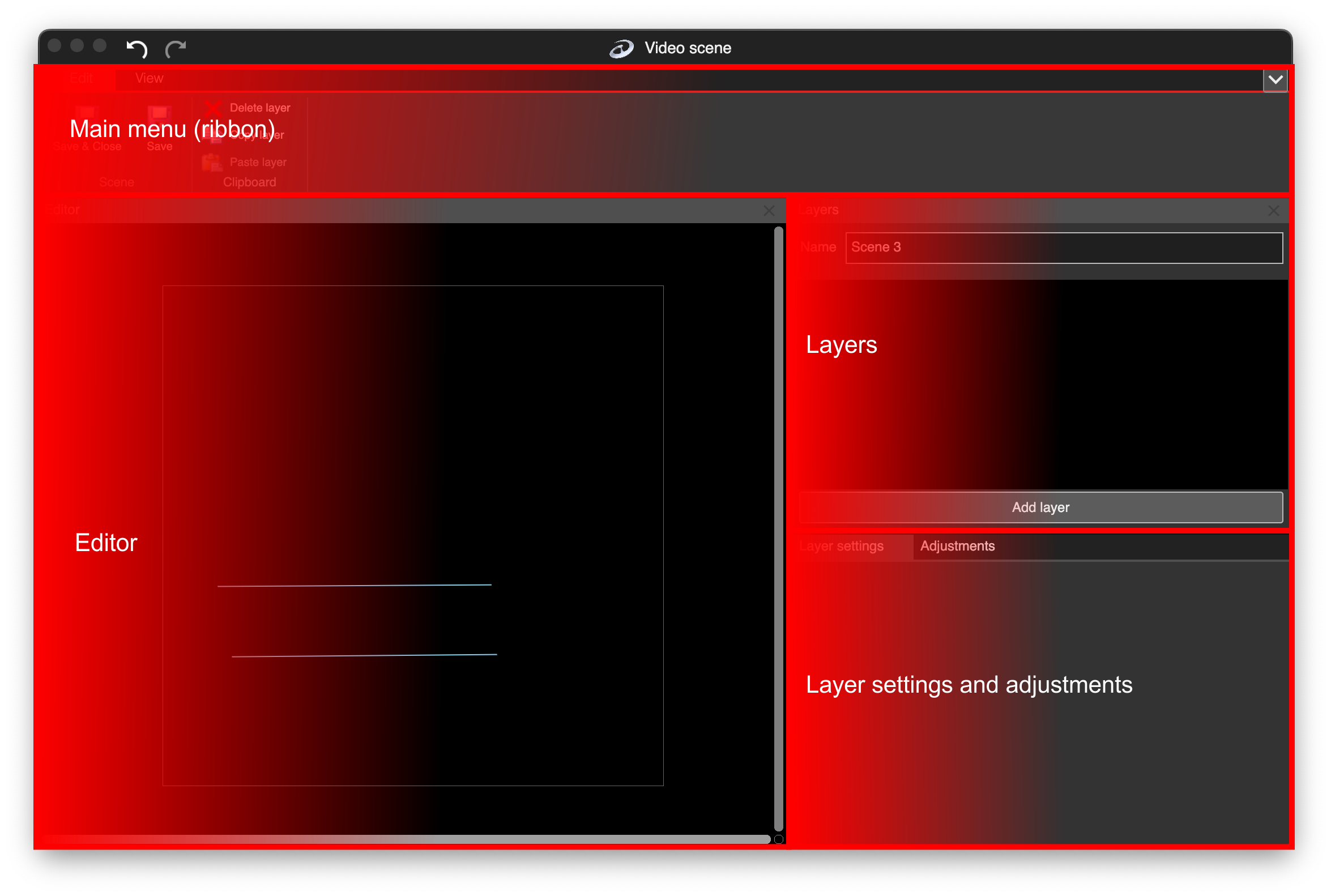
LSS4 video scene editor with layers panel and settings

Layer anything you need in one scene

The video scene in LSS4 isn't just a video player — it's a compositing tool. Every scene is built from independent 2D layers that stack on top of each other. Add as many layers as you need, reorder them, and control each one's position, size, and behavior independently.

A single LED scene can simultaneously show a video background, a title text overlay, a color gradient, and a live screen capture — all mapped to the same pixel installation. That's a significant step up from tools that only let you play one file at a time.

  • Video — import any standard video file
  • Images — static or animated, with PNG transparency support
  • Text — static text or scrolling marquees
  • Color Effects — animated color patterns and gradients
  • Screen Grabber — live capture of any part of your desktop
Add layer menu in LSS4 video scene

Quick seek, variable speed, precise looping

For pixel LED installations, standard playback speed isn't always what you want. LSS4 lets you play video at any speed — slow motion for ambient effects, fast forward for high-energy sequences. Frame-accurate start and end points let you cut exactly the loop you want from a longer video file without pre-editing.

  • Play at any speed — slow or fast
  • Quick seek with value scroll bar for frame preview
  • Start Frame and End Frame for precise loop definition
  • View resolution, duration, frame count, and framerate
  • Invert X / Y to flip video horizontally or vertically
  • Per-layer color adjustments: contrast, brightness, saturation
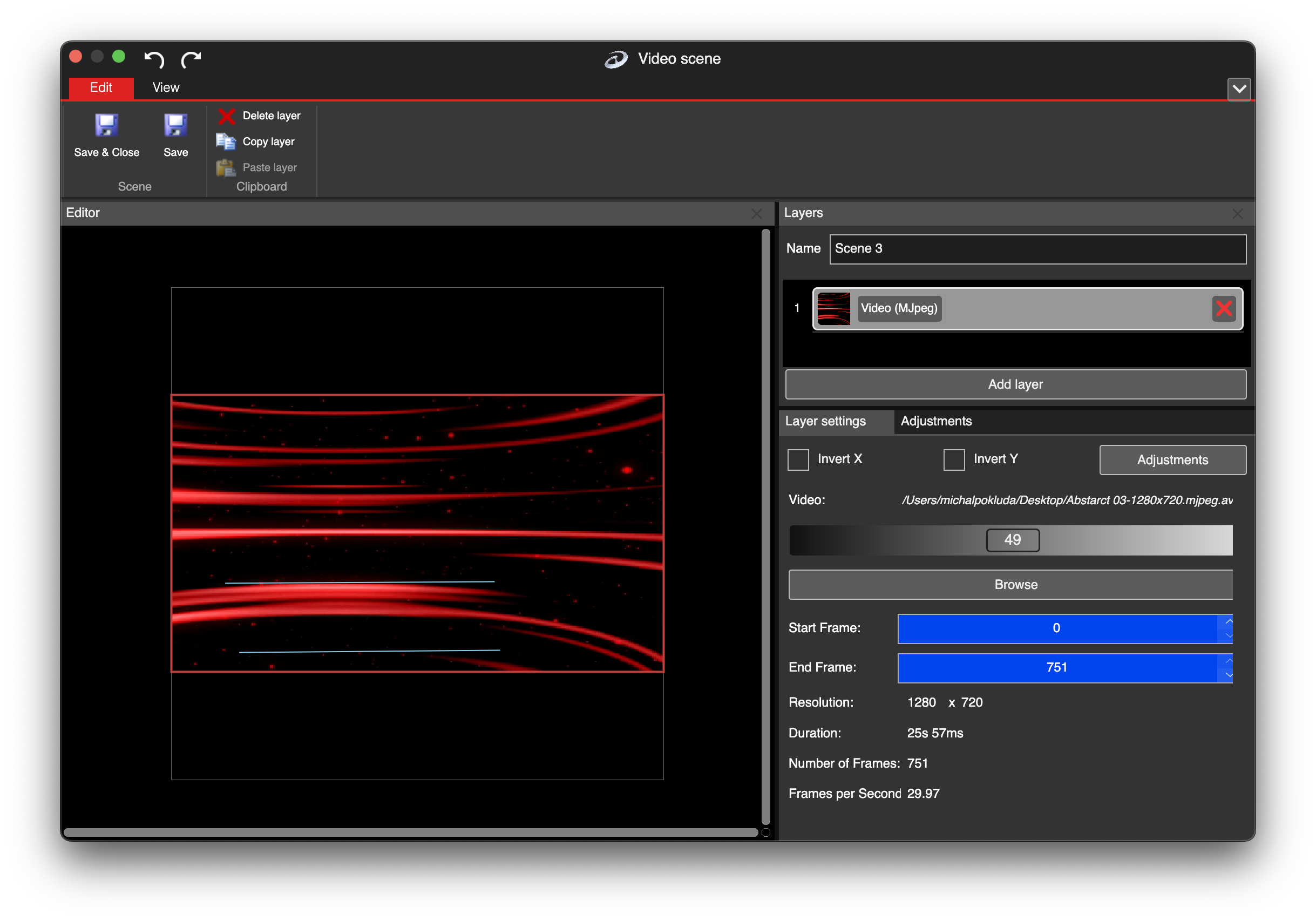
LSS4 video layer settings with speed and frame controls

Bring any video — LSS4 handles conversion

LSS4 uses motion-JPEG (MJPEG) internally for frame-accurate playback. But you don't need to convert anything yourself — drop in a .mp4, .mov, or .gif and LSS4 converts it automatically. Set resolution limits during conversion to keep file sizes manageable and CPU usage low during playback.

  • Native MJPEG format for optimized LED playback
  • Auto-converts .mp4, .mov, .gif — no external tools needed
  • Set Max Width and Max Height during conversion
  • Smaller files = lower disk usage and CPU load
  • Conversion happens once; MJPEG file is reused
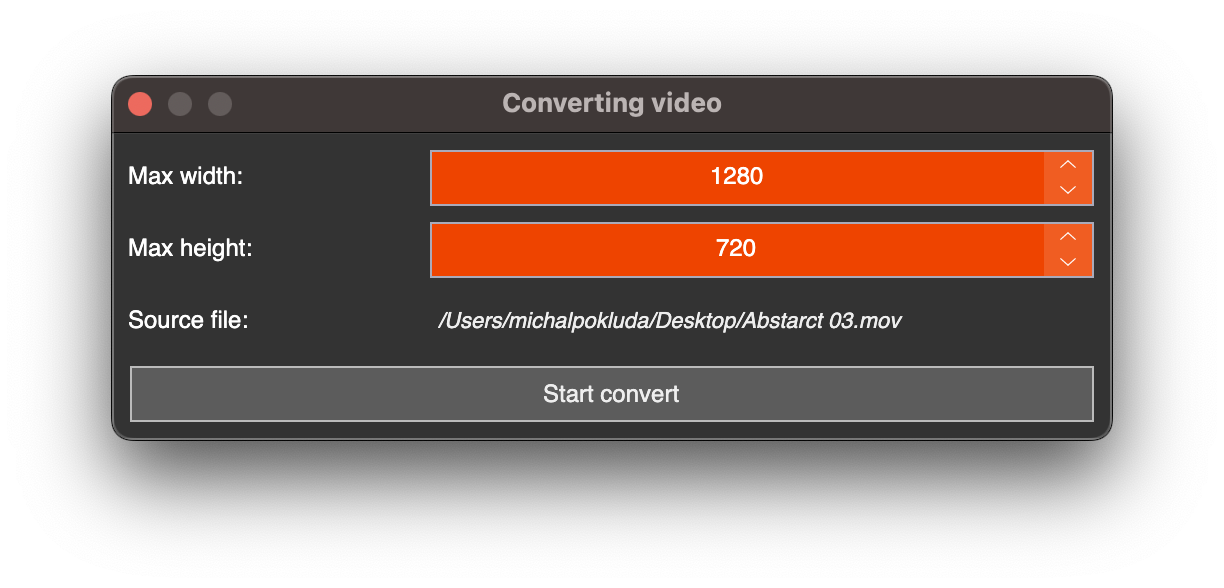
LSS4 video format conversion window
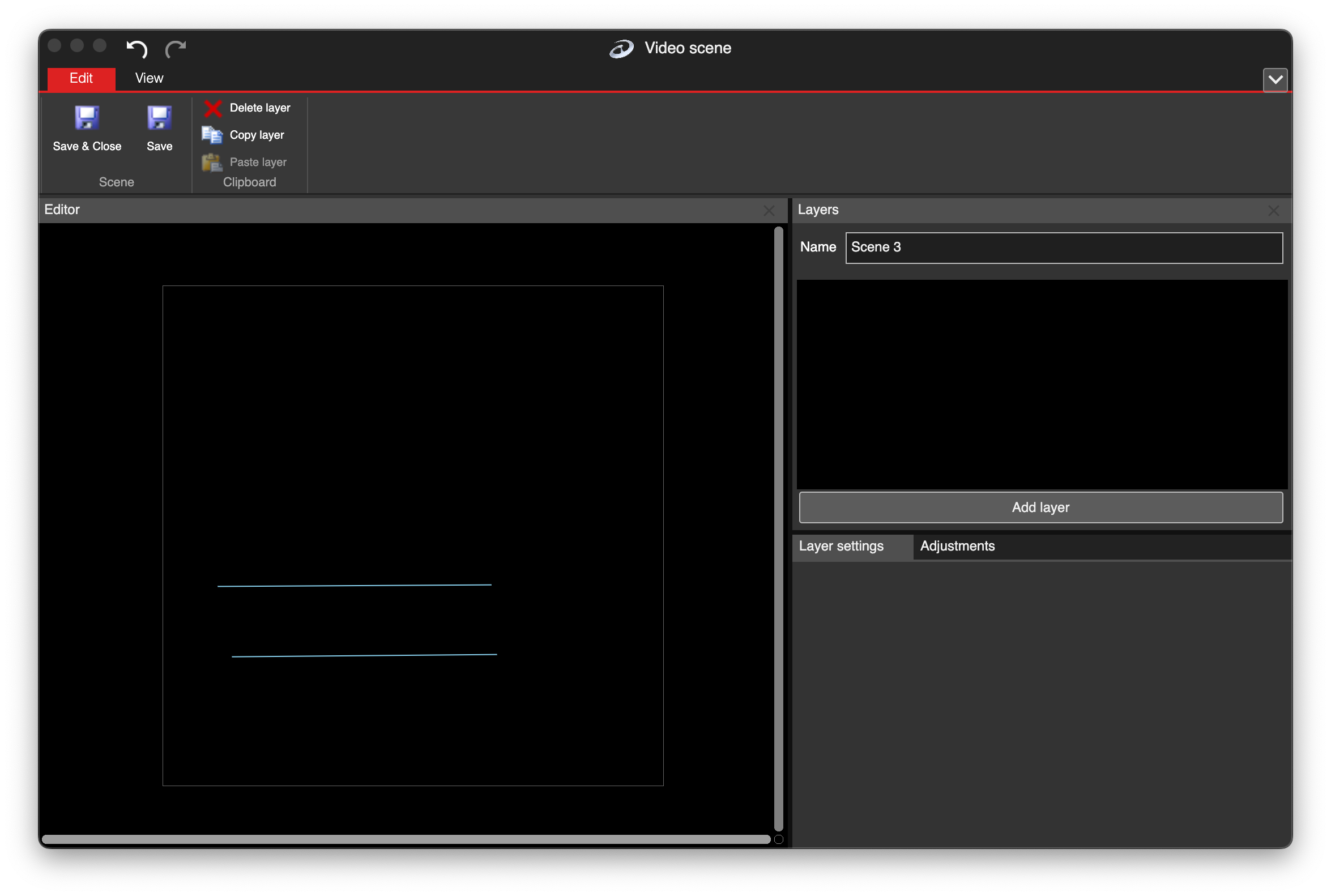
Empty LSS4 video scene workspace

Empty video scene workspace

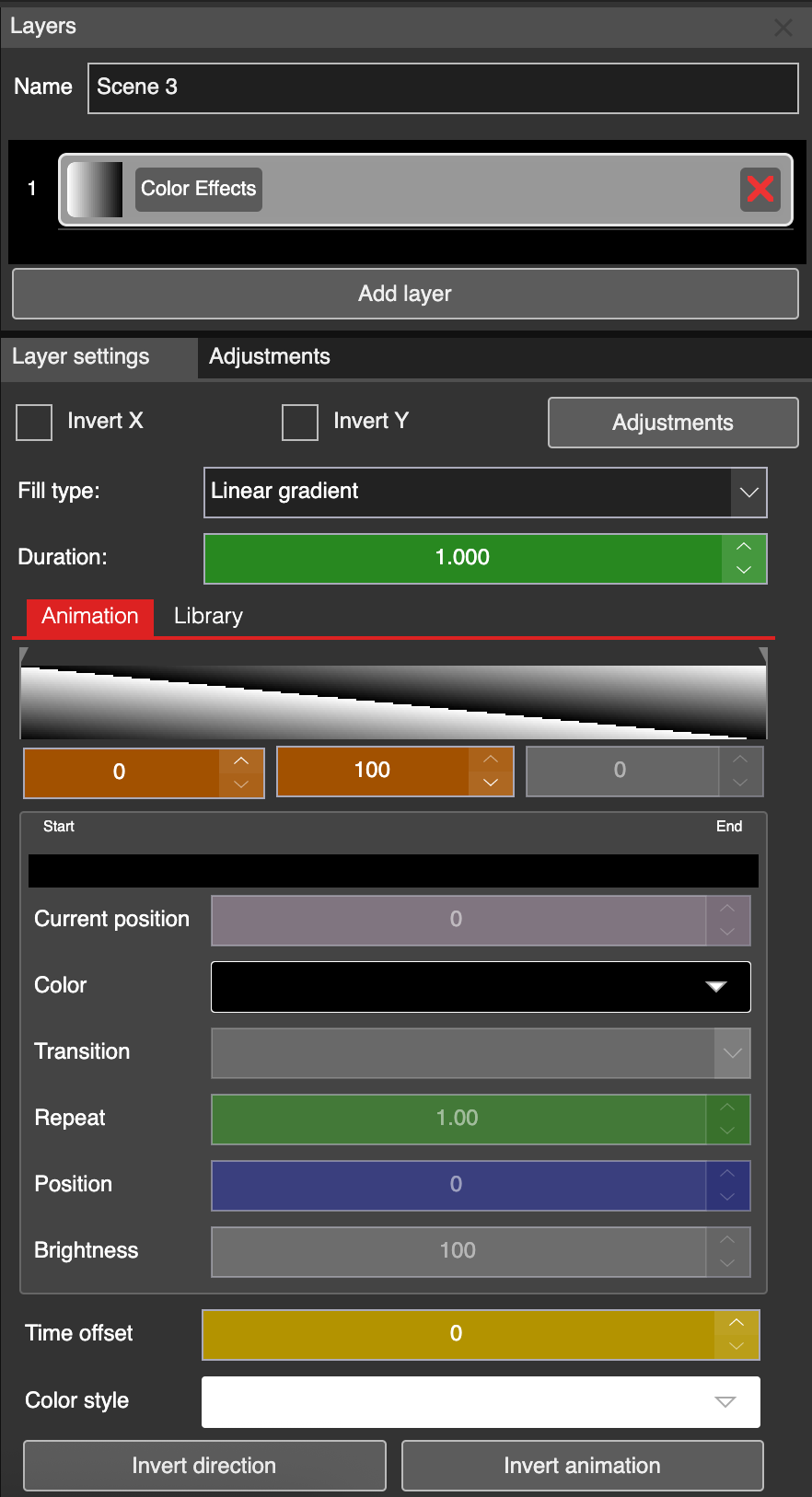
Color effects layer in LSS4

Color effects layer

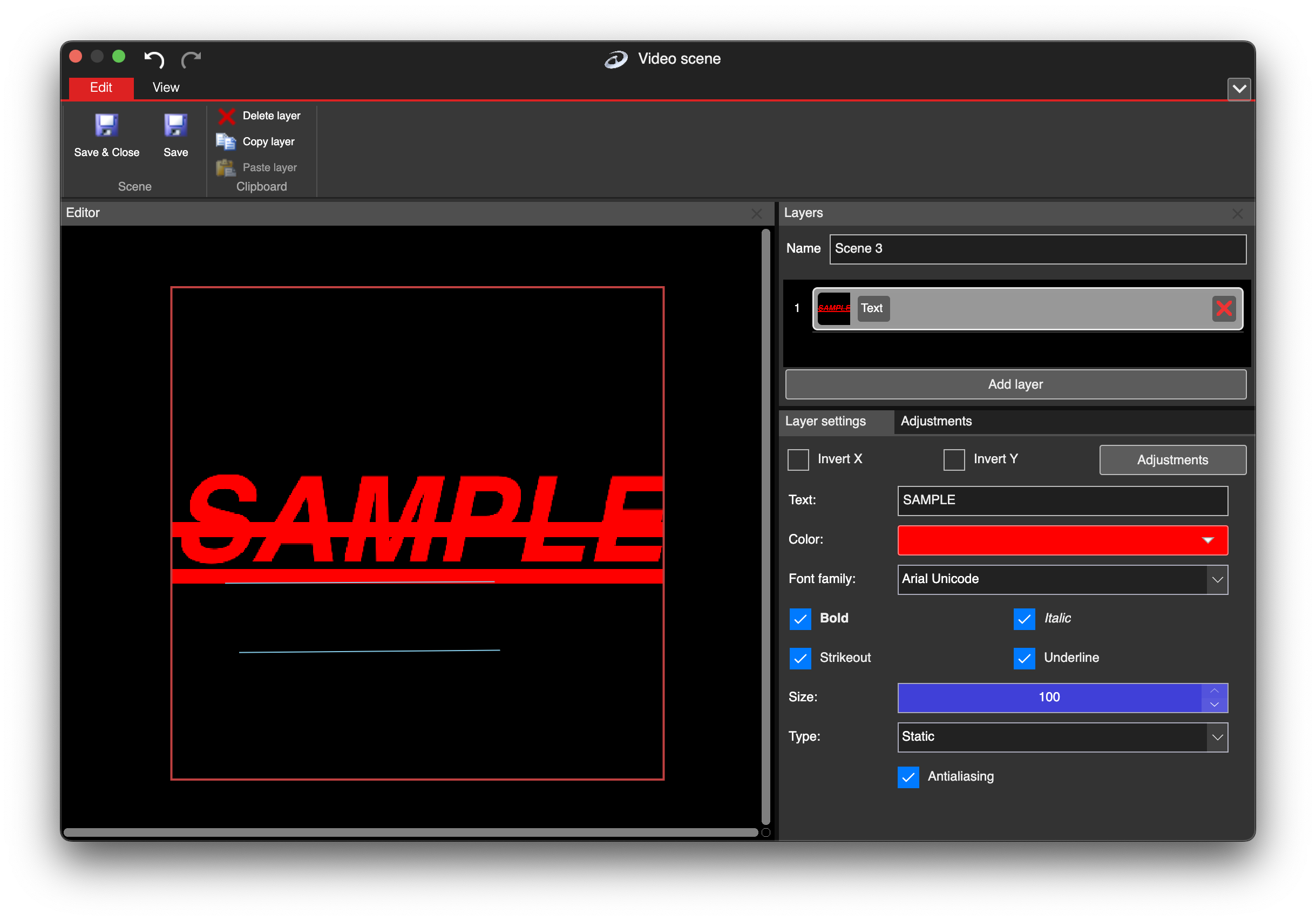
Text layer in LSS4 video scene

Text layer

Video player questions

What video formats does LSS4 support for LED pixel playback?

LSS4 uses motion-JPEG (MJPEG) internally. If you open a standard format like .mp4, .mov, or .gif, the software automatically converts it to MJPEG before playback. You set maximum width and height limits during conversion to control file size and CPU usage. The converted file is saved and reused in future sessions.

Can I play video at different speeds in LSS4?

Yes. The video layer settings include playback speed controls that let you play content slower or faster than the original rate. Speed is set per layer, so different video layers in the same scene can play at different speeds simultaneously.

Can I define a specific loop section of a video file?

Yes. Each video layer has Start Frame and End Frame settings. LSS4 plays from the start frame to the end frame and loops that section continuously. Use the frame preview scroll bar to find the exact frames you want. This means you can use a long source video and define different clip sections in different scenes without pre-cutting the file.

How many video layers can I have in a single scene?

LSS4 supports multiple layers per scene without a hard limit. You can stack video, image, text, color effect, and screen grabber layers in any combination. In practice, the number of simultaneous layers you can run smoothly depends on CPU speed and RAM — modern computers handle several HD video layers comfortably.

Contact & Support

Real people, real answers. Choose the channel that works best for you.

📧

Email

Send us your questions, project details, or feature requests. We reply with thorough answers.

[email protected]
💬

WhatsApp

Quick questions, photos of your installation, or a live voice call — WhatsApp works for all of it.

+421 948 280 393
📹

Zoom Consultation

Book a screen-share session with the team. Walk through your project, get hands-on guidance.

Book a Call
🎧

Talk to Support

Use the contact form to describe your issue or question in detail. We follow up promptly.

Contact Us
✈️

On-Site Support

For large-scale installations — stadiums, studios, architecture — we travel worldwide to assist on-site.

[email protected]
⬇️

Download Free Trial

Try LSS4 with full features. No credit card required. Windows and macOS.

Download Now

Give your LED installation the video engine it deserves

Multi-layer compositing, variable speed, live screen capture — LSS4's video scene is built for the kind of content that makes LED installations stand out.