SPI Lamp 2
Turn One SPI Output Into 32 Distributed Pixel Outputs
32 units per chain · 100 m per hop · 1024 RGB / 768 RGBW · 2.5 Mbps · DMX512
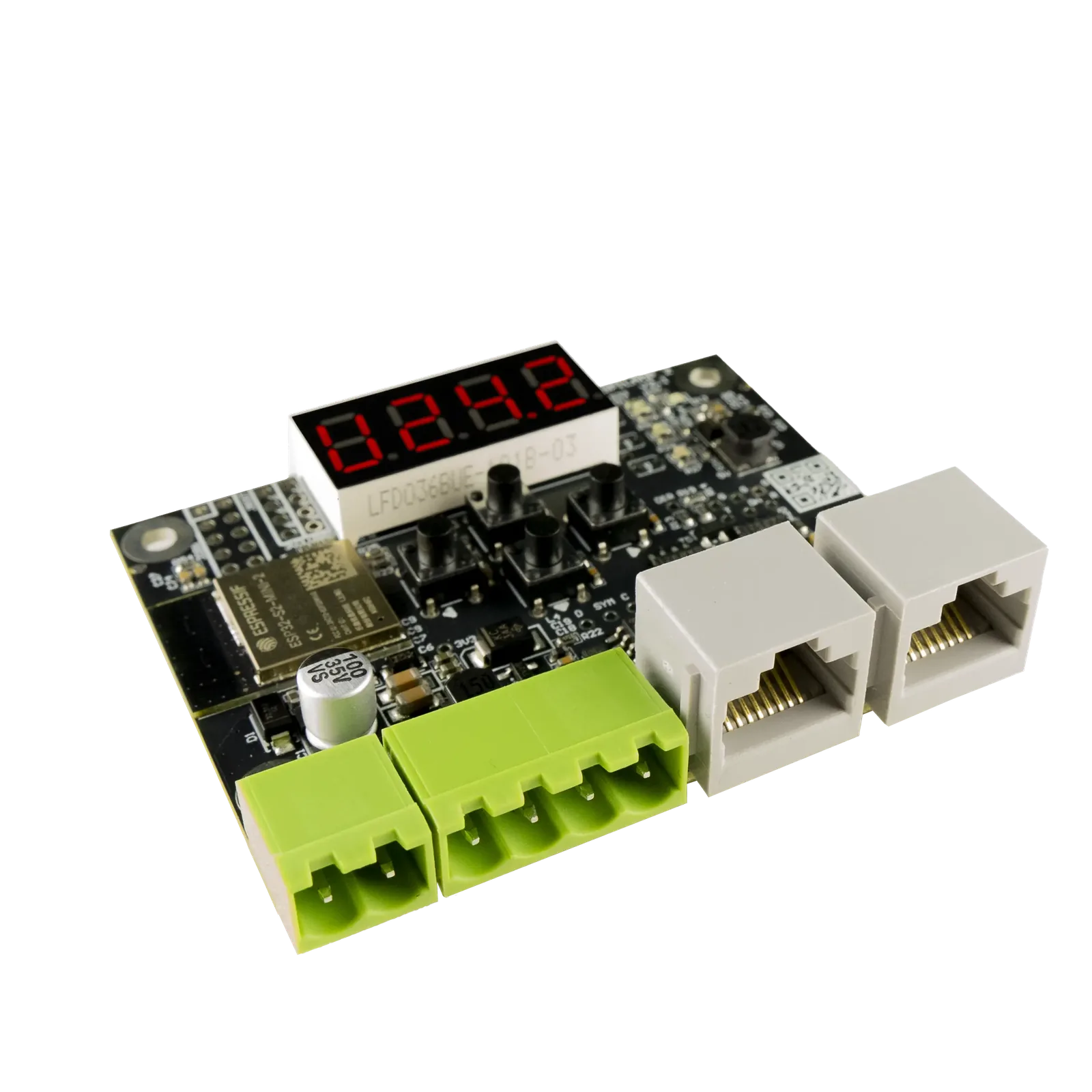
SPI Lamp 2 is a compact SPI signal splitter and repeater designed for installations with multiple LED objects, hanging lamps, pixel fixtures, or long cable runs. Daisy-chain up to 32 units from a single LEC3 or SPI Matrix output, with up to 100 m between units.



SPI Lamp 2
One controller. Dozens of distributed LED objects.
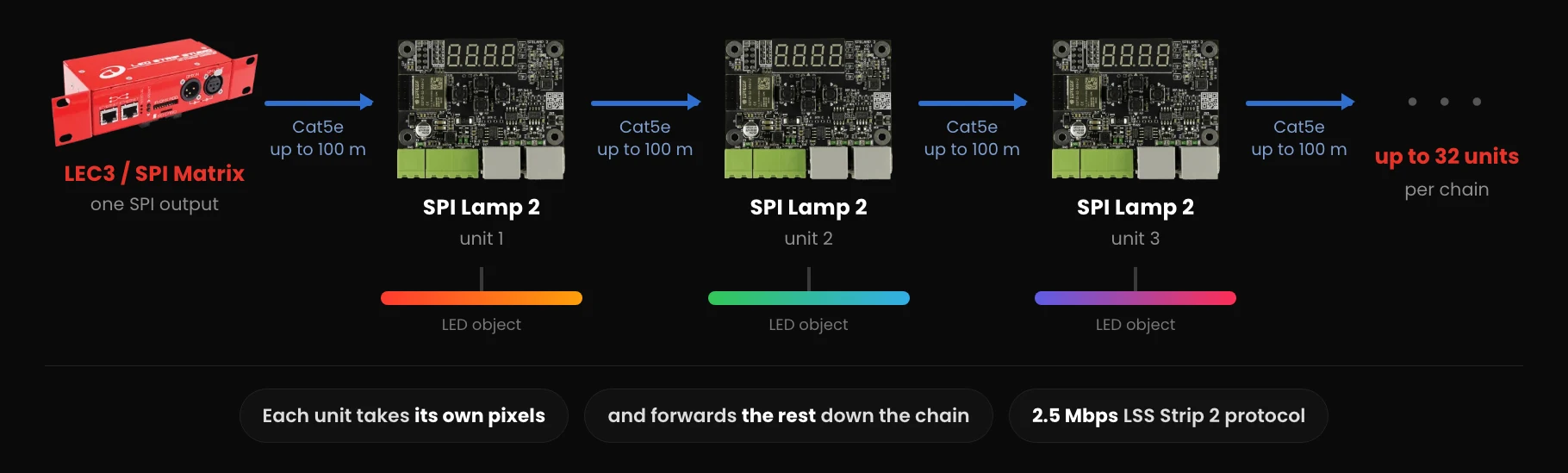
Place an SPI Lamp 2 near each LED object and connect them using standard Cat5e cable. Each unit extracts its assigned pixel data and forwards the remaining data to the next unit.
- SPI Lamp 2 PCB (no enclosure, cables, or power supply included)
SPI Lamp 2
How It Connects
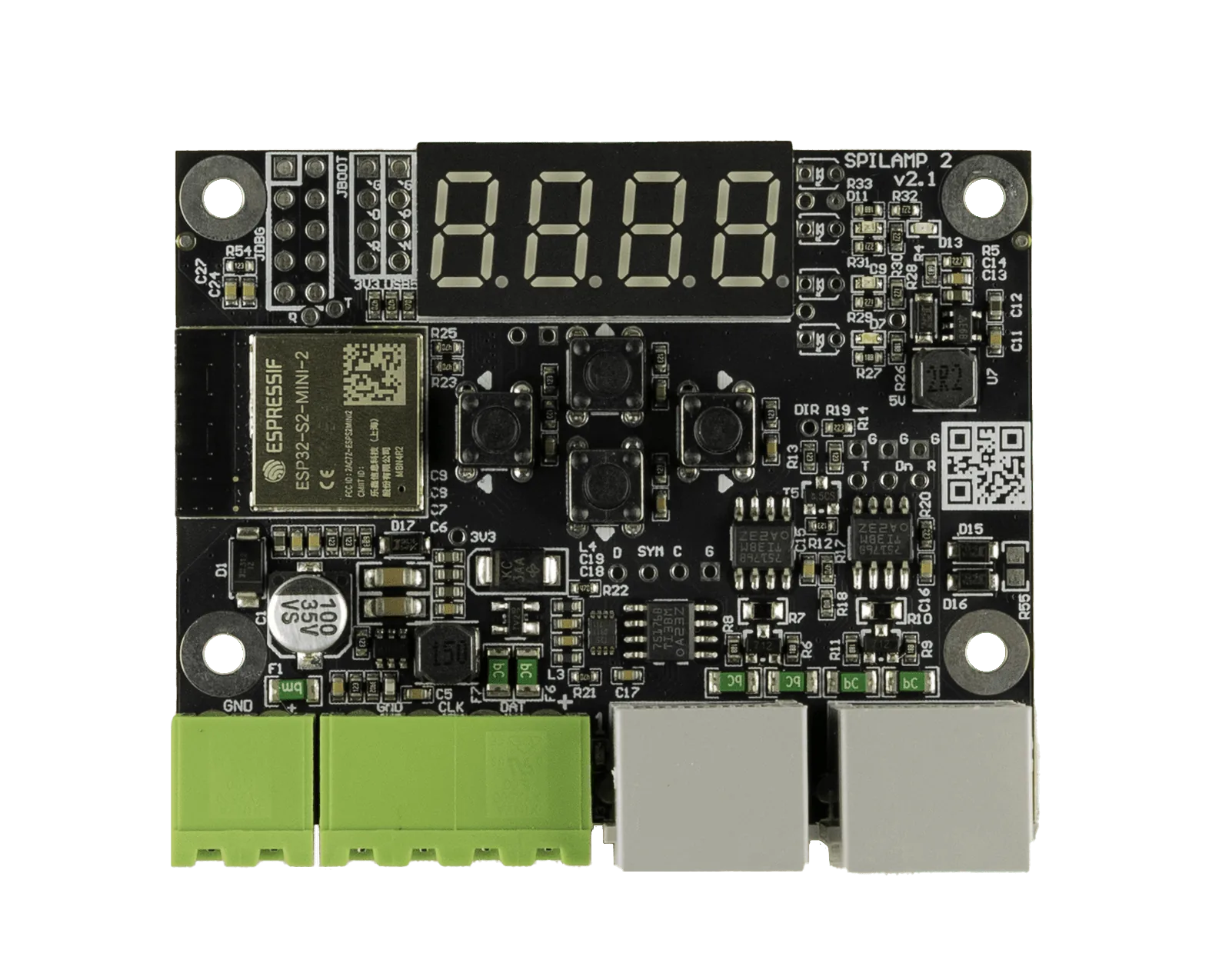
Either RJ-45 port can carry the incoming signal, so a chain can be wired in whichever direction suits the room. Feed the signal into Port 2 and the unit takes its pixels from the end of the incoming data instead of the start.
SPI Lamp 2
Use Cases
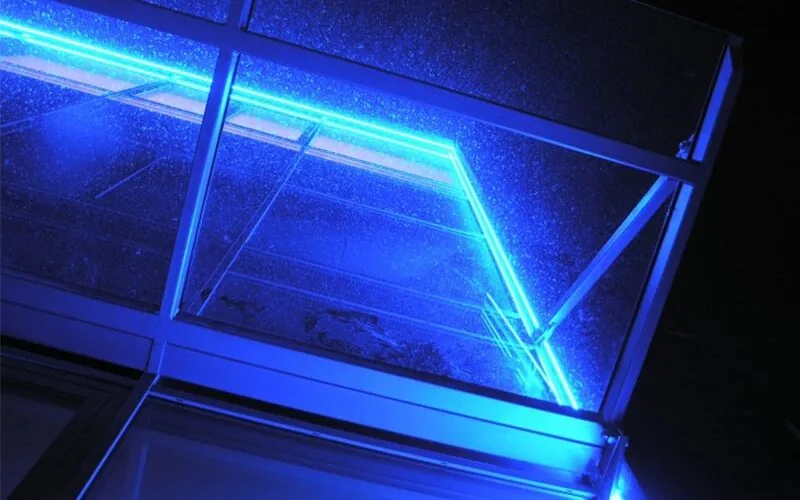
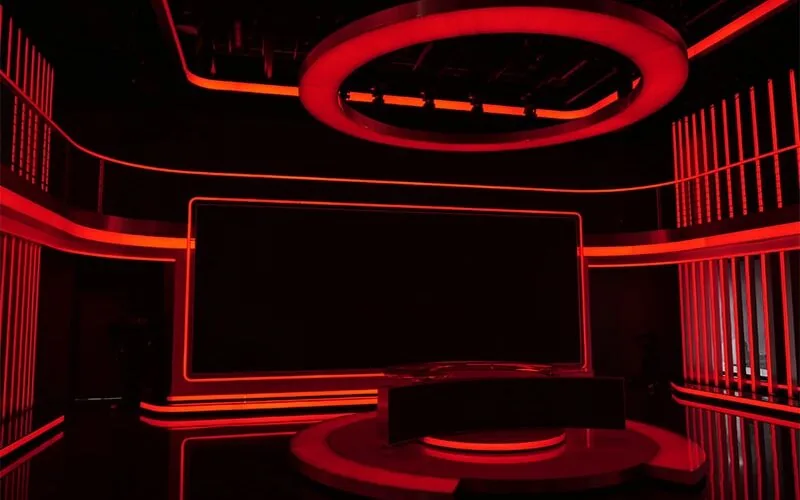
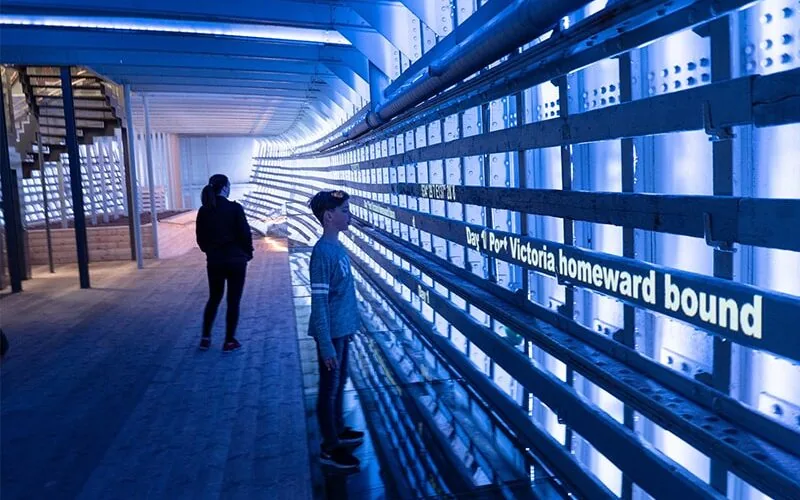
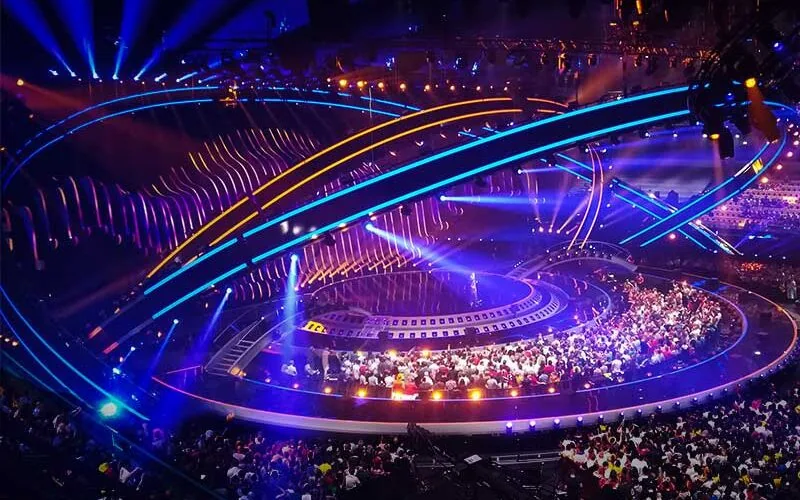
Built for hanging lamps and any installation that needs many independent SPI outputs from a single controller.
SPI Lamp 2
Why use SPI Lamp 2?
Distributed installations
Place the electronics close to the LED object instead of running long SPI connections.
Long-distance communication
Use Cat5e or Cat6 between units instead of conventional short SPI wiring.
Simple installation
Daisy-chain units using RJ45 connectors.
No laptop required
Configure pixel type and pixel count directly on the built-in display.
One platform, multiple fixture types
Drive addressable LEDs or output DMX512 from the same hardware.
SPI Lamp 2
Key Features
Configure Without a PC
Set IC type, pixel count, and diagnostics (voltage, FPS, firmware version) directly from the onboard display and 4 control buttons.
Read More →Up to 1024 RGB / 768 RGBW Pixels
Per output, with 0 as a valid minimum—no forced pixel-count floor like the original SPI Lamp.
Read More →WS2811-Family and Native DMX Output
Drive standard SPI LED chips (WS2811, WS2812B, SK6812, TM1809...) or generate a real DMX512 signal (RGB/RGBW) from the same 4-pole output.
Read More →
Daisy-Chain or Y-Split
Chain up to 32 units from one SPI output, or use Y-Splitting to branch a single signal into two independent runs.
Read More →Long, Robust Cable Runs
Custom differential LSS strip 2 protocol over standard RJ-45/Cat5e—up to 100m per hop with no data loss.
Read More →Fits a Junction Box or 3D-Printed Enclosure
70 x 58 x 18mm PCB with 4 mounting holes—drop it into a surface-mounted electrical box or print your own enclosure.
Read More →SPI Lamp 2
One Output, Many Independent Runs
A single SPI output only reaches so far, and routing signal from object to object usually means signal integrity problems—even over short cable runs.
- One SPI output, one long noisy run
- Pixel count and IC type only configurable via DIP switches or SD card
- No easy way to branch a signal into two runs
- One output, up to 32 independent runs (or Y-Split into two)
- Set IC type and pixel count on the built-in display—no PC needed
- Native DMX output option from the same unit
SPI Lamp 2
| Specification | SPI Lamp 2 |
|---|---|
| Protocol | LSS Strip 2 |
| Data rate | 2.5 Mbps |
| Cable | Cat5e or better |
| Maximum cable distance | 100 m per hop |
| Maximum daisy chain | 32 units |
| Maximum pixels | 1024 RGB / 768 RGBW per output |
| Supported ICs | WS2811, WS2812B, SK6812, TM1809, etc. |
| DMX512 | Yes |
| Configuration | 4 buttons + display |
| PCB dimensions | 70 × 58 × 18 mm |
| Power supply | Not included |
| Enclosure | Not included |
SPI Lamp 2
SPI Lamp 2
SPI signal splitter
SPI Lamp 2
Videos
Introduction, overview, and advanced setup—see SPI Lamp 2 in action.


SPI Lamp 2
FAQ
No. Never connect SPI Lamp 2 directly to a PC network card, switch, or router—its RJ-45 ports use a different pinout, voltage levels, speed, and protocol from standard 10/100/1000 Mbps Ethernet. More in SPI Lamp 2 Cable Runs: 100 m per Hop.
Directly on the device, using the 4 built-in buttons (Up/Down/Back/Enter) and display—no PC or SD card required. You can also set them via an SpiLamp2.cfg file on an SD card in your LEC3 or SPI Matrix. More in SPI Lamp 2: Configure Without a PC.
Both are LSS strip 2 I/O ports and can act as input or output (auto-detected by default). If the signal is fed into Port 2 instead of Port 1, the device takes the pixels it needs from the end of the incoming data rather than the start, forwarding the rest out the other port—this is what makes daisy-chaining and Y-Splitting possible. More in SPI Lamp 2 Daisy-Chain and Y-Split.
Yes. Selecting IC type 16 or 17 makes the 4-pole SPI LED output generate a real DMX512 signal (RGBW or RGB) instead of an SPI pixel protocol. More in SPI Lamp 2 SPI and DMX512 Output.
Only LEC3 or SPI Matrix (or later). SPI Lamp 2 uses our custom LSS strip 2 protocol, so no other controller is compatible.
No. SPI Lamp and SPI Lamp 2 use different protocol versions and are not compatible with each other—don't mix them in the same daisy chain.
Up to 32 units in a single daisy-chained string, with up to 100m of Cat5e (or better) cable between each hop. More in SPI Lamp 2 Daisy-Chain and Y-Split.
Just the SPI Lamp 2 PCB—no enclosure, cables, or power supply. It fits a standard surface-mounted electrical junction box, or you can 3D-print your own enclosure.
Need Help Choosing Hardware?
Tell us about your installation and we'll help you plan your SPI Lamp 2 daisy chain.
Book a Free Consultation →