Chain Them. Or Branch Them.
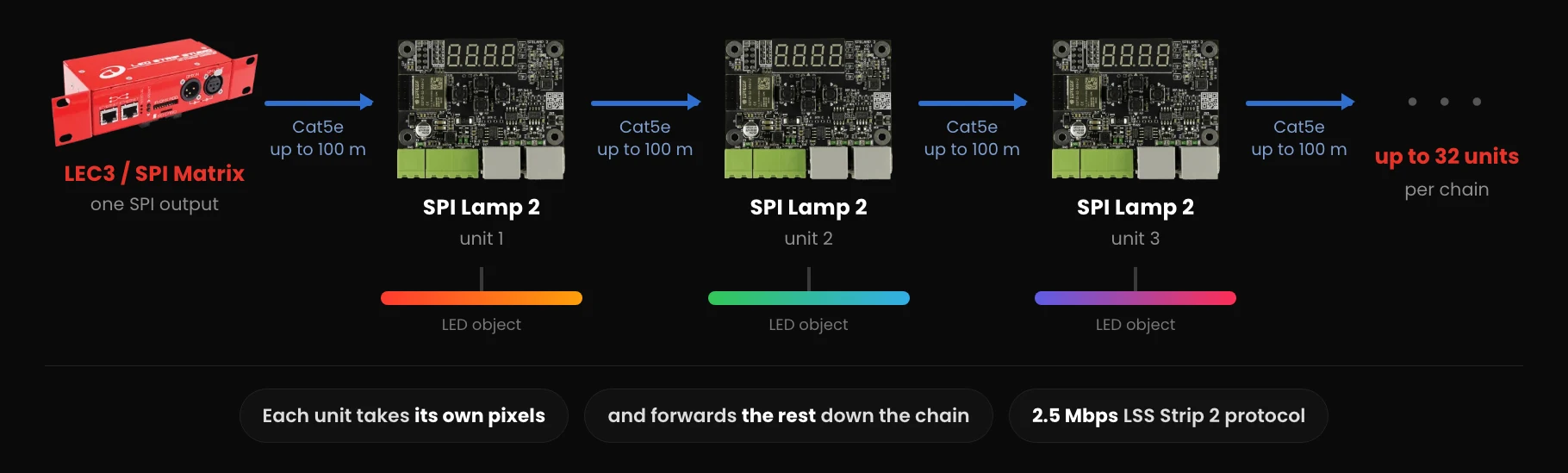
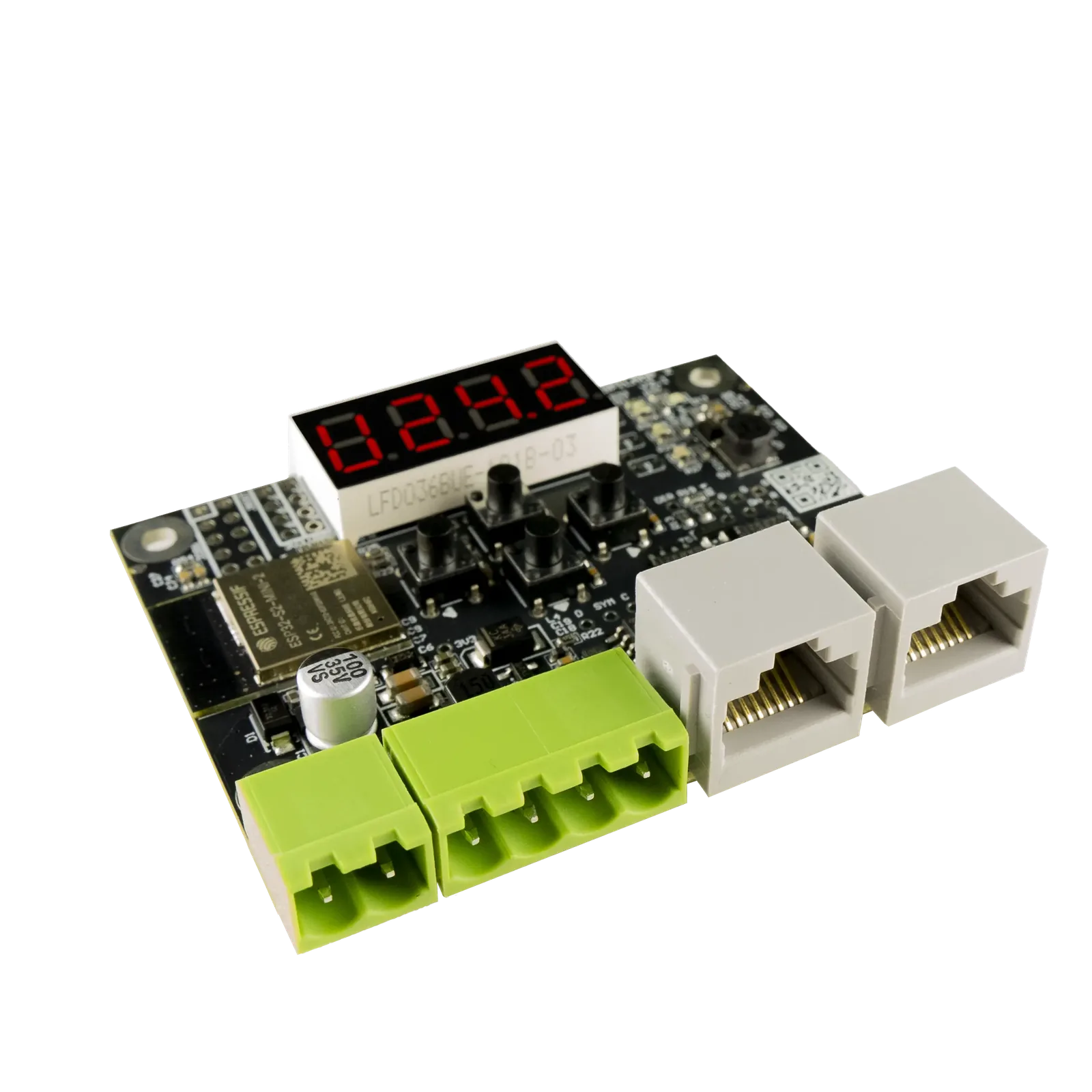
Both RJ-45 ports are inputs or outputs, detected automatically. That is what lets one controller output feed a straight line of up to 32 units, or split into two runs heading in different directions.
Daisy Chain
How the line passes data
A unit takes the pixel data assigned to it and forwards everything else out of its other port. Repeat that along the line and a single controller output ends up with as many independent SPI outputs as there are units.
The limit is 32 units in one string, which is a count of boards rather than a distance. How far apart they sit is covered on Long, Robust Cable Runs.
- Up to 32 units in one daisy-chained string
- Each unit gets an independent SPI output
- Fed from one LEC3 or SPI Matrix output
- Standard RJ-45 patch cable between units
Y-Split
Branching one signal into two runs
Either port can receive. Feed the signal into Port 2 instead of Port 1 and the unit takes its pixels from the end of the incoming data rather than the start, then passes the remainder out of the other side.
That behaviour is what makes a Y-split possible: one signal leaves the controller and two runs head away from the split point, each addressing its own part of the data.
- Either port accepts the incoming signal, detected automatically
- Port 2 input takes pixels from the end of the data
- Two independent runs from one controller output
- Useful when objects sit on both sides of the feed
FAQ
Daisy-Chain or Y-Split questions
Up to 32 in a single daisy-chained string from one controller output.
Both carry the same signal and either can be the input. Feeding Port 2 makes the unit take its pixels from the end of the incoming data instead of the start.
Yes. That is what Y-splitting does, using the port behaviour described above.
Planning a Distributed LED Install?
Book a free consultation and we'll work out how many SPI Lamp 2 units your project needs.
Book a Free Consultation →