Technology
Which PSL2 Control Options Fit Your Pixel LED Project?
Most pixel LED projects don’t go wrong on the LEDs. They go wrong on control. A shop owner won’t start a laptop every morning. A lighting operator doesn’t want a second system next to the console, and a designer wants every pixel, not a handful of presets. That usually means three different controllers.
The Powered SPI LED Controller 2 (PSL2) covers all three in one box. This guide compares the seven PSL2 control options for integrators, rental companies and installers: what each one does, what it needs and where it fits. The goal is simple: choose the control method before you wire anything.

What Are the PSL2 Control Options?
PSL2 is a pixel LED controller with a built-in power supply that drives up to 1,024 RGB or 768 RGBW pixels. It takes control from seven sources: its own display, the SD card, a phone, DMX, Art-Net or sACN, Art-Net pixel mode and LED Strip Studio 4. They fall into two groups: running on its own, or following an external system.
| # | Control option | Computer on site? | Typical use |
|---|---|---|---|
| 1 | Built-in display and buttons | No | Setup, quick tests, occasional changes |
| 2 | SD card autoplay | No | Shop windows, signs, rental, permanent loops |
| 3 | LSS Remote app | No | Client switches content from a phone |
| 4 | DMX | No (console) | Events and stages with a lighting desk |
| 5 | Art-Net / sACN | Yes, or a console | Lighting software or console on the network |
| 6 | Art-Net pixel mode | Yes, or a media server | Live pixel content from MADRIX, MadMapper, Resolume |
| 7 | LED Strip Studio 4 | Only while designing | Pixel mapping and creating your own animations |
The PSL2 control options can be combined. A typical setup creates the animations in LED Strip Studio 4, plays them from the SD card and switches them from a DMX console during the show.
How Do You Control PSL2 Without a Computer?
Three of the seven options need no computer on site: the display, SD card autoplay and the phone app. They are the ones a client uses every day after handover, so they decide whether an installation is easy to live with or turns into service calls.
What Can You Do on the Built-In Display?
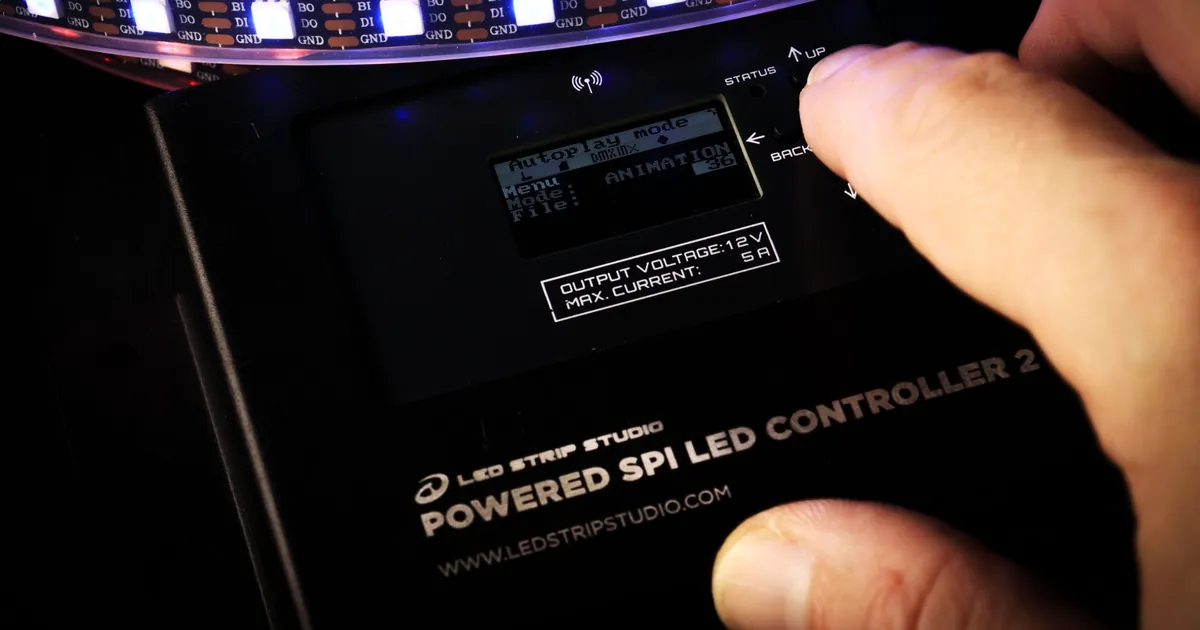
The OLED display and four buttons give you full control on the device itself. You can switch animations from the SD card, adjust brightness and speed, and set the IC type of your strip from more than 80 supported protocols. It is the fastest way to test a strip on site, and it needs nothing but power.
How Does SD Card Autoplay Work?
In autoplay mode, PSL2 starts playing from its Micro SD card the moment it gets power. The card holds a playlist of up to 32 animation files, set to loop or shuffle. Buttons or sensors wired to the trigger inputs can recall specific scenes without any operator.
This is the mode for shop windows, signs, bars and rental jobs: plug in and the light runs. How effects get onto the card is covered in our guide to running a pixel LED show from an SD card. The device settings are described in Default File and AutoPlay on PSL2.
Can You Control PSL2 From a Phone?
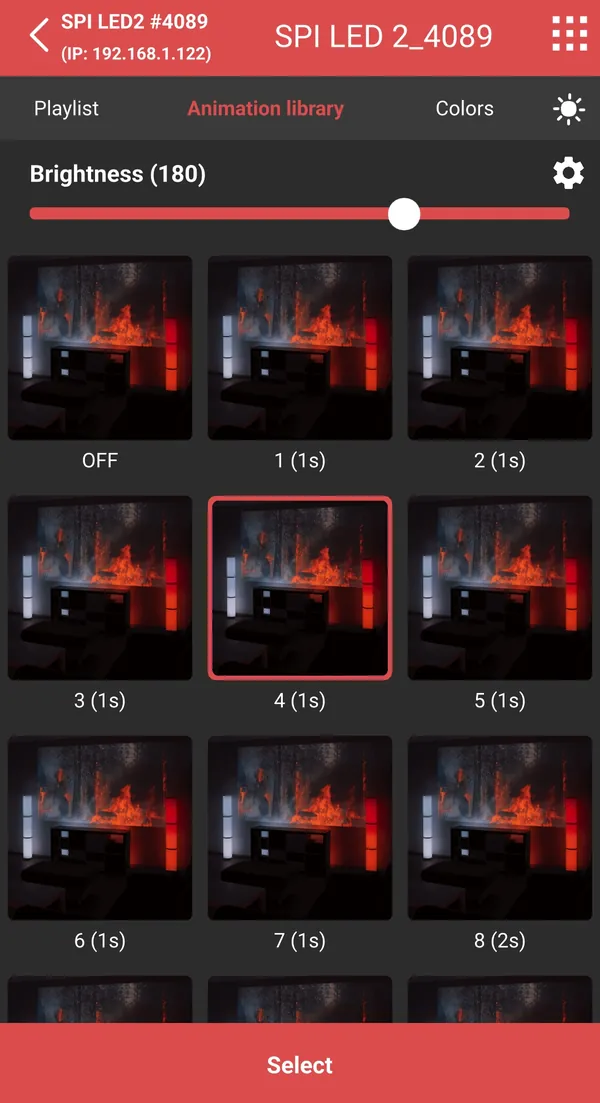
Yes, with the LSS Remote app for iOS and Android. It switches animations and sets brightness and speed over Wi-Fi. By default PSL2 runs as its own access point at 192.168.4.1, so the phone connects directly and no router is needed.
For everyday use, PSL2 can also join an existing network in client mode via WPS. The phone then stays on the normal network with internet access. The client controls the light without touching the device or opening the cabinet it is mounted in.
How Do You Control PSL2 From a Console or Software?
The remaining options let PSL2 follow an external system. The key decision is how much the console or software should control: only which animation plays, or the colour of every single pixel. That choice sets the channel count, the network load and what has to stay on site.
How Does DMX Control Work?
Over DMX, the console selects animations from the SD card and sets brightness and speed. The animations play on PSL2 itself, so it works like a small media server while the operator stays on a standard lighting desk. Any DMX512 source works, grandMA included.
The display shows the incoming channel values, which saves time when DMX isn’t behaving. The full setup is in How to work with DMX on PSL2.
What Changes With Art-Net and sACN?
Art-Net and sACN carry the same control over the network instead of a DMX cable. PSL2 receives it over Ethernet, or wirelessly in Wi-Fi client mode. Consoles and lighting software that speak Art-Net, such as ChamSys, switch animations exactly as they would over DMX.
If universes and start addresses are new to you, our guide to controlling LED strips over DMX and Art-Net explains how they work and where the limits are.
When Do You Need Art-Net Pixel Mode?
Use pixel mode when content is generated live and every pixel has to follow it. Each pixel gets its own channels: three for RGB, four for RGBW. A media server or pixel mapping software such as MADRIX, MadMapper or Resolume renders the content, and PSL2 outputs it to the strip.
| DMX / Art-Net control | Art-Net pixel mode | |
|---|---|---|
| What the console decides | Animation, brightness, speed | Colour of every pixel |
| Channels | A few per device | 3 per RGB pixel, 4 per RGBW pixel |
| Universes for a full PSL2 | 1 | 7 (1,024 RGB) or 6 (768 RGBW) |
| Where the content lives | SD card in PSL2 | Media server or PC on site |
Pixel mode is the most flexible option and the most demanding one. One universe holds 170 RGB pixels, so a full PSL2 needs seven universes for 1,024 RGB pixels, or six for 768 RGBW pixels at 128 per universe. If nothing on site has to drive pixels live, SD card playback is simpler.
When Do You Need LED Strip Studio 4?
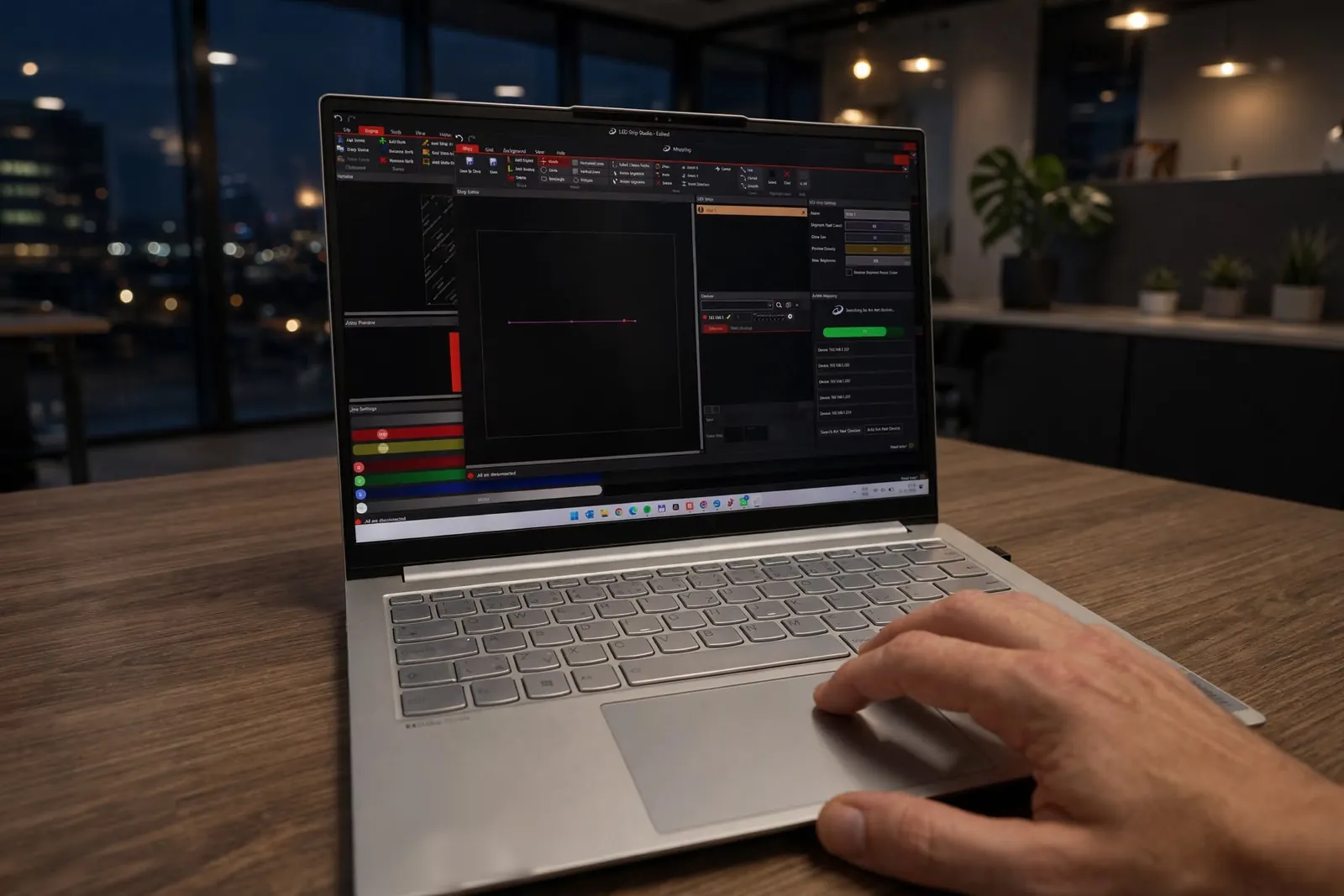
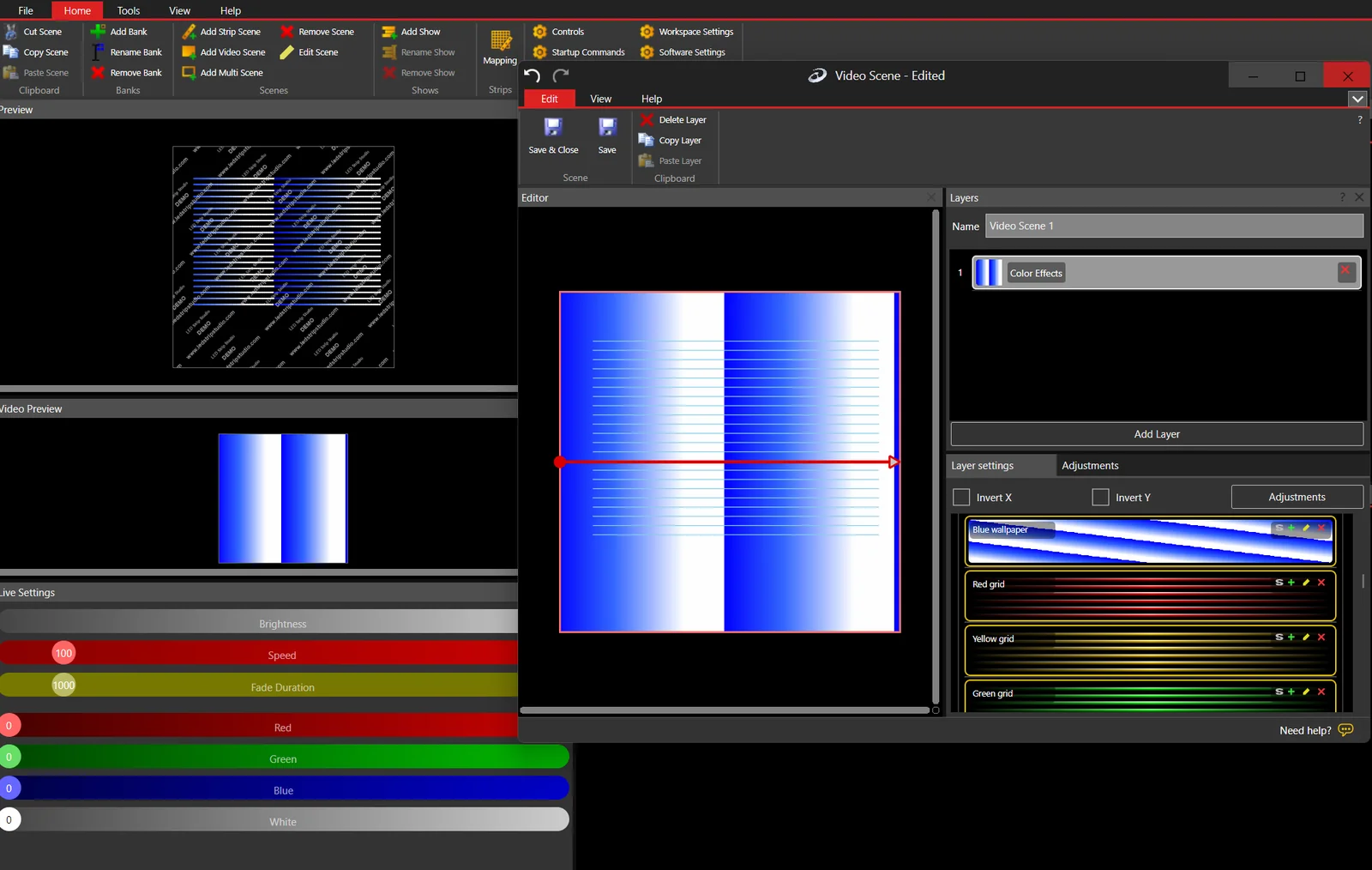
You need LED Strip Studio 4 when you design the content yourself. It maps where every pixel physically sits, so an effect follows the real shape of a logo, a ceiling or a stage set. With PSL2 it controls the device directly over our own protocol and exports animations to the SD card.
That is why PSL2 comes in two editions with the same hardware and a different control workflow. The Art-Net Edition (350 € excl. VAT) covers Art-Net and sACN, which is enough when content comes from MADRIX, Resolume or a console. The LSS Edition (700 € excl. VAT) includes LED Strip Studio 4 for mapping the installation and creating your own SD card animations.
What Does This Look Like on a Real Installation?
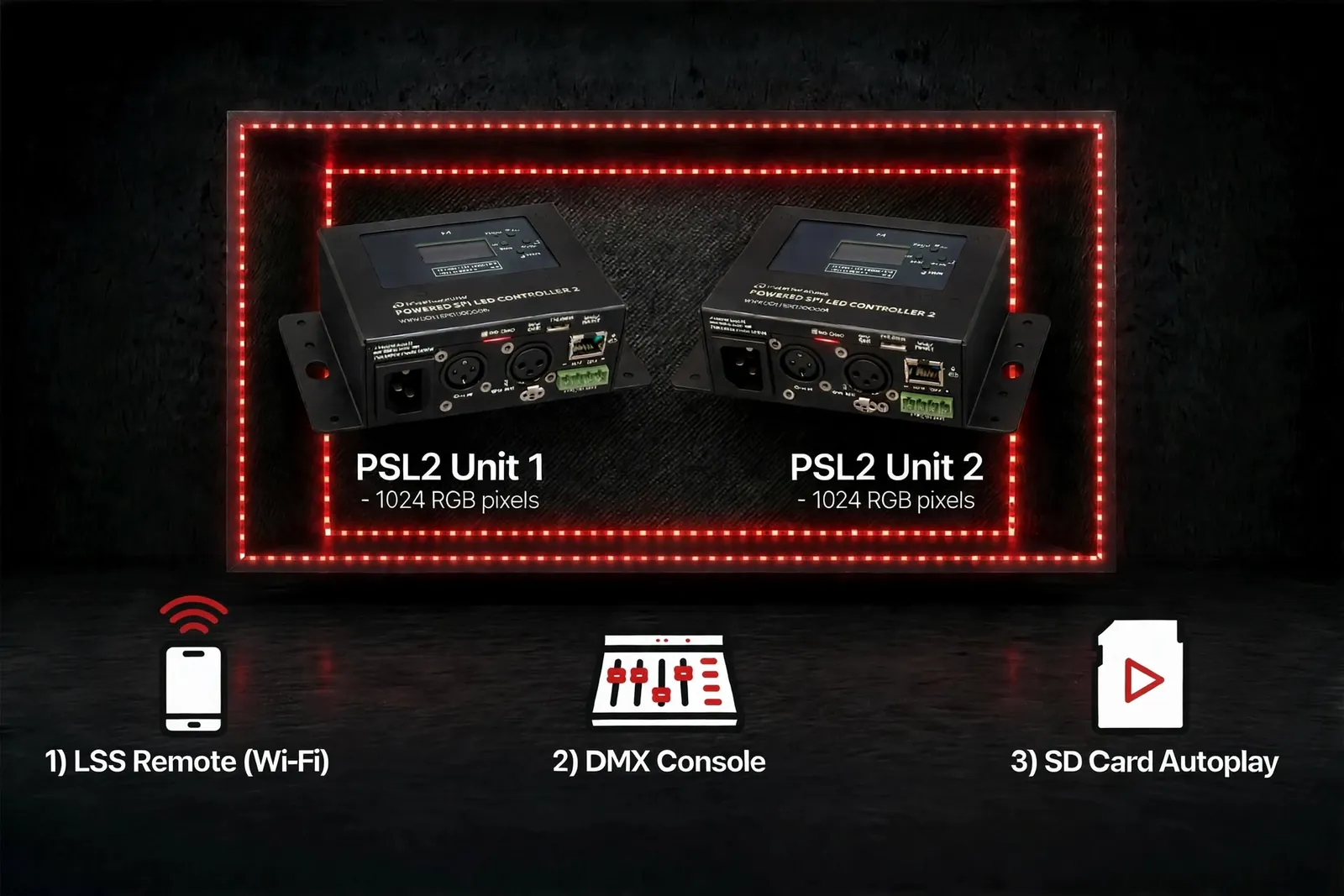
Take a rental company lighting a trade-fair booth with two PSL2 units, each driving its full 1,024 RGB pixels. During the day the booth runs a quiet loop and nobody operates the light. At the evening party, the technician runs show looks from the console.
Driven in pixel mode, the two units would need 14 Art-Net universes and a media server running on site all day. With SD card playback, the console only sends a few DMX channels per unit, and the daytime loop needs no control signal at all.
How Do You Set It Up Step by Step?
- Map the booth in LED Strip Studio 4 and create a daytime loop plus a few show looks.
- Export the animations to each PSL2’s SD card.
- Set autoplay so the daytime loop starts on power-up.
- Give the booth staff LSS Remote to change the look or brightness from a phone.
- Connect the console over DMX for the party and recall the show looks from faders.
- Test a full power cycle before handover, with no computer connected.
One controller type, three control methods, and no computer left on site after handover.
Which PSL2 Control Mistakes Cost the Most?
Most control problems come from choosing the wrong method, not from the hardware. These are the mistakes that cost the most time on site:
- Using pixel mode when nothing needs it. If no media server drives the pixels live, SD card playback removes the whole universe layer.
- Leaving a laptop on site just to start the show. Autoplay and the app do that job without a computer.
- Buying the wrong edition. Decide early whether you will design content in LED Strip Studio 4 or only receive Art-Net and sACN.
- Setting up the network after the install. Choose access point or client mode before the client’s Wi-Fi is involved.
- Not checking the DMX input. The display shows the incoming values, so look there before you blame the console.
Not sure which of the PSL2 control options fits your project? Book a free consultation and we will help you choose before you wire anything.
Powered SPI LED Controller 2
Pixel LED controller with a built-in power supply, up to 1,024 RGB pixels.
Sources and references
- LED Strip Studio, Powered SPI LED Controller 2 product page: pixel counts, OLED display and buttons, 32-file playlist, trigger inputs, Wi-Fi AP and client mode, Art-Net and LSS editions
- LED Strip Studio Wiki: How to work with DMX on PSL2; Default File and AutoPlay on PSL2
- LED Strip Studio blog: SD card playback and export from LED Strip Studio 4; LED strip control over DMX and Art-Net (170 RGB pixels per universe)
- LED Strip Studio, LSS Remote product page: iOS and Android app
Summary
PSL2 offers seven control options: the built-in display, SD card autoplay, the LSS Remote app, DMX, Art-Net or sACN, Art-Net pixel mode and LED Strip Studio 4. The display, autoplay with a playlist of up to 32 files and the app need no computer on site, which suits shop windows, signs and rental. DMX and Art-Net let a console switch animations and set brightness and speed with a few channels. Pixel mode hands every pixel to a media server and needs seven universes for 1,024 RGB pixels. LED Strip Studio 4, included in the LSS Edition, maps the installation and creates the SD card animations. The methods combine freely in one installation.