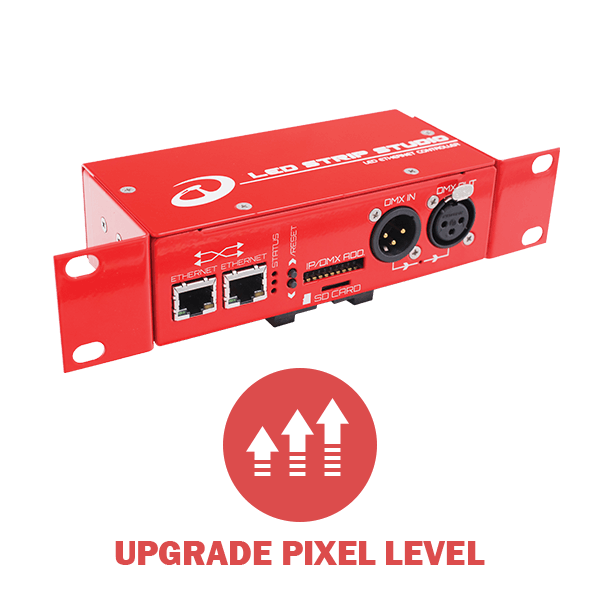
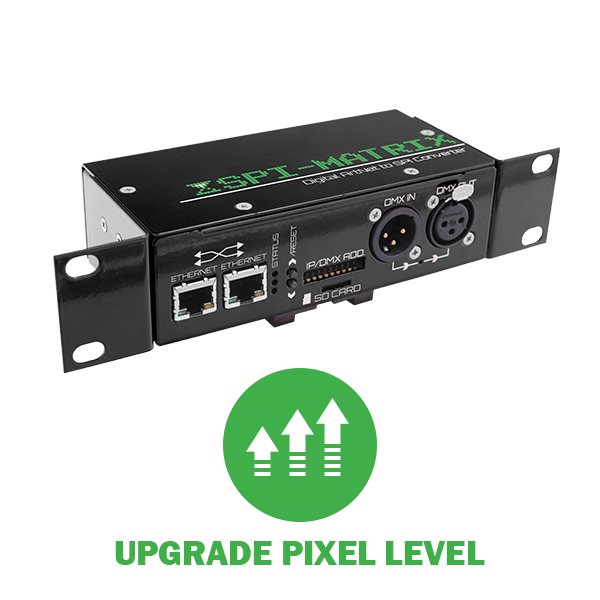
It was never easier for someone to start small and gradually upgrade to larger projects. With Pixel Upgrade you can increase the controllable pixels of your device at anytime.

Start small with Lite version

small installation of 15M on an office ceiling using LEC3 Lite version
You have a project where you are working with 900 pixels. You either purchase an SPI Matrix or LEC3. We are not limiting you to LED Strip Studio software, you can use 3rd party programs with our hardware.


Time to go Pro - upgrade pixel count!

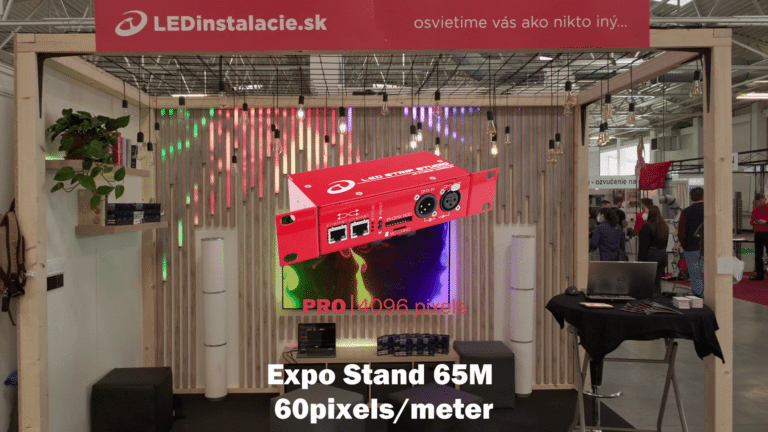
large installation of 60M in a expo stand with Pro version of LEC3
Your project is a success and you landed another project. This time, though, 4 times the size. You suddenly need to control 4000 pixels from a single unit. You would normally contact your reseller and try to get another device(s).
 
Or you will simply go to our page and follow this link.
 
There you will choose the type of controller you have and then follow with the pixel uprade you wish to purchase.


What we need from you?

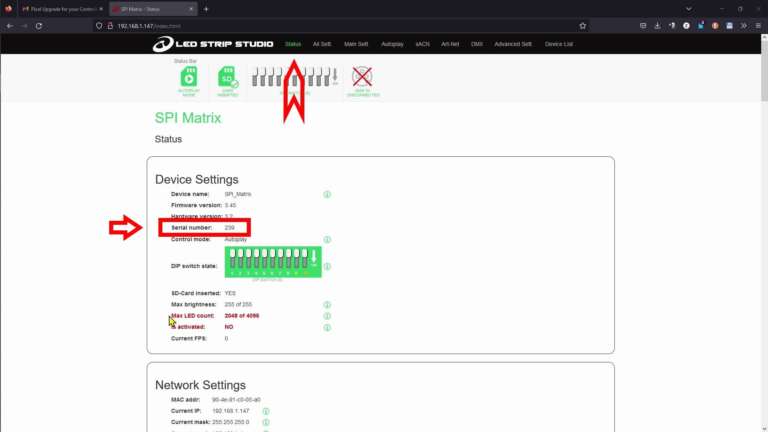
A few things really. Obviously, you have to have at least a Lite version of the controller to be able to upgrade. In order to generate a configuration file, we need to know the serial number of your device. You can find that very easily in Web config > Status Tab.

web config showing where to find serial number of the controller - Status Tab

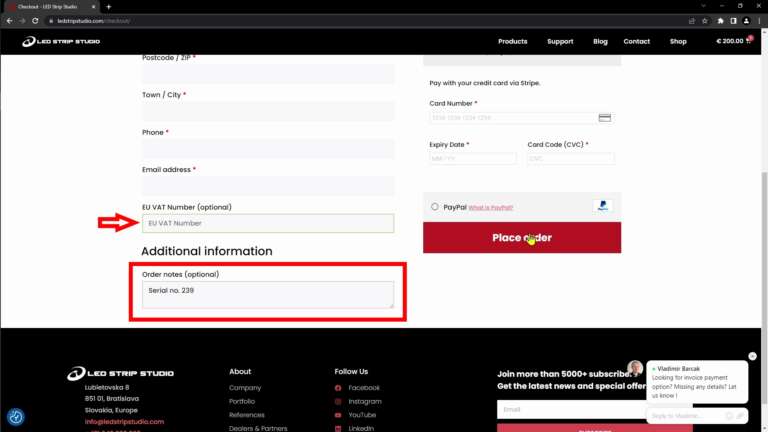
You can add the serial number as a note in Checkout. Of course, when you are not sure how to find the serial number, we will help you over the phone or chat app on this page.

leave a serial no. of your controller in the note while purchasing

We will send you an email with a small file attached. This is the configuration file that you need to upload to your device. The easiest way is again through Web configuration toolAdvanced Settings > LED Count setter. Select the file and hit Send settings.

A message with new Pixel count will pop-up immediately.