


Description
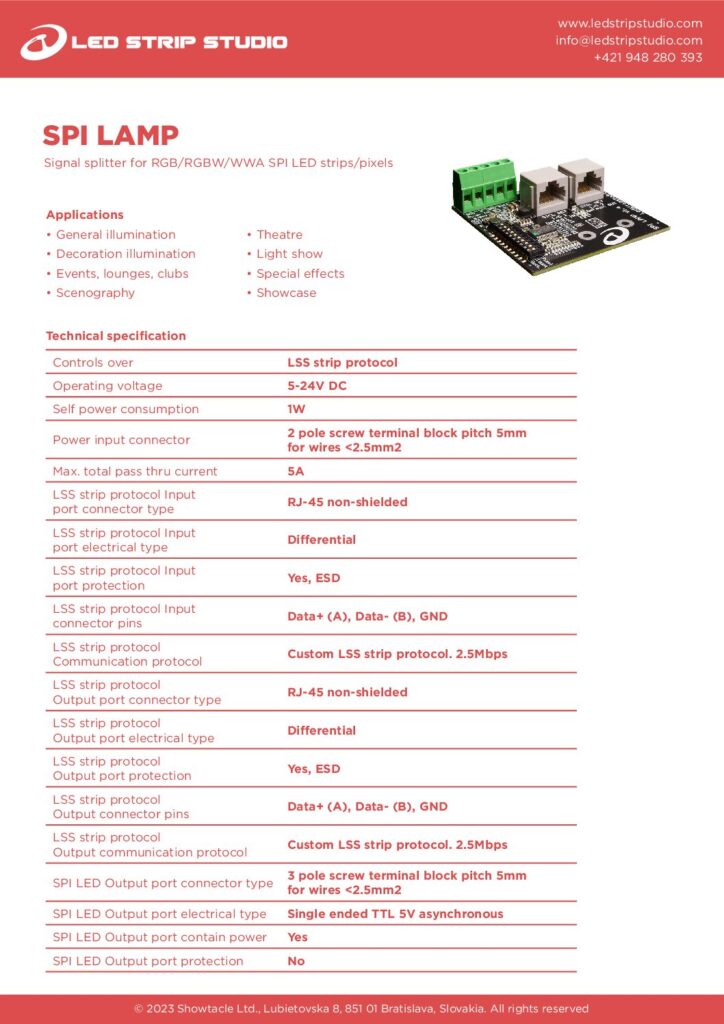
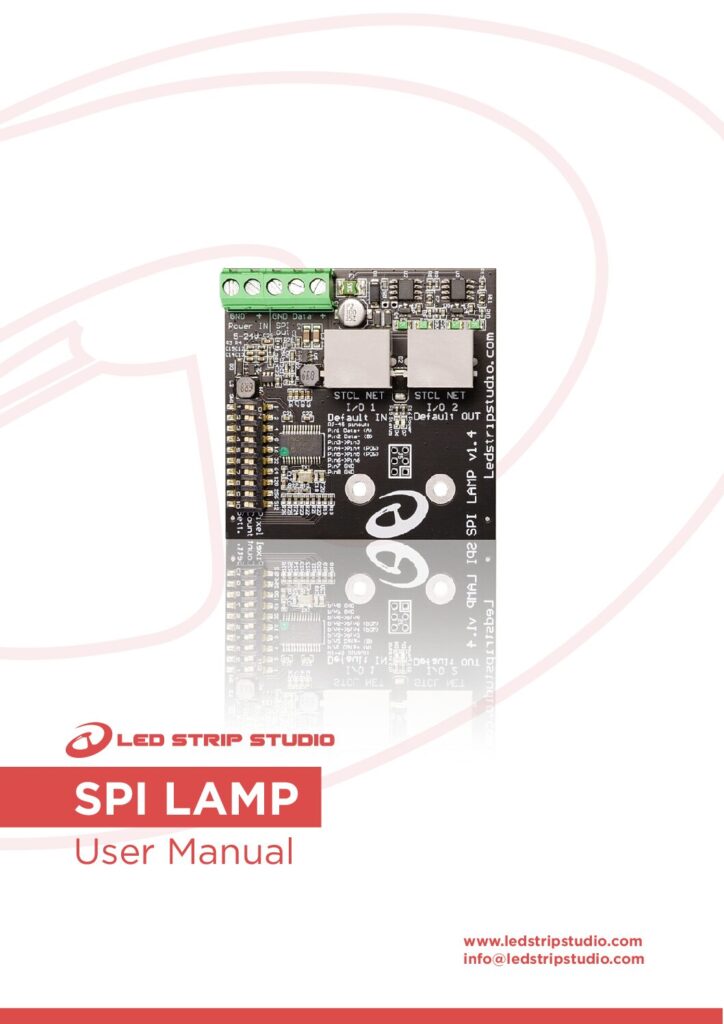
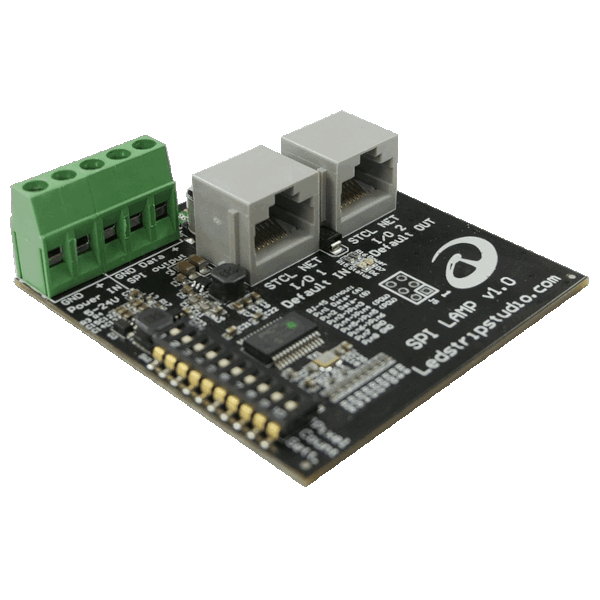
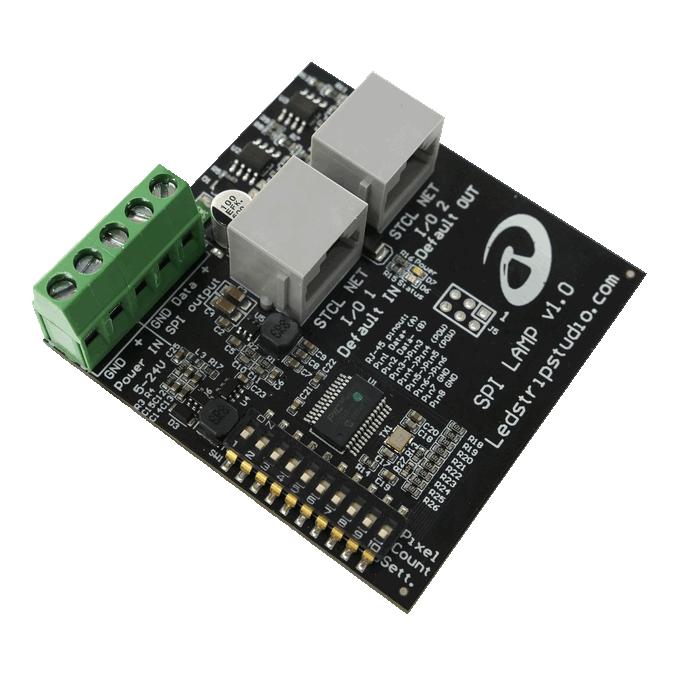
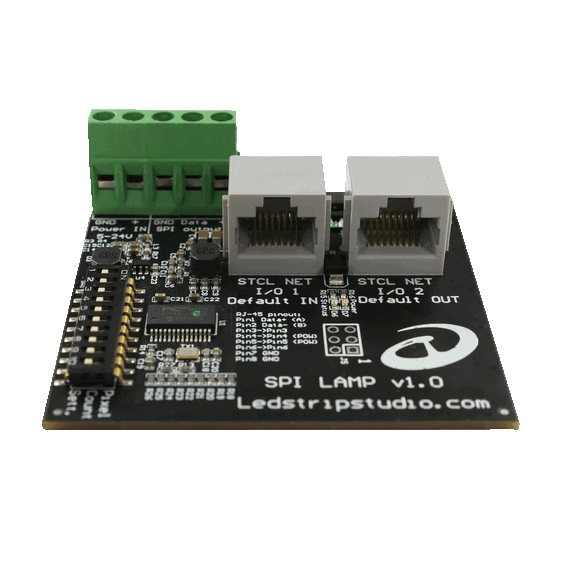
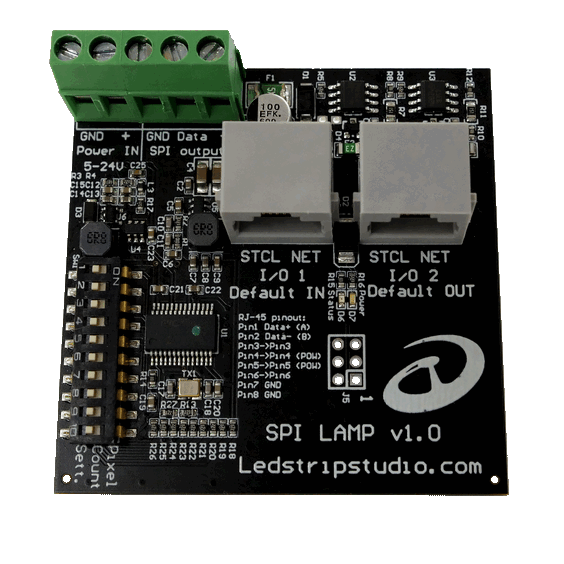
SPI LAMP is a compact SPI LAMP splitter for hanging lamps, pendants and separate LED strip segments. Each board gives its own object an independent SPI LED output. So a single output on your LEC 3 or SPI MATRIX controller can feed up to 85 boards.
Why use an SPI LAMP splitter instead of more controllers?
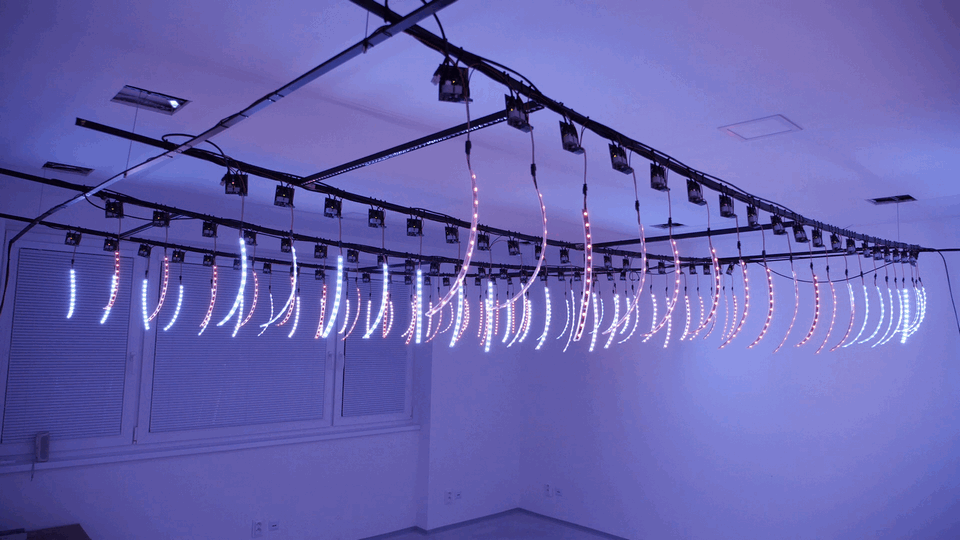
A ceiling full of pendant lamps usually leaves you two bad options. First, you can buy extra controllers just for extra physical SPI outputs. Alternatively, you push raw SPI data from lamp to lamp. That signal falls apart after a few metres. Neither option is cheap and neither is reliable.
Instead, put one board in each lamp and the whole run becomes a single daisy chain. Every board takes its slice of the pixel data and drives its own strip. Then it passes the rest along to the next lamp.
How far apart can the boards sit?
Differential signal over Ethernet cable
Data between boards travels over ordinary Ethernet cable. Because our controllers send it as a differential signal, shielded runs of 30 metres and more are routine. In other words, there is no signal loss to design around. However, those RJ-45 sockets carry our own protocol. Never plug one into a computer network, a switch or a router.
Passive PoE with a simple modification
With a small modification you can also power the boards over that same Ethernet cable as passive PoE. One cable per lamp then carries data and power together. In a lamp cluster under a ceiling, that is the difference between a tidy install and loose wires.
How do you set up the SPI LAMP splitter on site?
A DIP switch on each board sets how many diodes that lamp drives. So you need no software, no laptop and no addressing tool at the fixture. You set it with your fingers while the lamp still lies on the bench. Nine pixels is the minimum on one board. A single board handles up to 1024 RGB or 768 RGBW pixels.
What happens when one strip fails?
Not the whole run going dark. The data IN and OUT ports are swappable. Because of that, the backup function in LED Strip Studio software can feed the chain from the other end. The remaining segments keep running until you reach the faulty one. That matters when the fixtures hang four metres above a finished floor.
Which controllers work with the SPI LAMP splitter?
Controllers
SPI LAMP uses our own protocol, so it needs an LEC 3 or SPI MATRIX controller. Third-party lighting software driving those controllers works fine.
Strips and pixels
Any 5–24 V digital strip running at 800 kHz works here. That includes WS2811 and WS2812B, SK6812 and compatible RGB or RGBW chips. Power each board with the same voltage as the strip connected to it. Otherwise the mismatch damages both, because the strip draws its power through the board.
The bare PCB is designed to go into a standard electrical box. That way installers can seal it against dust and weather in exposed positions. Full wiring and setup detail is in the SPI LAMP user manual.