


Description
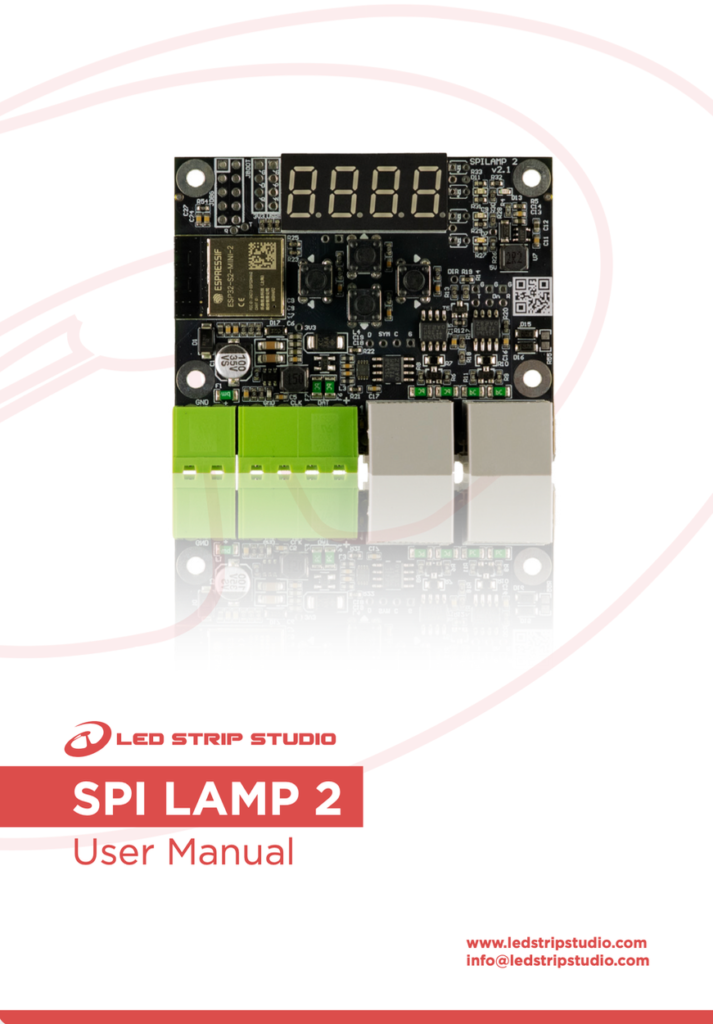
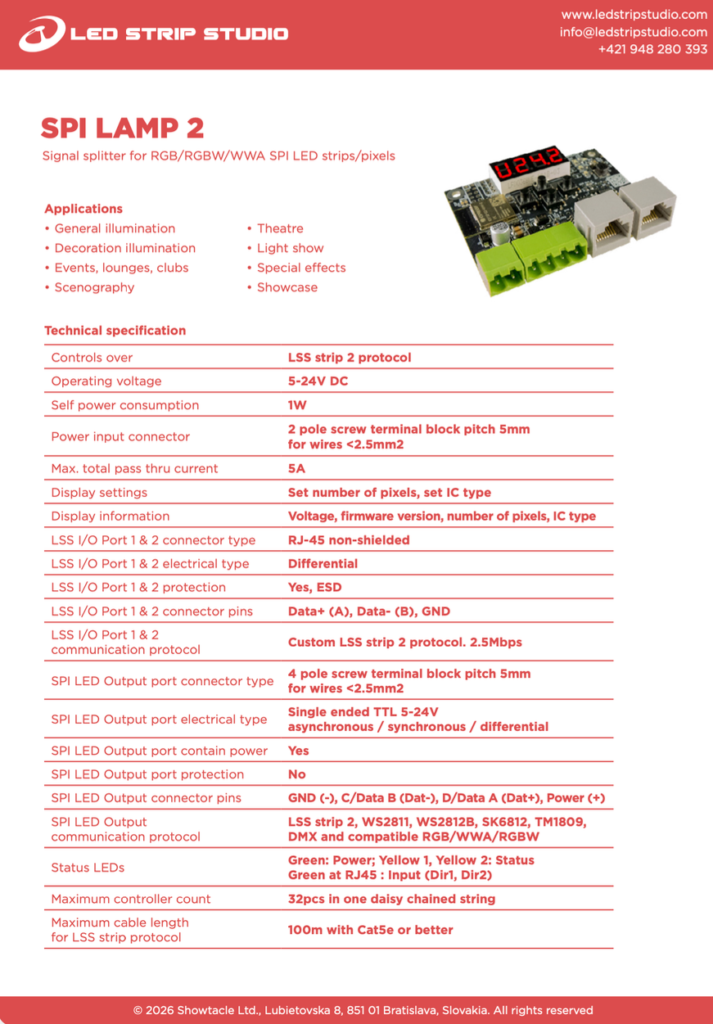
SPI LAMP 2 is an SPI signal splitter for RGB, RGBW and WWA pixel LED installations. Daisy-chain up to 32 units on a single SPI output of your LEC 3 or SPI MATRIX controller, and every hanging lamp, strip segment or object gets its own independent SPI LED output.
Why an SPI signal splitter instead of more controllers?
Lighting a hundred hanging lamps usually forces one of two bad choices: buy more controllers for more physical SPI outputs, or push raw SPI data from one object to the next and watch the signal fall apart after a few metres.
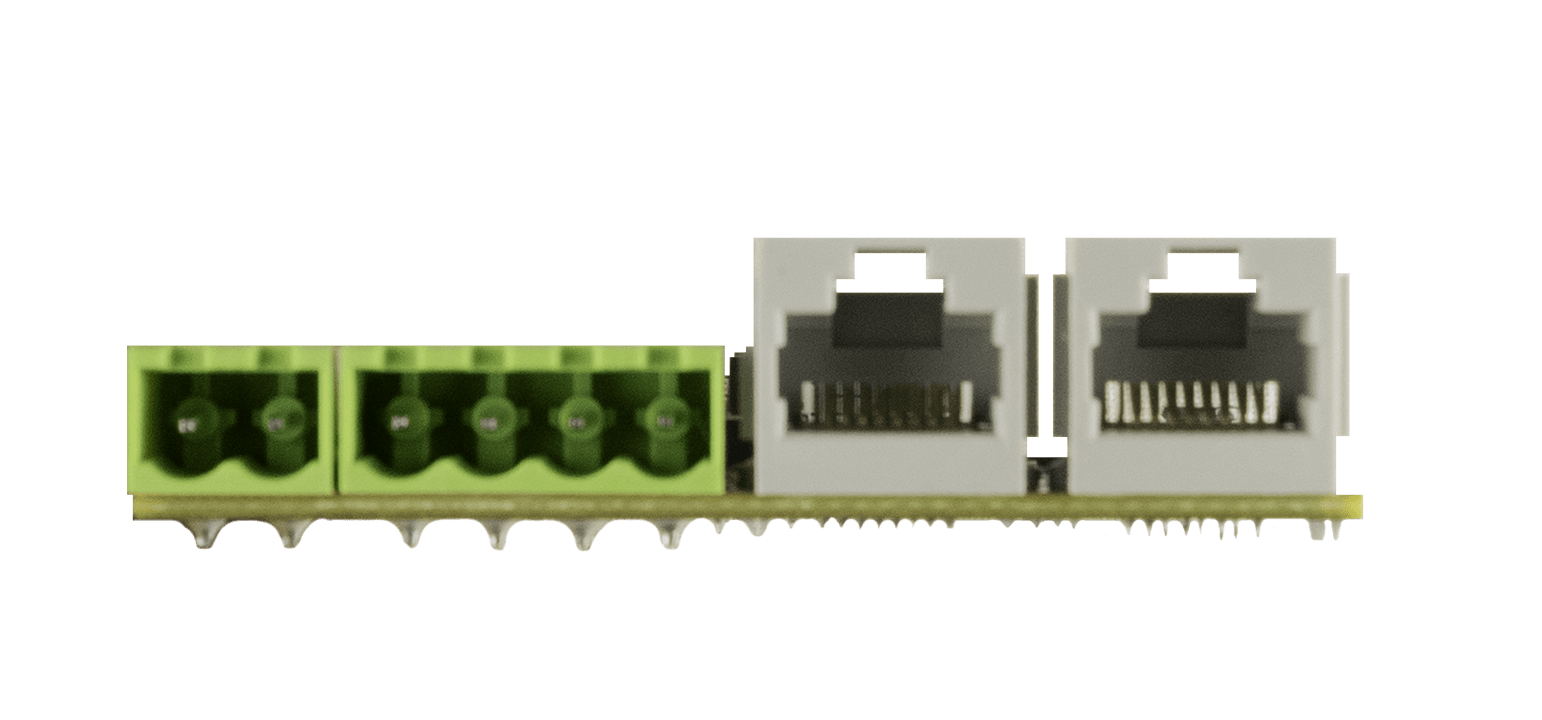
Between SPI LAMP 2 units the data runs as a differential LSS strip 2 signal at 2.5 Mbps over ordinary Cat5e cable, so units can sit up to 100 metres apart without signal loss. Those RJ-45 sockets carry our protocol only — never plug one into a computer network.
Setup on the device, in two minutes
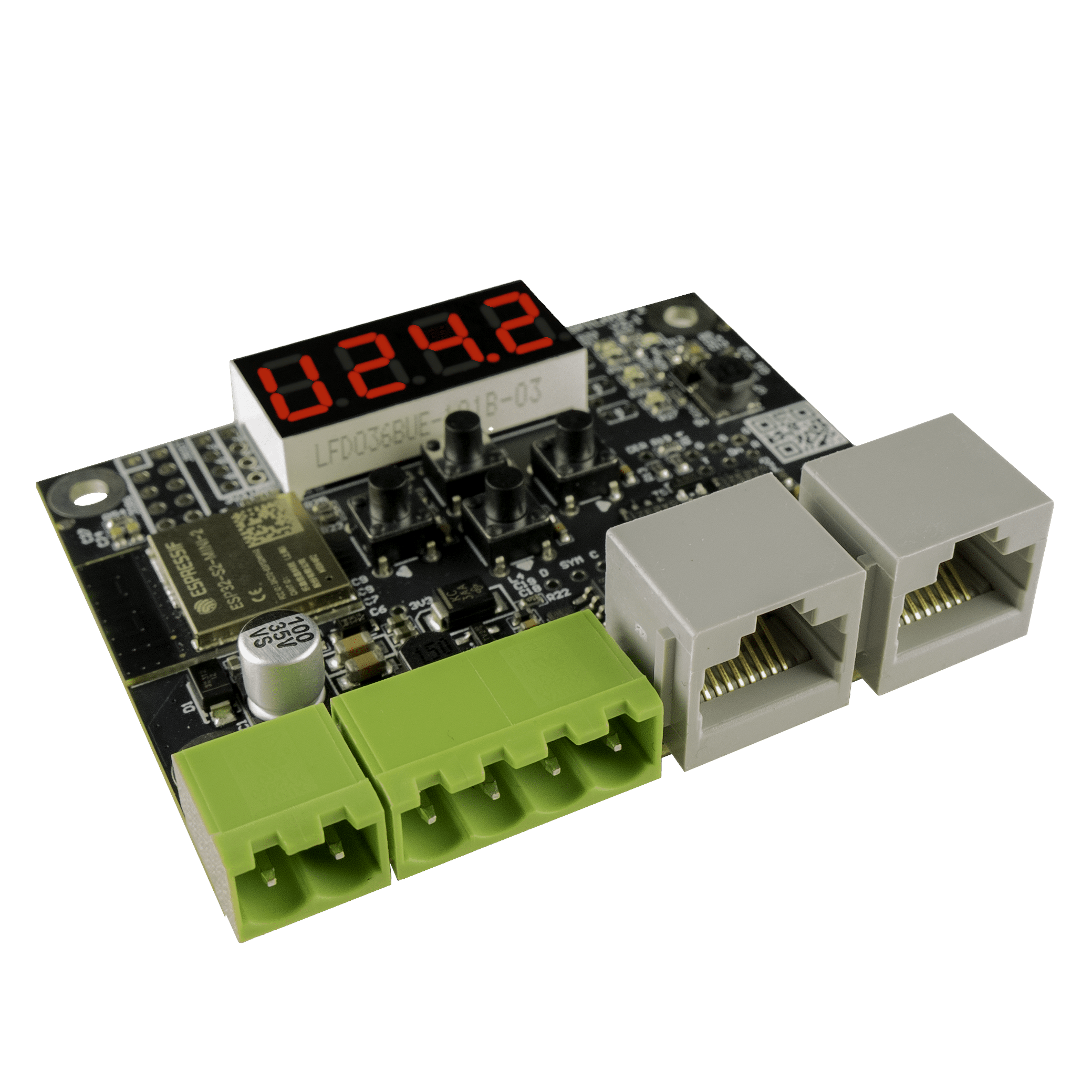
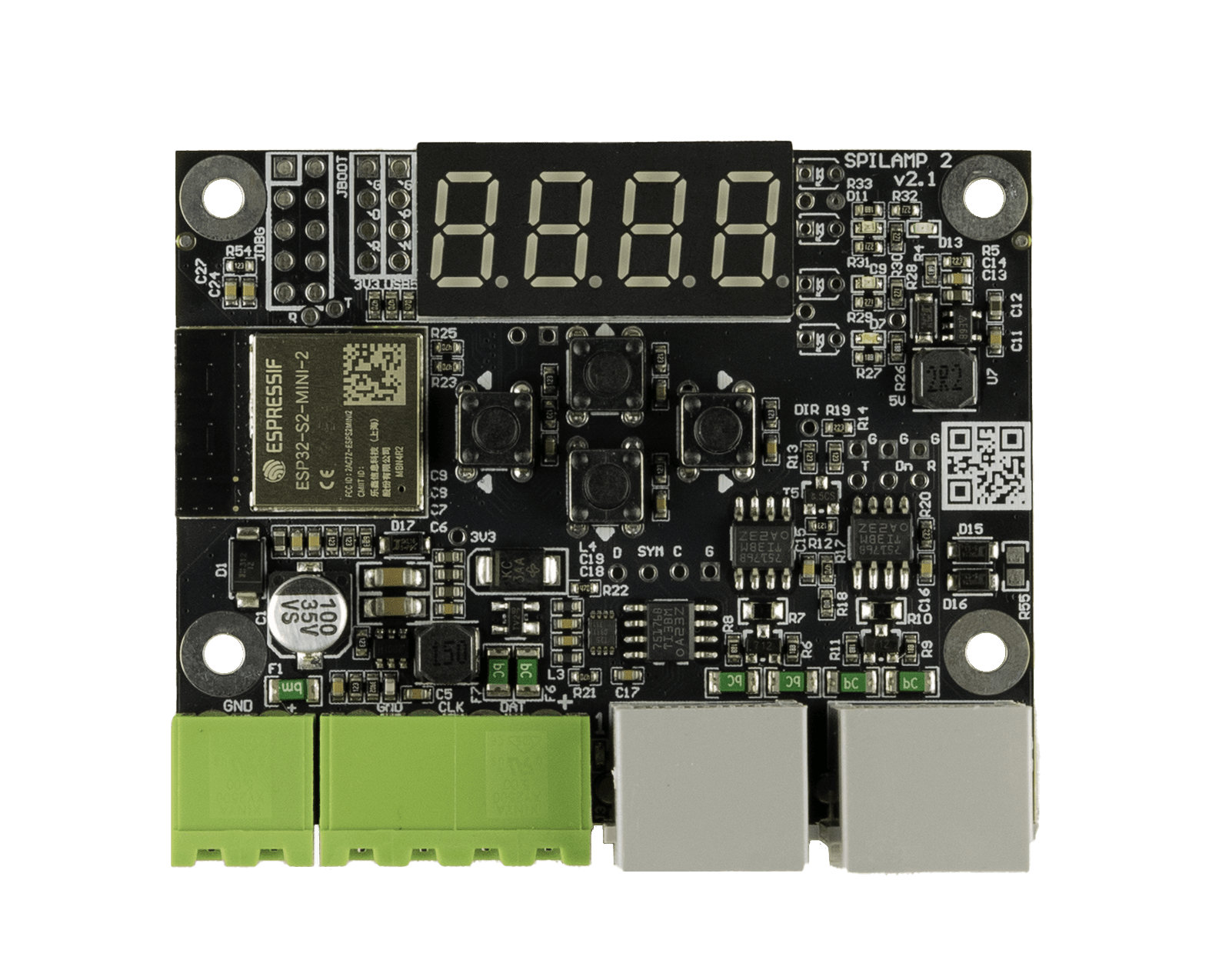
The display and four buttons turn commissioning into a two-minute job on site. Choose the IC type, set how many pixels this unit consumes, then read back input voltage, frame rate and firmware version. Built-in test patterns prove the strip works before anyone calls it a fault. The same settings can be pushed from a SpiLamp2.cfg file on the controller’s SD card, and firmware updates arrive the same way — the user manual walks through both.
Which controllers work with this SPI signal splitter?
LEC 3 and SPI MATRIX only. SPI LAMP 2 uses our custom LSS strip 2 protocol, and it is not compatible with the original SPI LAMP. On the output side it drives WS2811, WS2812B, SK6812, TM1809 and compatible chips from the supported IC list, and it can also generate DMX512 RGB or RGBW.
Key details
- Up to 32 units daisy-chained from one controller SPI output
- 1024 RGB or 768 RGBW pixels in a single daisy-chained string
- 5–24 V DC input, 1 W self consumption, 5 A pass-through to the LEDs
- Y-splitting: one unit can feed two further SPI LAMP 2 units
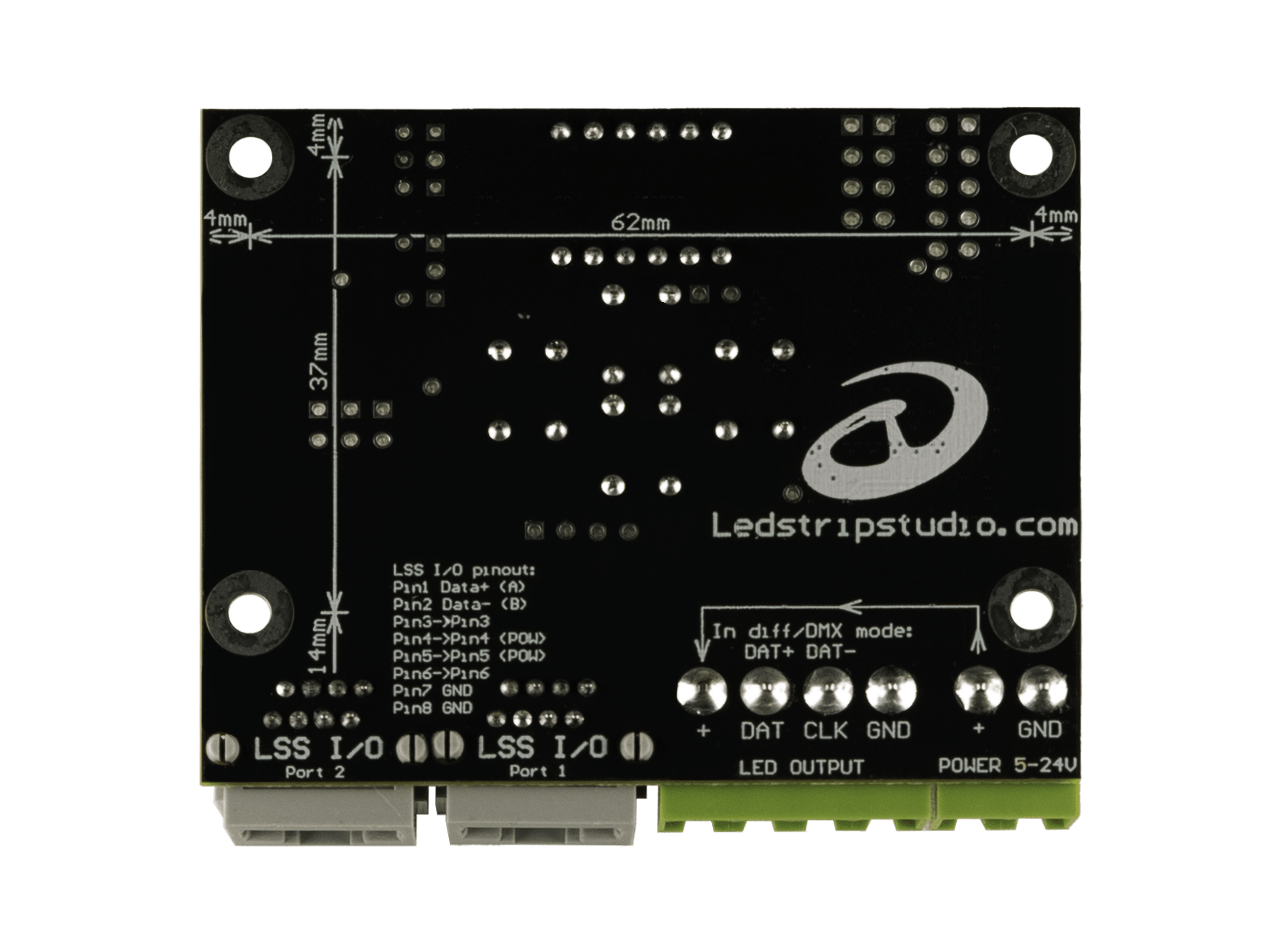
- Bare PCB, 70 x 58 x 18 mm, 33 g, four 3.2 mm mounting holes
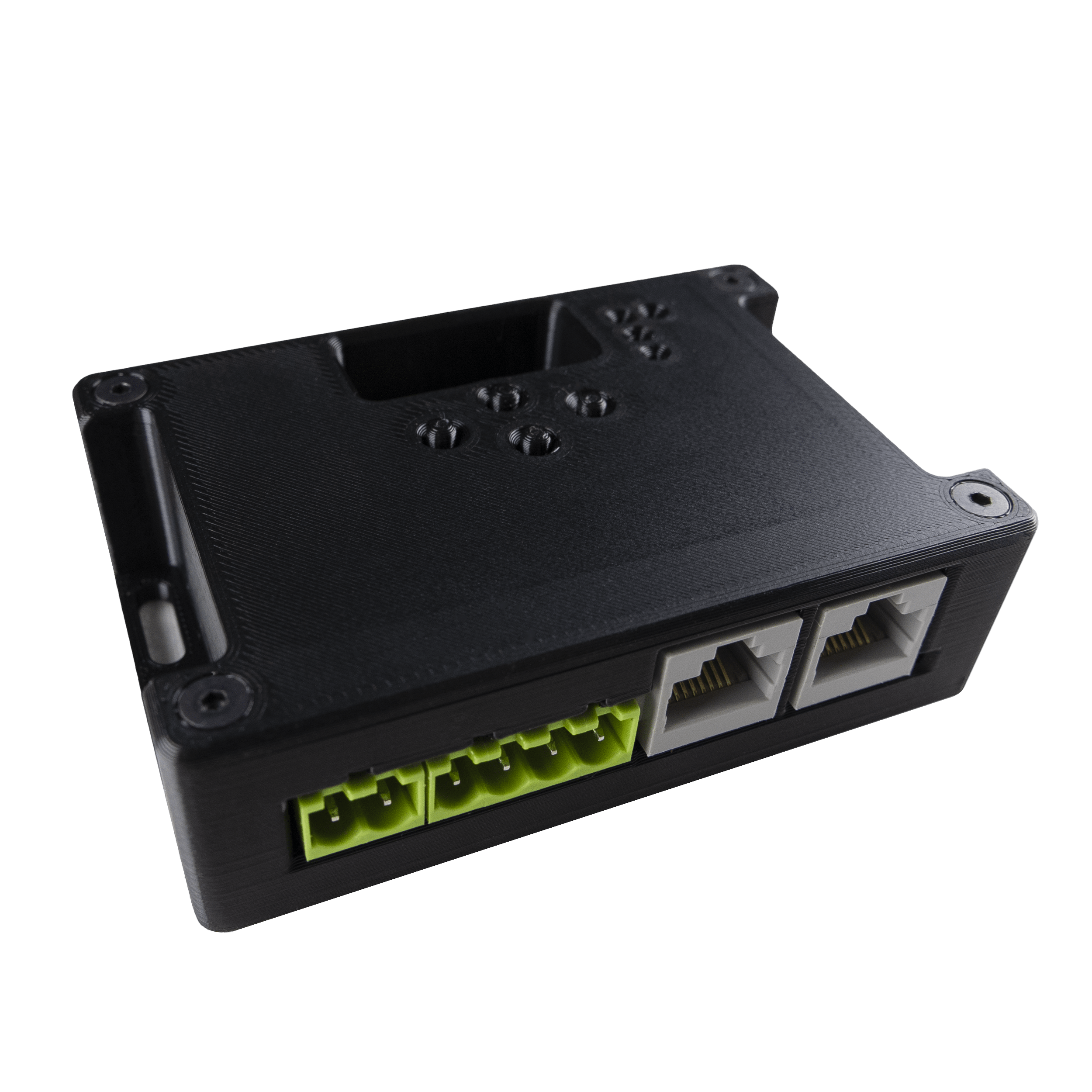
The board fits a standard surface-mounted junction box, or print your own from our free 3D files. Indoor use only. Backed by a 5-year limited warranty and made by Showtacle in Bratislava, Slovakia.