



Description
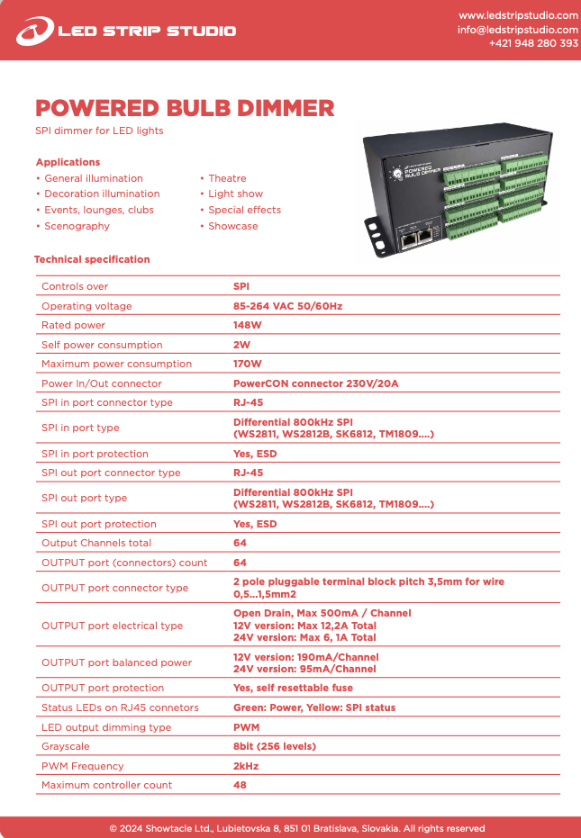
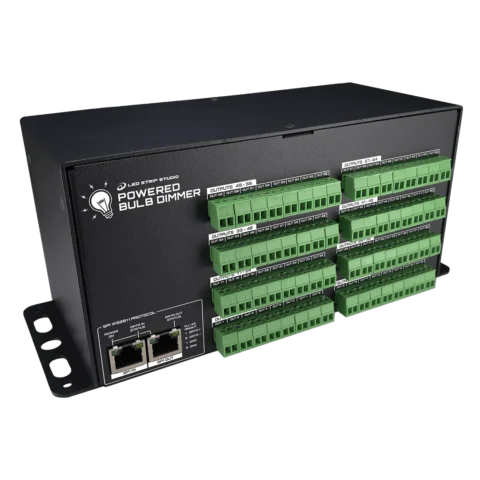
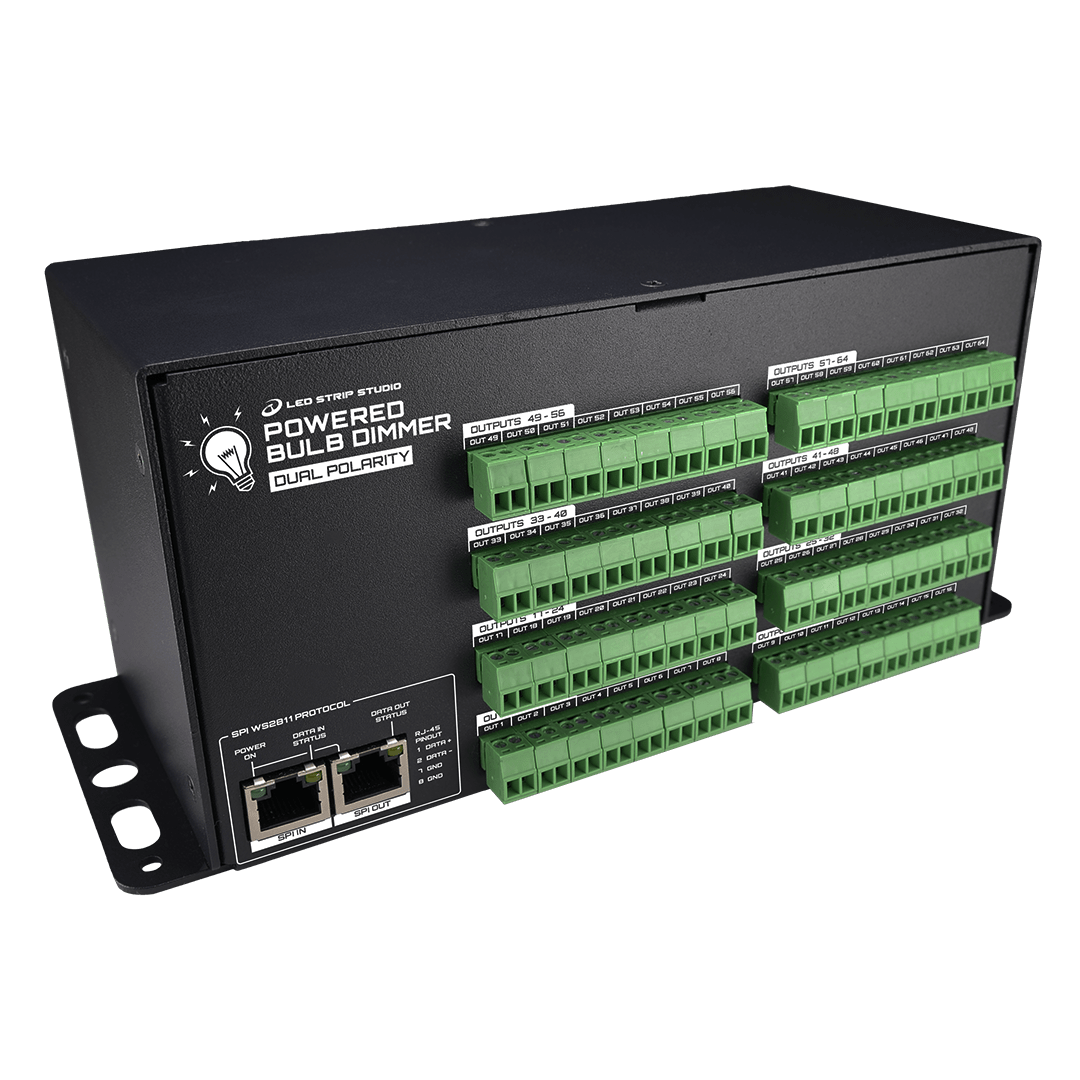
The Powered Bulb Dimmer Dual Polarity is a 64-channel SPI dimmer with a built-in power supply. It drives 31–33 V constant-voltage fixtures with anti-parallel LED connection. In other words, it dims the lights that ordinary drivers cannot handle.
Why anti-parallel fixtures need their own dimmer
Two sets of diodes share one pair of wires. The polarity decides which set lights up. Most Christmas light strings and CCT bulbs work exactly this way. A standard dimmer, however, only raises or lowers the whole fixture at once.
How the Powered Bulb Dimmer Dual Polarity works
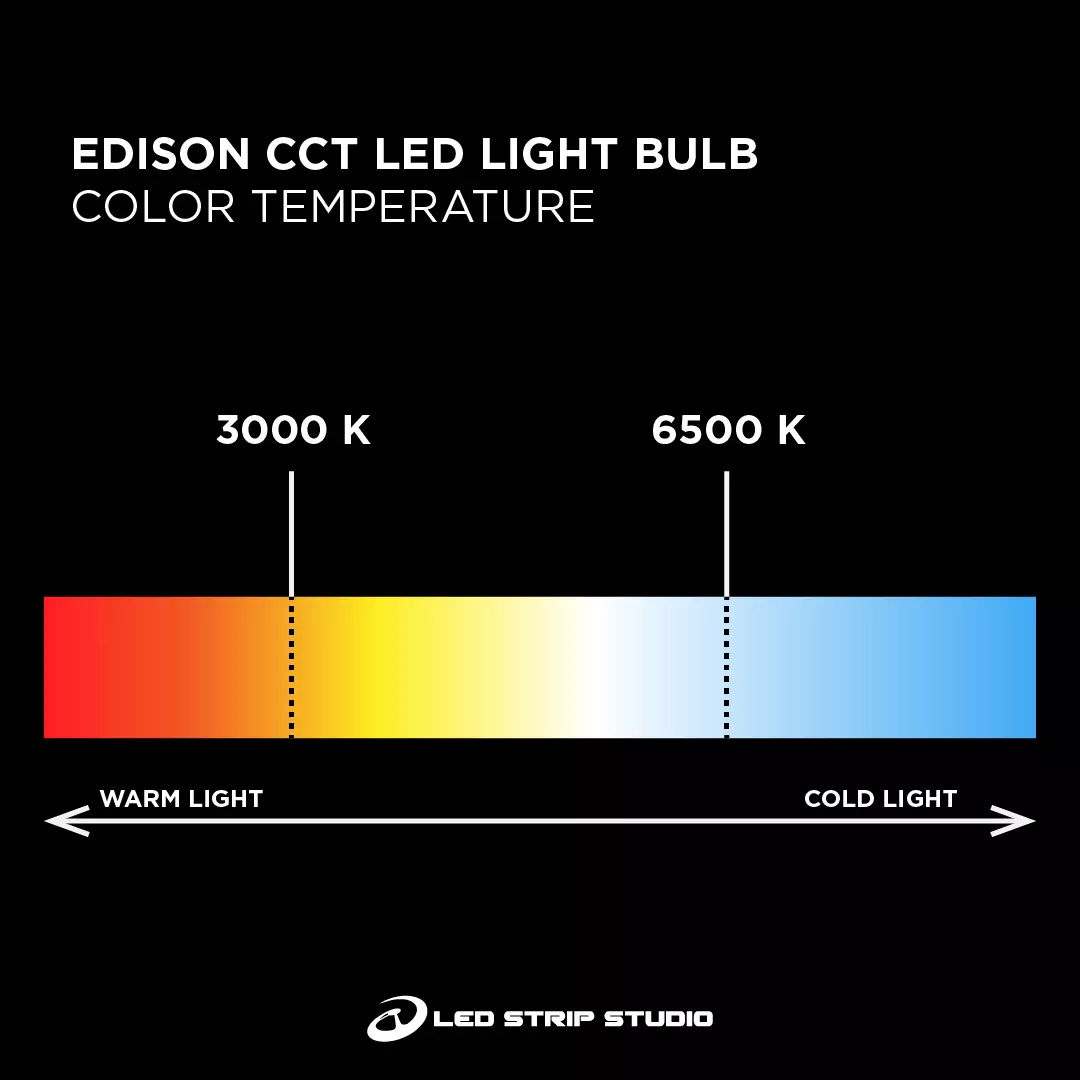
Each of the 64 outputs handles both polarities on its own. First, the opening 8 bits of the WS2811 signal set the PWM level of one polarity. Then the next 8 bits set the other one. As a result, you dim odd and even sections of a string separately. In a CCT bulb, the same principle gives you warm and cold white from one output.
One box, no separate LED power supply
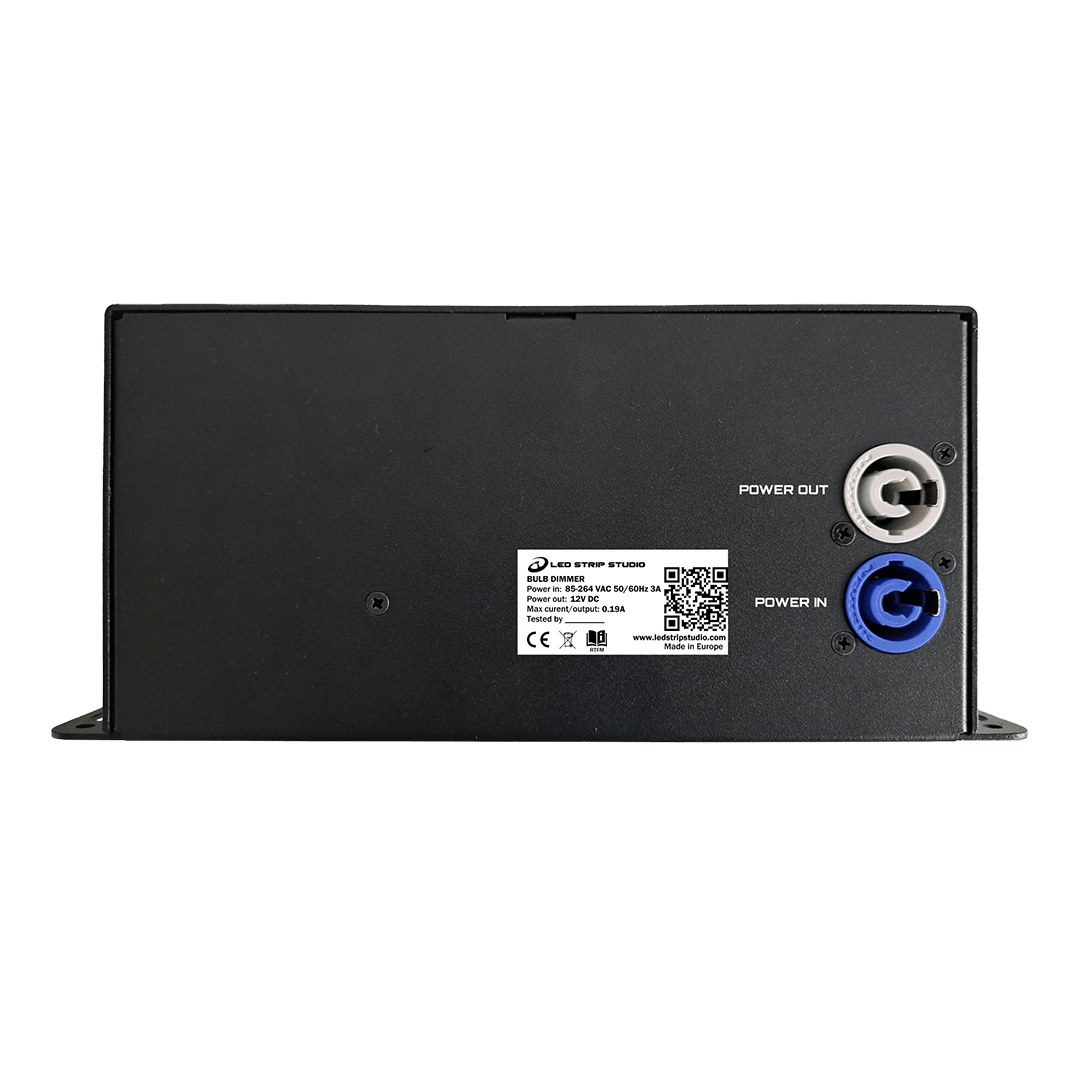
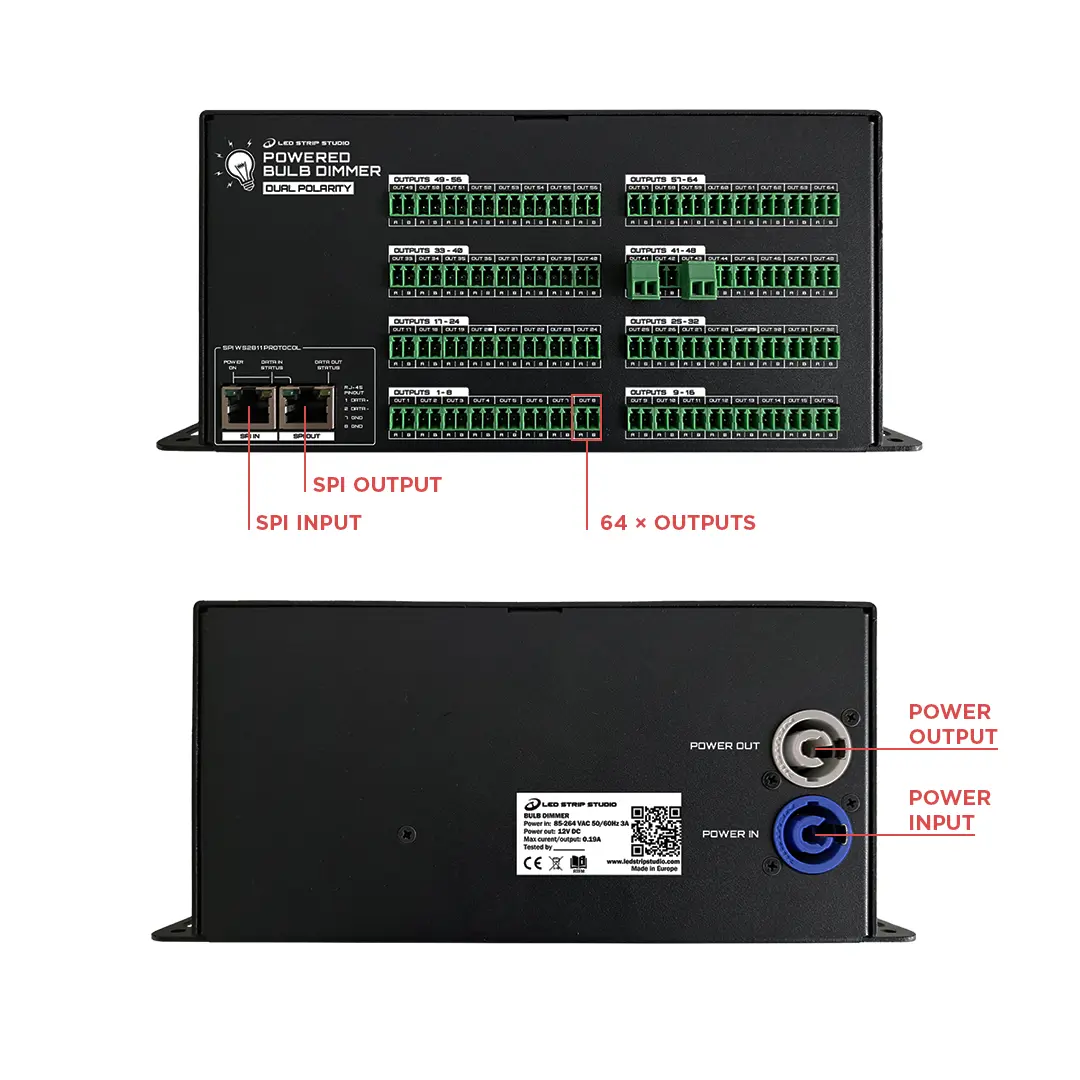
Everything sits in a single aluminium enclosure. Therefore the installation needs no extra LED driver. Mains power arrives on a PowerCON connector and passes through to the next unit. SPI enters and leaves on ESD-protected RJ-45. In addition, two status LEDs show power and signal. The data run reaches 100 m on Cat5e cable.
Key details
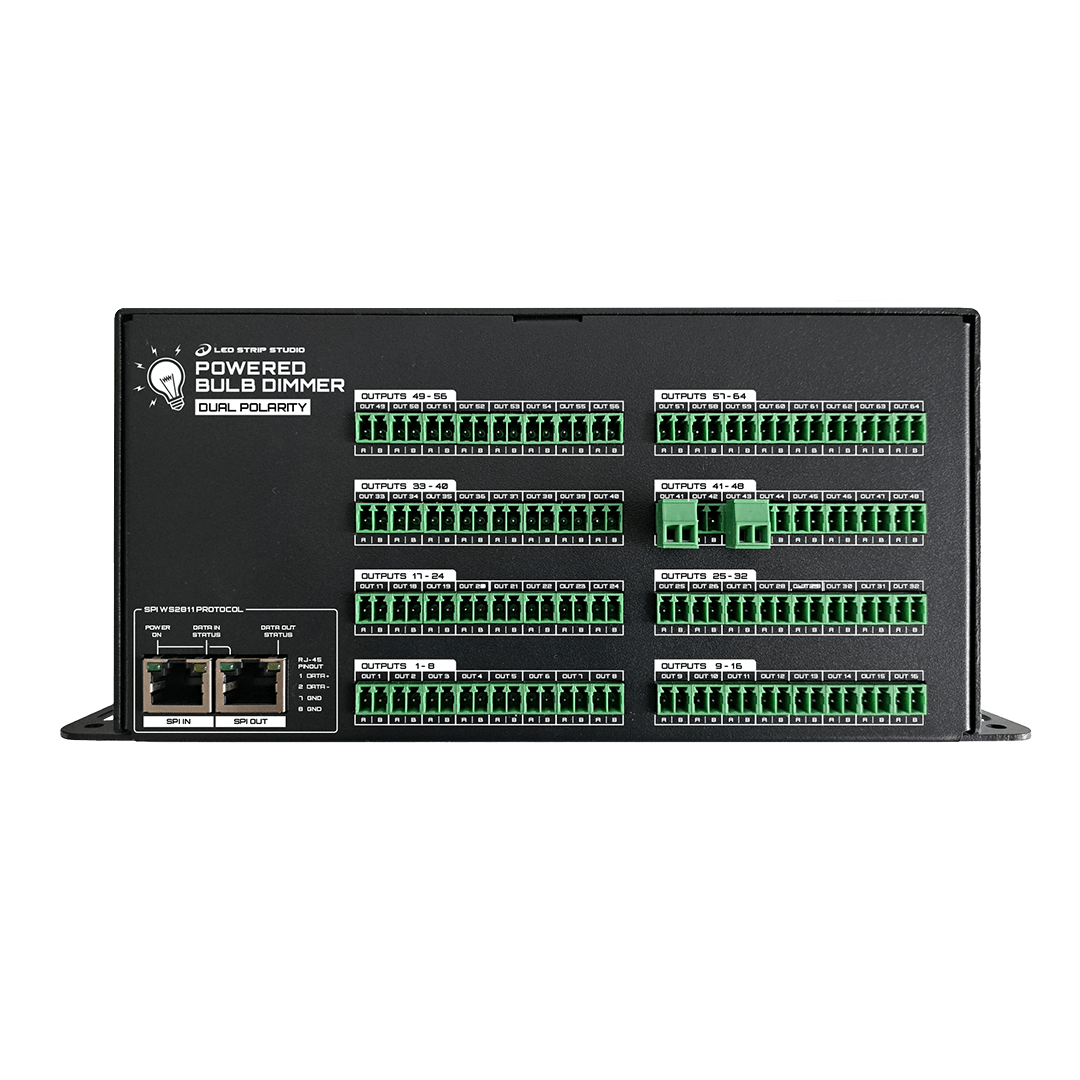
- 64 dual polarity PWM outputs at 33 V, 0.1 A per port and 4 A in total
- 8-bit dimming with 256 levels and PWM above 1000 Hz
- Up to 16 units in one chain, so a four-output LEC 3 PRO drives 64 dimmers
- Works with SPI MATRIX and third-party WS2811, WS2814, SK6812 or TM1809 controllers
- DMX control in pixel mode or SD card mode through the SPI LED Controller
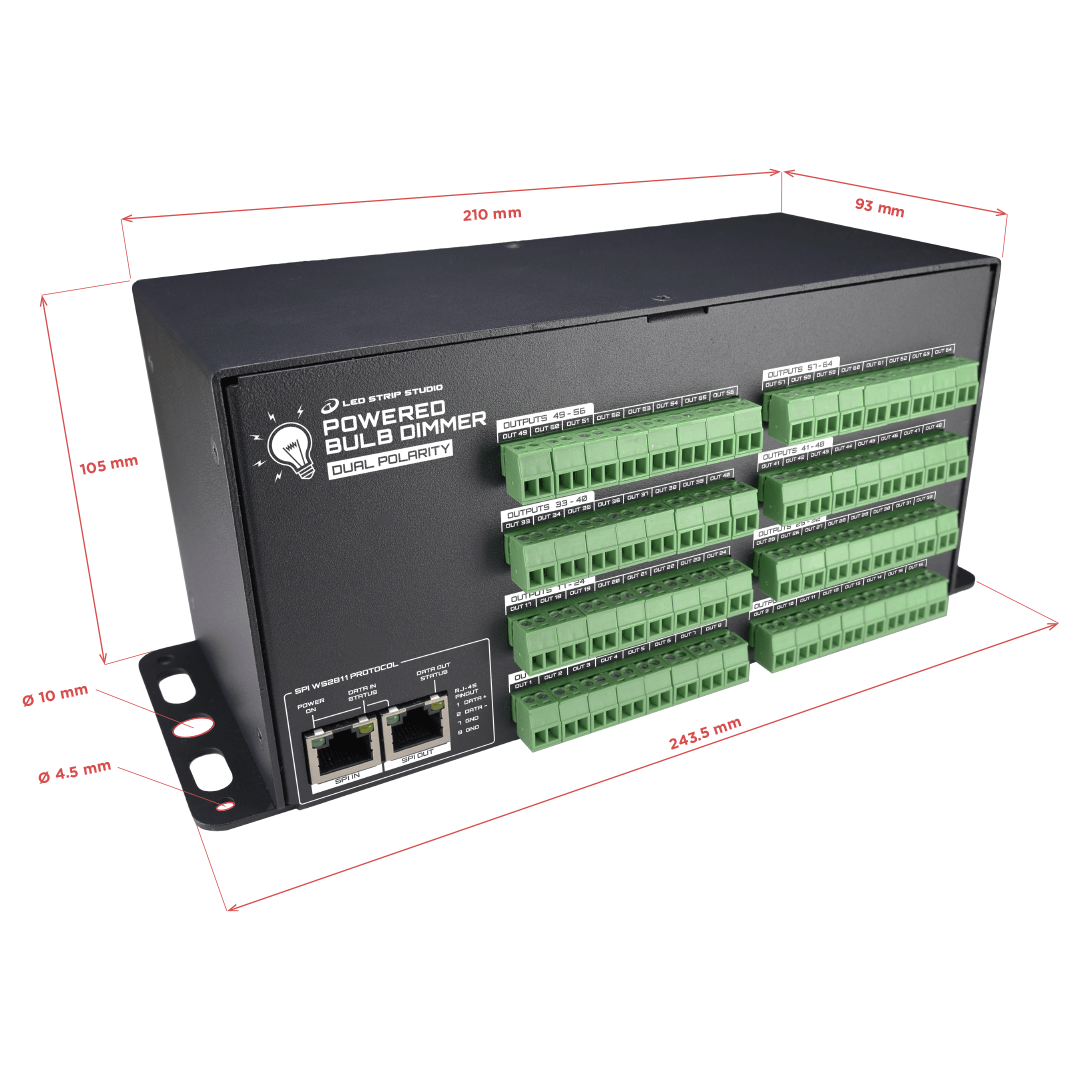
- Aluminium enclosure, IP30, 243.5 x 93 x 105 mm, 1290 g
Which fixtures does it suit?
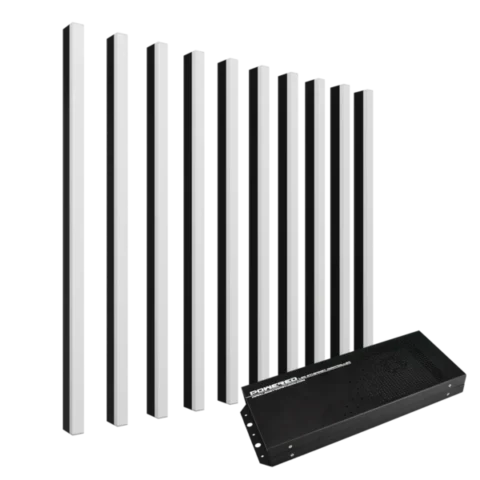
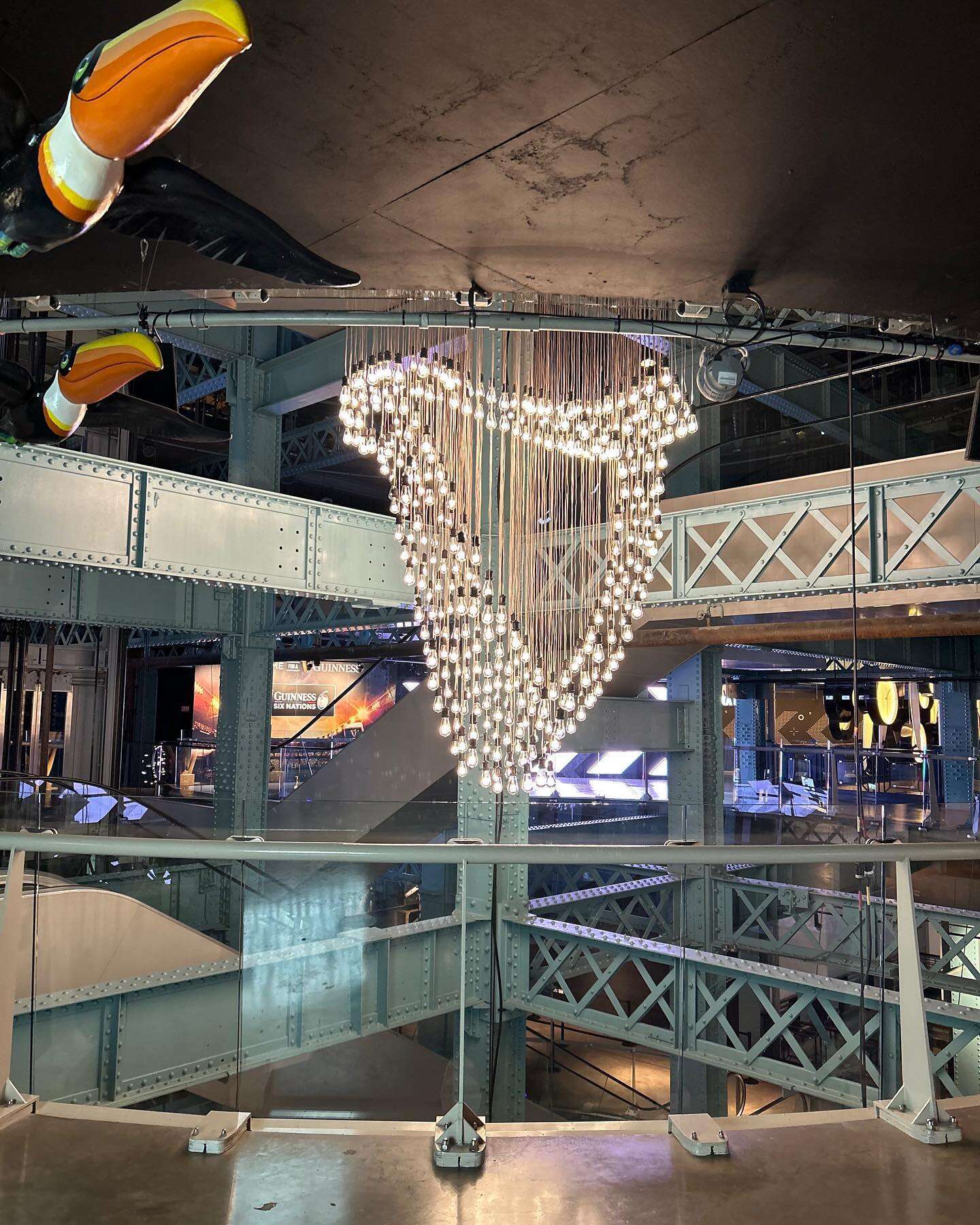
Use it for Christmas light strings, decorative installations and showcase lighting. It also drives our Edison CCT light bulbs directly. Moreover, any controller with differential 800 kHz SPI can feed it.
How do you set it up in LED Strip Studio?
Set each output as a two-channel fixture on red and green. Two channels per output, not three or four. Check the colour order before you test the system. Finally, the box ships with a PowerCON cable and all 64 terminal plugs. Showtacle builds every unit in Bratislava and backs it with a 5-year limited warranty. Our LED Strip Studio software generates the WS2811 signal it needs.